Amazon 75-Character Title Limit: Common Mistakes Sellers Should Avoid
Amazon’s 75-character title update sounds simple until sellers start touching real listings.
A long product title has to become shorter. Useful details need to move into Item Highlights. Risky claims need review. Existing listing identifiers need to stay connected. Over-limit titles may eventually be affected by Amazon AI recommendations.
That is a lot of room for mistakes.
The biggest risk is treating this as a quick copy cleanup.
It is not.
For many sellers, Amazon’s title update is a catalog operations project. The teams that handle it well will not simply cut titles down to 75 characters. They will preserve product identity, use Item Highlights carefully, review claims, and keep the original Amazon listing structure intact.
This guide covers the mistakes sellers should avoid before July 27, 2026.

Quick answer: what are the biggest Amazon title compliance mistakes?
The biggest Amazon title compliance mistakes are truncating titles instead of rewriting them, ignoring Item Highlights, stuffing Item Highlights with keywords, removing useful product context, moving risky claims without review, converting Seller Central TXT exports too early, losing SKU or ASIN context, ignoring titles already under 75 characters, relying passively on Amazon AI recommendations, and treating a review-ready XLSX as a final Amazon publishing file.
Mistake 1: Truncating titles instead of rewriting them
The worst way to handle a 75-character limit is to cut the existing title at character 75.
That creates broken titles.
Example:
Original title: SOULBAR Mystic Musk Handmade Soap with Moroccan Red Clay & Goat Milk | Detox Bath Bar for Pore Cleansing & Moisturizing | Exotic Musk Fragrance | Organic Paraben Free | Unisex Gift for Diwali & Spa | 100g
Bad truncation:
SOULBAR Mystic Musk Handmade Soap with Moroccan Red Clay & Goat
This is shorter, but not better.
A better rewrite:
SOULBAR Mystic Musk Soap with Red Clay & Goat Milk, 100g
The better version keeps the product identity: brand, variant, product type, key ingredients, and size.

What to do instead
Rewrite around product identity.
Prioritize:
- brand
- product type
- variant or model
- size or quantity
- one essential differentiator if needed
The goal is not to make the old title shorter. The goal is to write a new title that does the right job.
Mistake 2: Treating 75 characters as the only requirement
Length matters, but it is not the whole project.
A title can be under 75 characters and still be weak.
Example:
Handmade Soap Bar, 100g
This is short, but too generic.
Better:
SOULBAR Mystic Musk Soap with Red Clay & Goat Milk, 100g
The second title is still compact, but it carries more useful identity.
What to do instead
Review titles for:
- clarity
- product type
- variant
- size or quantity
- brand consistency
- claim accuracy
- category fit
Do not stop at the character counter.
Mistake 3: Ignoring Item Highlights
Some sellers will shorten titles and simply delete everything that no longer fits.
That is a missed opportunity.
Amazon Item Highlights exist to preserve useful supporting detail in a compact way.
Example:
Title: Soulbar Royal Musk Car Perfume Spray, 80 ml
Item Highlights: hanging card, long-lasting freshener, 700+ sprays
Without Item Highlights, useful details like “hanging card” and “700+ sprays” may disappear.
What to do instead
Move useful secondary details into Item Highlights:
- materials
- ingredients
- use cases
- benefits
- fragrance
- compatibility
- audience
- secondary differentiators
Do not delete useful context just because it no longer fits in the title.
Mistake 4: Treating Item Highlights like full bullet points
Item Highlights are short.
They are not full bullet points.
Bad example:
This handmade soap is crafted with Moroccan red clay and goat milk to cleanse and moisturize your skin every day
Better:
Moroccan clay, goat milk, musk fragrance, moisturizing bath bar
The second version is compact and scannable.
What to do instead
Write Item Highlights like a short support line.
Use a compact comma-separated structure when appropriate.
Avoid long sentences and paragraph-style wording.
Mistake 5: Treating Item Highlights like backend keywords
Item Highlights are customer-facing.
They should not read like a keyword dump.
Bad example:
soap bath soap goat milk soap handmade soap moisturizing soap musk soap
Better:
goat milk, Moroccan clay, musk fragrance, moisturizing bath bar
The better version still includes useful terms, but it reads like product information.
What to do instead
Use Item Highlights to help shoppers compare products quickly.
Do not stuff repeated keyword fragments into the field.
Readable is better than robotic.
Mistake 6: Repeating the title inside Item Highlights
Item Highlights should support the title, not duplicate it.
If the title says:
ArcLite Wireless Mouse with Silent Click, Black
Weak Item Highlights would be:
wireless mouse, silent click wireless mouse, black mouse
Better:
USB receiver, ergonomic design, long battery life, laptop use
What to do instead
Ask:
- What useful detail is not already in the title?
- What helps comparison?
- What supports the product identity without repeating it?
Item Highlights should add context.
Mistake 7: Removing useful product context completely
Some sellers may overcorrect.
They may remove ingredients, use cases, compatibility, or variant details because the title is shorter.
That can make listings less informative. Avoid these pitfalls when planning for the Amazon 75-character title limit.
Example:
Bad title:
Car Freshener Spray, 80 ml
Better title:
Soulbar Royal Musk Car Perfume Spray, 80 ml
Better Item Highlights:
hanging card, long-lasting freshener, 700+ sprays
The brand and fragrance help distinguish the product. The Item Highlights preserve secondary detail. Refer to our guide on Amazon title vs Item Highlights to understand the differences.
What to do instead
Use a Keep / Move / Remove framework.
| Detail type | Action |
|---|---|
| Brand | Keep in title |
| Product type | Keep in title |
| Variant/model | Keep in title |
| Size/quantity | Keep in title when important |
| Ingredients/materials | Move to Item Highlights if secondary |
| Benefits/use cases | Move to Item Highlights |
| Repeated keywords | Remove |
| Unsupported claims | Flag for review |
The goal is allocation, not deletion.
Mistake 8: Keeping promotional clutter
Old Amazon titles often include phrases like:
- premium
- best
- newly launched
- perfect gift
- top quality
- must-have
- for men, women, kids, home, office, travel
Some words may be acceptable in context. Many are just clutter.
When space is limited, concrete product information usually beats vague promotional language.
What to do instead
Prefer details like:
- product type
- variant
- size
- material
- ingredient
- compatibility
- use case
Avoid filler that does not help shoppers understand the product.
Mistake 9: Moving risky claims without review
A risky claim does not become safe just because it moves from the title to Item Highlights.
Review claims such as:
- anti-aging
- clinically proven
- dermatologist-approved
- chemical-free
- non-toxic
- organic
- guaranteed
- medical-grade
- child-safe
- pet-safe
- compatible with specific devices
- kills bacteria
Some claims may be valid. But they should be reviewed before reuse.

What to do instead
Flag sensitive claims for review.
Ask:
- Is this claim supported by source data?
- Is it appropriate for the category?
- Does it need evidence?
- Could it create customer confusion?
- Does the client or brand owner approve it?
AI can help prepare drafts. It should not replace claim review.
Mistake 10: Ignoring titles that are already under 75 characters
A title can be short and still poor.
Example:
Wireless Mouse, Black
This is under 75 characters, but it may be too generic. These should be checked against the Amazon title compliance checklist to ensure quality.
Better:
ArcLite Wireless Mouse with Silent Click, Black
Under-limit titles may still need:
- Item Highlights
- better product type wording
- variant consistency
- claim review
- repeated keyword cleanup
- stronger size or quantity handling
What to do instead
Audit the whole catalog, not only over-limit titles.
Segment titles by length, but review short titles for quality and consistency.
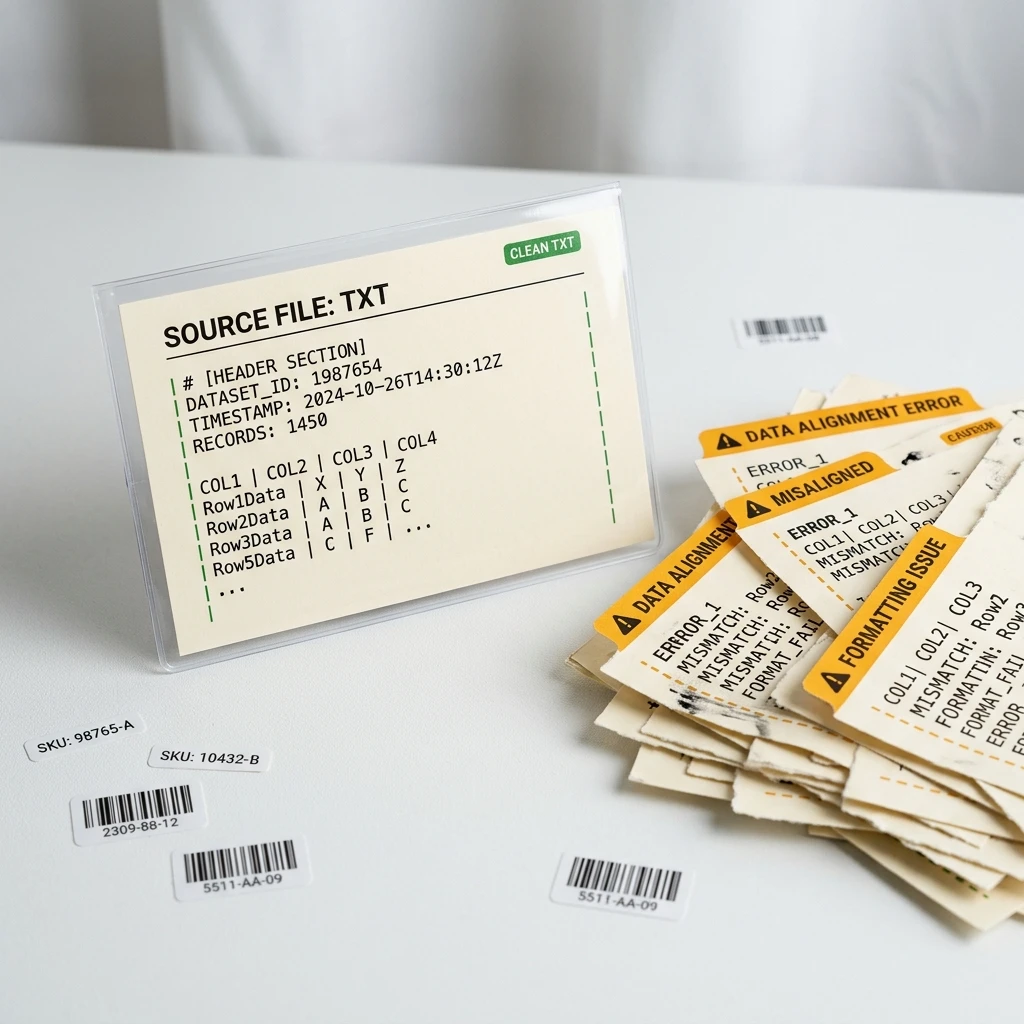
Mistake 11: Converting the Amazon TXT export too early
For bulk workflows, sellers often need the original Amazon Seller Central TXT export.
If you convert the file too early, you may create issues:
- delimiter changes
- column renaming
- ID formatting changes
- lost leading zeros
- unexpected blank rows
- saved-as-CSV errors
- hidden spreadsheet formatting
What to do instead
Start with the original TXT export from Seller Central.
Basic path:
- Log in to Amazon Seller Central.
- Go to Reports.
- Open Inventory Reports.
- Choose Active Listings, All Listings, Open Listings, or Category Listings Report.
- Click Request Report.
- Wait until the report status becomes Ready.
- Click Download.
- Use the downloaded
.txtfile for your title and Item Highlights workflow.
If your workflow expects the original TXT file, do not convert it before processing.
Mistake 12: Losing SKU, ASIN, or original column context
A title rewrite is only useful if it maps back to the correct listing.
If you copy titles into a blank sheet, you may lose:
- SKU
- ASIN
- listing ID
- product ID
- original description
- price
- quantity
- original Amazon columns
This creates operational risk.
What to do instead
Keep original Amazon columns connected to generated output.
A review file should include:
- original title
- original description
- new title
- Item Highlights
- title length
- highlights length
- validation notes
- SKU
- ASIN
- listing ID
- product ID
Catalog cleanup is not just copywriting. It is row-level data work.
Mistake 13: Relying passively on Amazon AI recommendations
Amazon has said titles still over the limit after the deadline may be updated gradually to Amazon AI title recommendations. That does not mean sellers should wait passively.
Automated recommendations may be useful, but they may not reflect your preferred product priorities, brand wording, or category strategy.
Seller forum discussions around AI title changes also show that sellers are concerned about automated edits and title control. Use those discussions as a signal of seller anxiety, not as official policy proof.
What to do instead
Prepare your own seller-controlled title and Item Highlights updates.
Then review Amazon-initiated changes where available.
The goal is not fear. The goal is control.
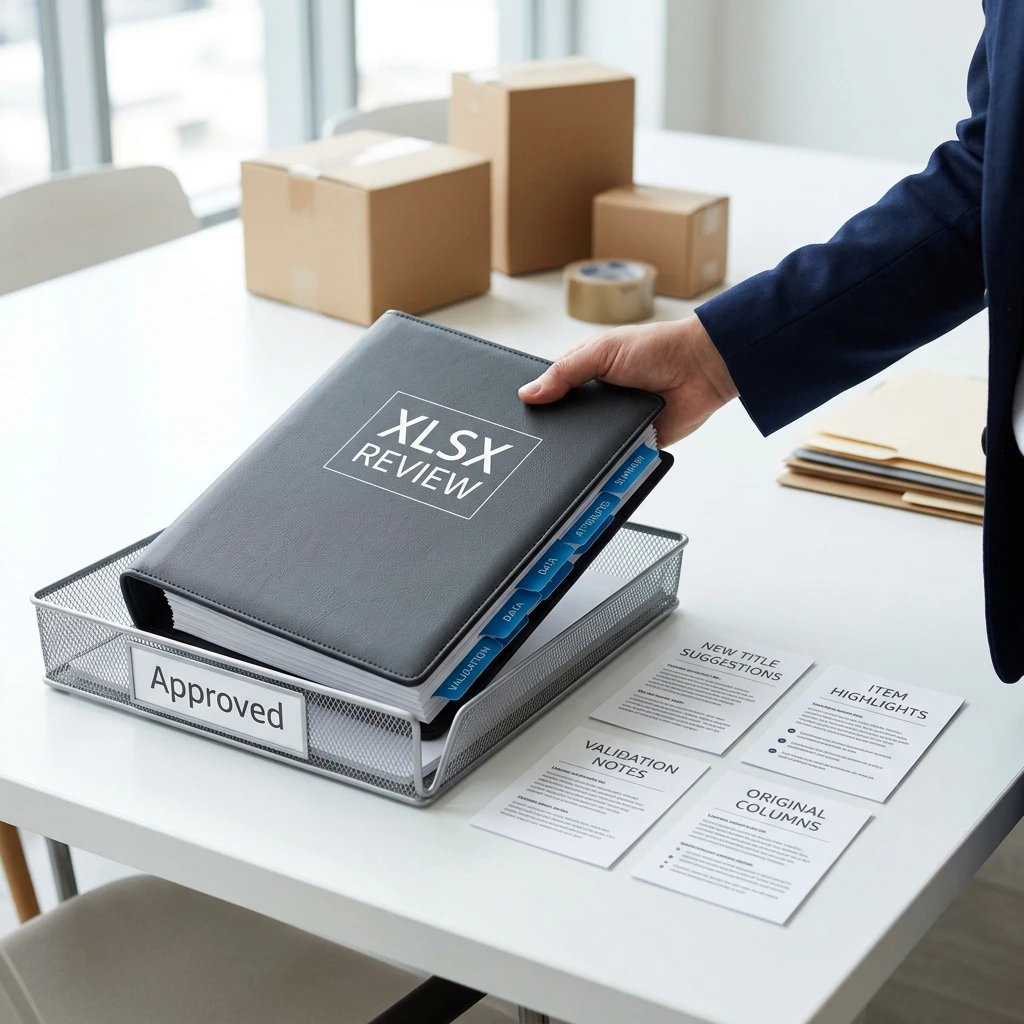
Mistake 14: Treating review-ready XLSX as upload-ready
A review-ready XLSX is a working file.
It helps your team review, approve, and map changes.
It is not automatically a final Amazon upload template.
Amazon update workflows and category templates may require specific structures.
What to do instead
Use review-ready files for:
- team review
- client approval
- mapping
- QA
- final value tracking
Apply approved changes through the correct Seller Central workflow or category template.
Mistake 15: Assuming AI output is final
AI-generated output can be a strong starting point.
It is not automatically final.
Human review still matters for:
- product accuracy
- claims
- category fit
- brand tone
- compatibility
- sensitive wording
- marketplace requirements
- titles that became too generic
What to do instead
Use AI to accelerate draft creation.
Use humans to review judgment-heavy rows.
That is the right division of labor.
A better workflow: avoid mistakes before they happen
Use this process.
Step 1: Download the original TXT export
Use Seller Central → Reports → Inventory Reports.
Choose the report that fits your catalog.
Step 2: Preserve the original file
Save a backup.
Do not convert the source file before processing if the workflow expects TXT.
Step 3: Audit title lengths
Segment titles into:
| Title length | Action |
|---|---|
| 150+ characters | Major rewrite |
| 101–150 characters | Rewrite and move detail to Item Highlights |
| 76–100 characters | Compress and review |
| 75 or fewer characters | Review for structure and highlights |
Step 4: Group products by category
Create different title rules for different product groups.
Step 5: Rewrite title + Item Highlights together
The title identifies the product.
Item Highlights preserve useful supporting detail.
Step 6: Review risky rows
Prioritize claims, weak data, missing descriptions, and low-confidence output.
Step 7: Export review-ready output
Keep generated fields and original Amazon columns together.
Step 8: Apply approved values carefully
Use the correct Amazon update workflow.
Track what changed.
How AgenixSocial helps sellers avoid these mistakes
AgenixSocial’s Amazon 75-Character Title Compliance workflow is built around the mistakes sellers are likely to make during this update.
Instead of asking sellers to paste titles one by one, AgenixSocial starts with an original Amazon Seller Central TXT export. It primarily uses item-name, item-description, and eligible product attributes from each row to generate shorter titles and one comma-separated Item Highlights value.
The workflow helps sellers:
- avoid simple truncation
- generate title and Item Highlights together
- preserve original Amazon columns
- see title and highlight lengths
- generate all valid rows or selected rows
- edit generated titles
- edit Item Highlights
- regenerate rows
- review confidence signals
- review validation notes
- export a review-ready XLSX
For other content formats, you can generate marketplace listing image sets or get help with Amazon A+ content generation inside AgenixSocial.
For pricing, the first 100 products are free. After that, it is 1 credit per additional 100 products. You can buy pay-as-you-go credits as needed without a recurring subscription.
AgenixSocial does not publish changes to Amazon. It does not promise Amazon will approve every change. Sellers should still review product accuracy, claims, category fit, and marketplace requirements before applying updates. They can also implement these processes to improve their overall Amazon seller content workflows.
Mistake-prevention checklist
Use this before applying updates.
Title
- Title is 75 characters or fewer.
- Title is rewritten, not simply cut.
- Brand is preserved where useful.
- Product type is clear.
- Variant/model is included where needed.
- Size or quantity is included where important.
- Title is not too generic.
- Repeated keywords removed.
Item Highlights
- Item Highlights are 125 characters or fewer.
- Useful secondary details are preserved.
- Highlights do not repeat the title unnecessarily.
- Highlights are not full bullet points.
- Highlights are not keyword stuffed.
- Claims are source-supported.
File handling
- Original TXT export downloaded.
- Backup saved.
- Source file not converted too early.
- SKU and ASIN preserved.
- Listing ID and product ID preserved.
- Original Amazon columns kept available.
Review
- Risky claims flagged.
- Weak descriptions reviewed.
- Low-confidence rows reviewed.
- Under-75 titles reviewed.
- Amazon AI recommendations reviewed where available.
- Final approved values tracked.
FAQ
What is the biggest mistake with Amazon’s 75-character title limit?
The biggest mistake is truncating titles instead of rewriting them around product identity. A shorter title still needs to be clear, accurate, and useful.
Should I just cut my Amazon title to 75 characters?
No. Cutting can create broken or unclear titles. Rewrite the title using brand, product type, variant, size, and one essential differentiator where needed.
What should I do with details that no longer fit in the title?
Move useful source-supported secondary details into Item Highlights.
Are Item Highlights the same as bullet points?
No. Item Highlights are shorter and should be compact, not paragraph-style.
Can I stuff keywords into Item Highlights?
No. Item Highlights should be readable and customer-facing. Avoid repeated keyword fragments.
Should I review titles already under 75 characters?
Yes. Short titles may still need Item Highlights, cleanup, or better structure.
Where do I get the Amazon TXT file?
Go to Amazon Seller Central → Reports → Inventory Reports, choose Active Listings, All Listings, Open Listings, or Category Listings Report, request the report, wait until it is ready, then download the original .txt file.
Can Amazon AI rewrite my titles?
Amazon has said over-limit titles may be updated gradually to AI recommendations after the deadline. Sellers should prepare their own title and Item Highlights updates before relying on automated recommendations.
Is a review-ready XLSX the same as an Amazon upload file?
No. A review-ready XLSX is for review, approval, and mapping. Sellers should apply approved values through the correct Amazon update workflow.
Does AgenixSocial publish changes to Amazon?
No. AgenixSocial creates a review-ready XLSX. Sellers should apply approved values through the correct Amazon update workflow.
Does AgenixSocial promise Amazon approval?
No. AgenixSocial helps with compliance preparation and review. Sellers should still check product accuracy, claims, category fit, and marketplace requirements before applying updates.
Conclusion
Amazon’s 75-character title update is easy to get wrong if sellers treat it as a quick shortening task.
The safer approach is to avoid the common mistakes.
Do not truncate titles. Do not ignore Item Highlights. Do not stuff keywords. Do not move risky claims without review. Do not lose SKU or ASIN context. Do not treat a review-ready XLSX as a final Amazon publishing file. Do not assume AI output is final.
Build a workflow instead.
AgenixSocial helps sellers do that. Upload your Amazon TXT export, generate shorter titles and 125-character Item Highlights, review confidence and validation notes, edit or regenerate where needed, and export a review-ready XLSX your team can use.
First 100 products are free. After that, it is 1 credit per additional 100 products.
CTA: Avoid Amazon title compliance mistakes with AgenixSocial’s Amazon 75-Character Title Compliance workflow.