Plan and create Amazon A+ visual storytelling modules.
Amazon A+ Studio helps sellers create standard, enhanced, and brand-story visual modules with a storyboard step before high-resolution generation.

Plain-English answer
What this page is about.
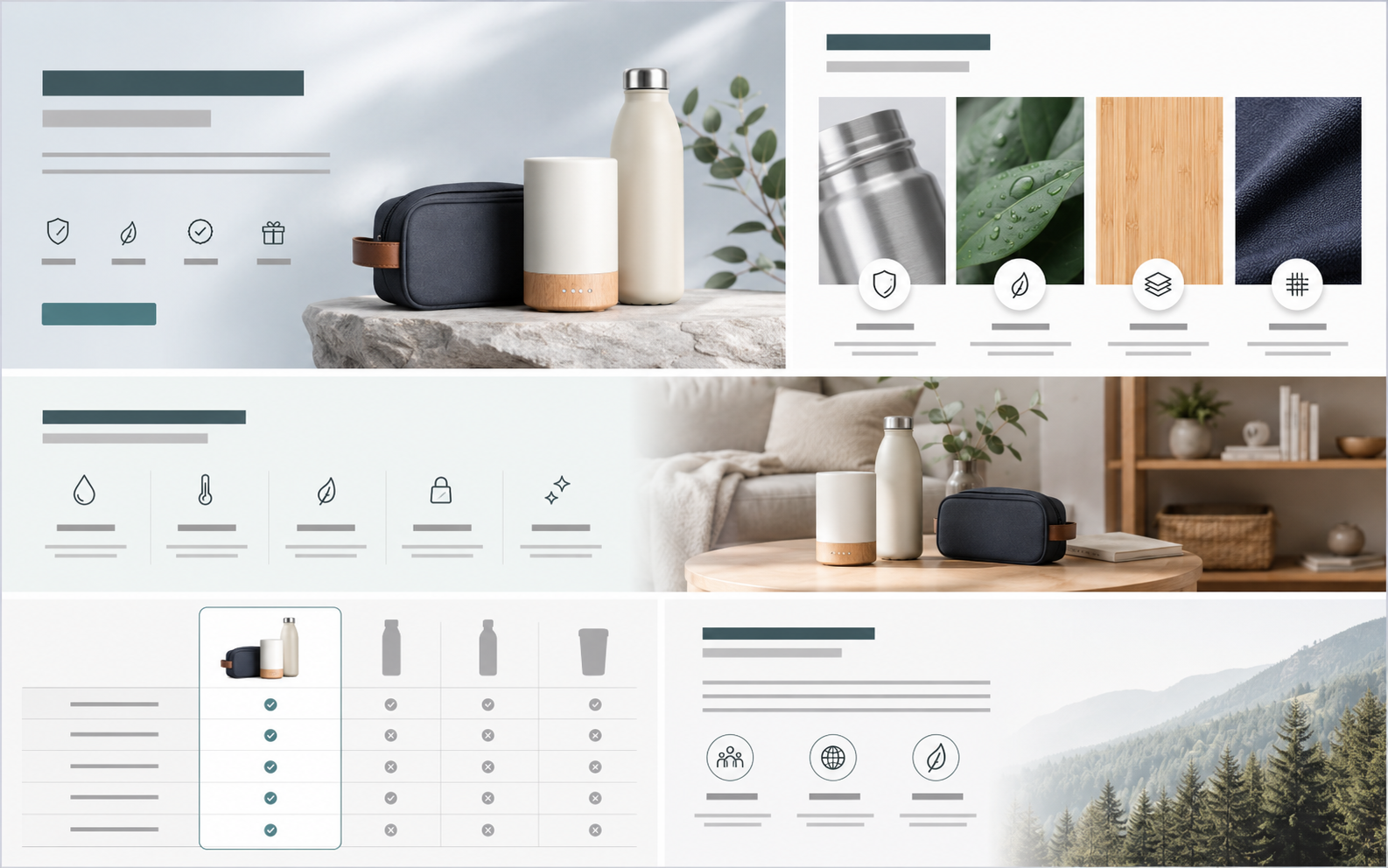
Amazon A+ Studio is built specifically for Amazon sellers who need large-format visual storytelling modules. The user selects A+ settings, reviews a storyboard, and then generates downloadable image modules.
Search intent
Amazon A+ content generation for sellers
How it works
Choose the A+ mode, review the storyboard, then generate Amazon-ready modules.
Select product
Choose standard, enhanced, or brand story
Choose policy mode
Review storyboard
Generate and download modules
Inputs
Product
A+ mode: standard, enhanced, or brand story
Policy mode
Brand-story direction where relevant
Outputs
Large-format A+ images
Storyboard plan
Media library save
ZIP download
Current limits
Amazon A+ Studio is only for Amazon workflows.
Amazon Brand Registry and A+ eligibility are Amazon-side requirements that sellers should confirm before upload.
Amazon rules can change, so users should review outputs before upload.
Do not present the feature as guaranteed Amazon approval.
Questions
Buyer questions, answered clearly.
Is Amazon A+ Studio only for Amazon?+
Yes. This feature is specifically designed for Amazon A+ content workflows.
What A+ modes are supported?+
The product supports standard, enhanced, and brand-story formats.
Does it create videos?+
No. Amazon A+ Studio creates image modules, not videos.
Can I review the storyboard first?+
Yes. The system creates a storyboard before final high-resolution image generation.
Can I download the full set?+
Yes. Outputs can be saved to the media library or downloaded as a ZIP.
Related paths