Amazon Title vs Item Highlights: What Should Go Where?
Amazon’s new title structure creates a deceptively simple question:
What should stay in the title, and what should move into Item Highlights?
That question matters because sellers are no longer working with the old mental model where the product title carried nearly everything. With titles moving toward a 75-character limit and Item Highlights giving sellers another compact field for supporting details, Amazon listings need better information allocation.
This is not just a copywriting task.
It is a catalog structure task.
If you move the wrong information out of the title, shoppers may lose clarity. If you stuff too much into Item Highlights, you recreate the same clutter Amazon is trying to reduce. If you remove useful details completely, the listing may become less informative.
The goal is not to make listings shorter for the sake of being short.
The goal is to make each field do the right job.
For the broader policy background, start with our guide to the Amazon 75-character title limit. For the workflow that helps sellers prepare title and highlight updates from an Amazon TXT export, see the Amazon 75-Character Title Compliance workflow.
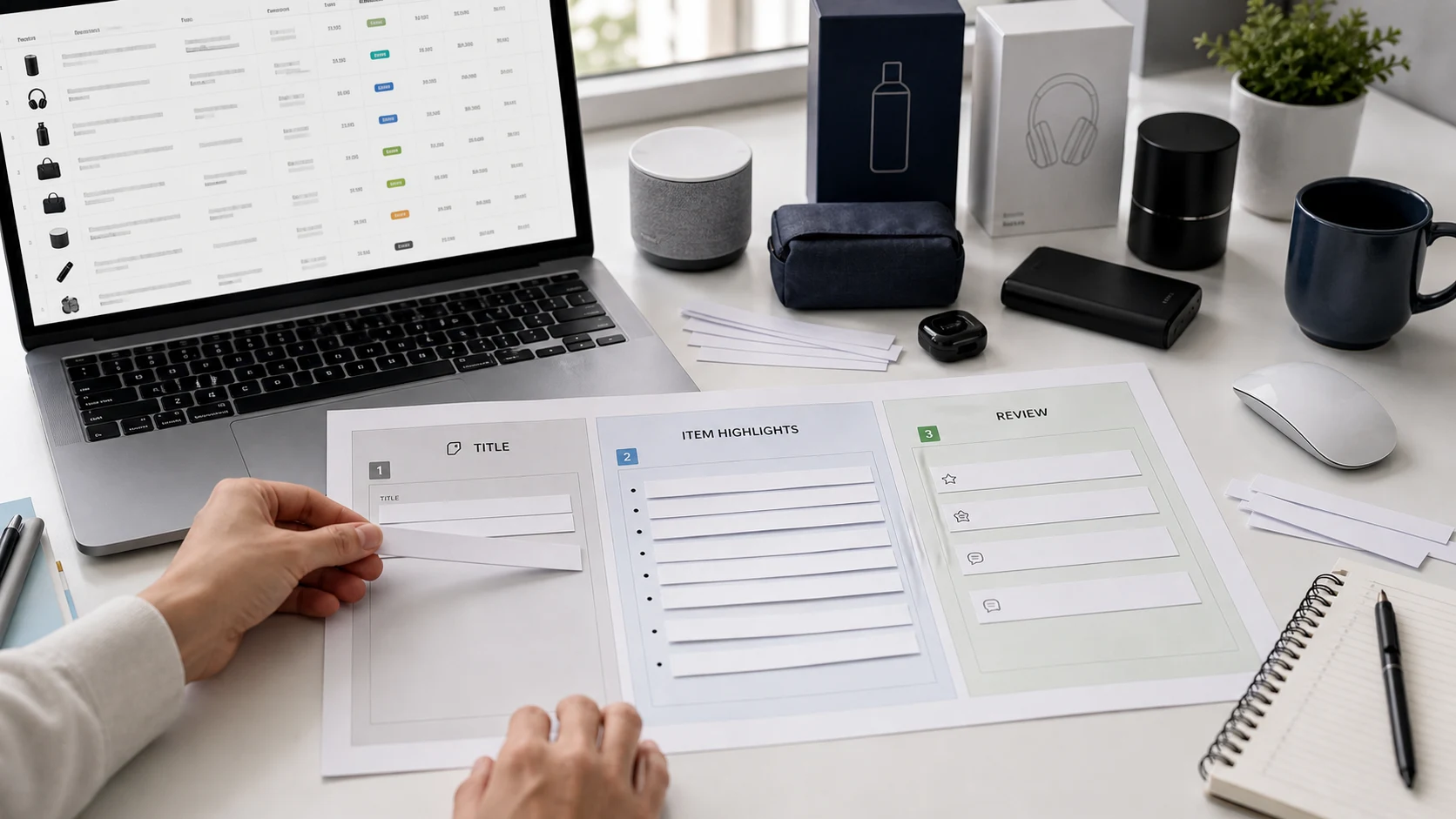
Quick answer: Amazon title vs Item Highlights
The Amazon product title should carry the product’s core identity: brand, product type, variant, model, size, or quantity when important. Item Highlights should carry compact supporting details such as materials, ingredients, use cases, benefits, compatibility, fragrance, or secondary differentiators. Sellers should remove or flag repeated keywords, promotional clutter, unsupported claims, and risky phrases instead of forcing them into either field.
Amazon’s Seller Central announcement frames the structure around shorter product titles and 125-character Item Highlights for materials, recommended use cases, and comparison details. See Amazon’s title update announcement.
The new mental model: title identifies, highlights support
The easiest way to understand the difference is this:
| Field | Main question it answers |
|---|---|
| Product title | What is this product? |
| Item Highlights | What else should the shopper know quickly? |
That distinction is important.
A product title should not try to educate the shopper about every benefit. It should help them identify the product quickly.
Item Highlights should not become a second product description. They should preserve useful supporting details that help shoppers compare options.
A simple example:
Original long title: SOULBAR Mystic Musk Handmade Soap with Moroccan Red Clay & Goat Milk | Detox Bath Bar for Pore Cleansing & Moisturizing | Exotic Musk Fragrance | Organic Paraben Free | Unisex Gift for Diwali & Spa | 100g
Better title: SOULBAR Mystic Musk Soap with Red Clay & Goat Milk, 100g
Item Highlights: Moroccan clay, goat milk, musk fragrance, moisturizing bath bar
The title keeps identity. The highlights keep useful supporting context.
Why sellers need a title vs Item Highlights framework
Without a framework, teams tend to rewrite titles inconsistently.
One person may keep ingredients in the title. Another may move them to Item Highlights. A third may remove them entirely. Someone else may keep promotional language because it "sounds better."
That inconsistency becomes a bigger problem when you manage hundreds of SKUs.
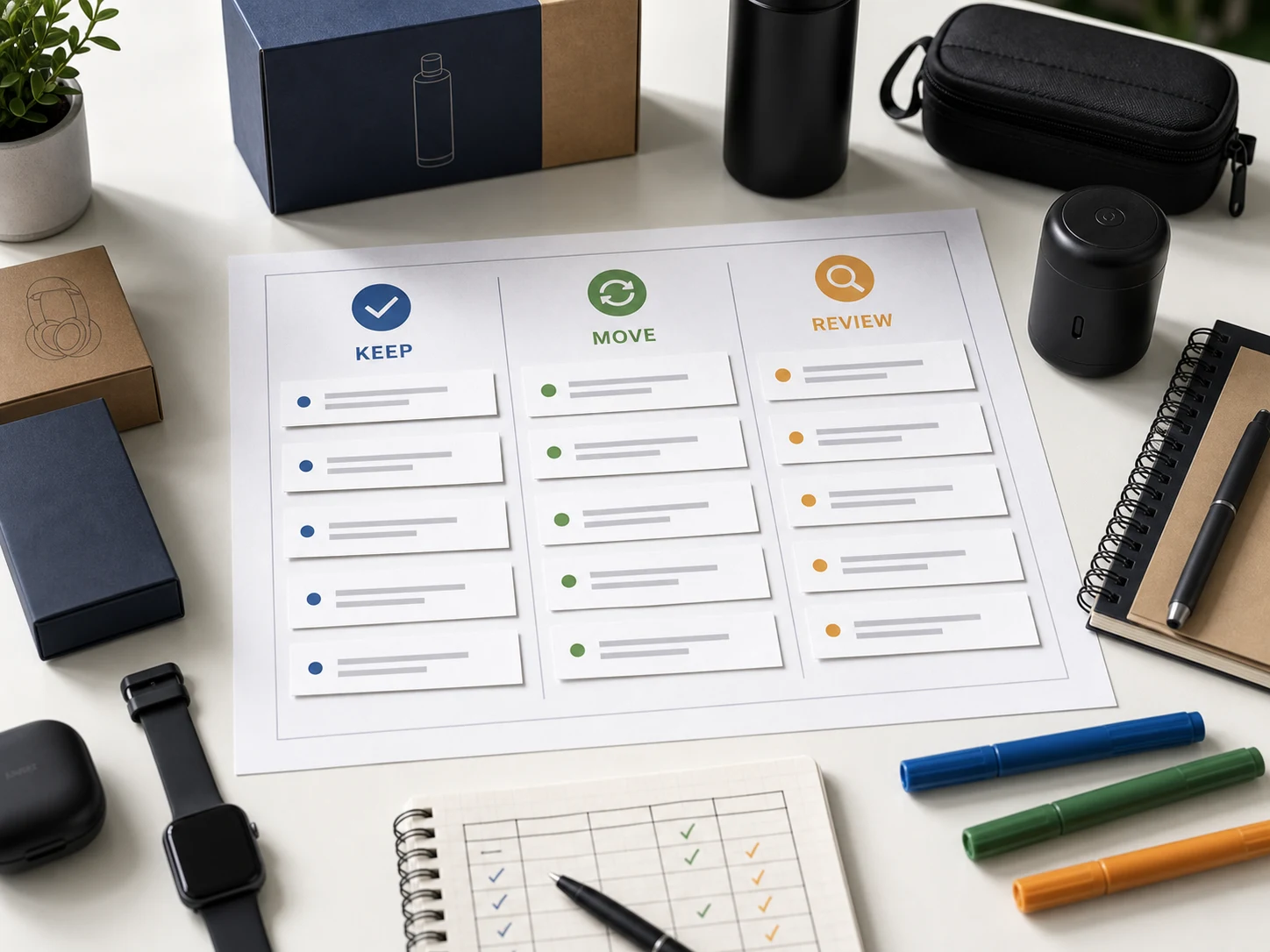
The new structure requires a repeatable decision system. Every piece of product information should go into one of three buckets:
- Keep in title
- Move to Item Highlights
- Remove or flag for review
This framework helps sellers rewrite faster while keeping listings clearer and easier to review.
What should stay in the Amazon title?
The title should carry product identity.
In most categories, prioritize:
- Brand
- Product type
- Variant, model, or style
- Size, quantity, or pack count when important
- One essential differentiator if it materially helps identification
A practical title formula is:
Brand + Product Type + Variant/Model + Size/Quantity
This is not a rigid rule. It is a starting point.
Examples:
| Category | Good title structure |
|---|---|
| Beauty | Brand + product type + variant + hero ingredient + size |
| Electronics | Brand + product type + model + compatibility + color |
| Home cleaning | Brand + product type + use surface + size |
| Food | Brand + product type + flavor/roast + quantity |
| Apparel | Brand + product type + style + material/color where relevant |
| Car accessories | Brand + product type + fragrance/model + size |
The title should make the product instantly identifiable. If the title cannot answer "what is this?" within 75 characters, it needs restructuring.
Title field: what usually deserves priority
Brand
Brand usually belongs in the title when it is available and source-supported.
Example:
Soulbar Royal Musk Car Perfume Spray, 80 ml
Not:
Royal Musk Long Lasting Car Freshener with Hanging Card
The second version may describe the item, but it loses the brand.
Product type
The product type almost always belongs in the title.
Examples:
- handmade soap
- car perfume spray
- wireless mouse
- fabric stain remover
- ground coffee
- cotton t-shirt
Product type tells the shopper what the item is.
Variant or model
If the variant helps distinguish similar products, keep it in the title.
Examples:
- Mystic Musk
- Sakura Blush
- Royal Musk
- Silent Click
- Medium Roast
- Black Crystal
Variant names are especially important when a brand sells multiple similar products.
Size, quantity, or pack count
Size or quantity often belongs in the title if it materially affects comparison.
Examples:
- 100g
- 80 ml
- 500 ml
- Pack of 3
- 250g
If size is less important or there is not enough room, it may move to Item Highlights. But for many categories, size is part of product identity.
One essential differentiator
Sometimes one differentiator deserves title space.
Examples:
- goat milk
- silent click
- stainless steel
- leakproof
- medium roast
- USB-C
The question is not "is this a good keyword?" The question is "does this help identify the product quickly?"
What should move into Item Highlights?
Item Highlights should carry useful secondary details.
Good candidates include:
- ingredients
- materials
- benefits
- use cases
- audience
- fragrance
- compatibility
- texture
- finish
- surface type
- application context
- secondary differentiators
- size or quantity if not in the title
The key is to keep Item Highlights compact. They are not bullet points. They are not a product description. They are a short support line.
Good example:
goat milk, Moroccan clay, musk fragrance, moisturizing bath bar
Weak example:
This amazing handmade soap has Moroccan red clay and goat milk and is perfect for daily use
The first version is compact. The second version is sentence-style filler.
Item Highlights field: what usually fits best
Materials and ingredients
Materials and ingredients often work well in Item Highlights, especially if they do not fit in the title.
Examples:
- stainless steel
- goat milk
- Moroccan clay
- cotton blend
- aloe vera
- coconut oil
- microfiber
- ceramic coating
If a material is the main product identity, it may stay in the title. If it is supporting detail, move it to highlights.
Benefits
Benefits usually belong in Item Highlights unless they are essential to identification.
Examples:
- moisturizing
- leakproof
- silent click
- long battery life
- odor control
- color-safe
- quick-dry
Be careful with claims that need proof or category review.
Use cases
Use cases are often better in Item Highlights than titles.
Examples:
- gym and travel use
- daily bath
- laptop use
- car interiors
- kitchen surfaces
- moka pot and filter brew
Use cases help shoppers compare, but they usually do not need to dominate the title.
Compatibility
Compatibility can go either way.
If compatibility defines the product, keep it in the title.
Example:
USB-C Charger for iPhone 15, 20W
If compatibility is supporting detail, move it to Item Highlights.
Example:
laptop, tablet, and desktop use
Audience
Audience should be used carefully.
Useful:
- kids
- pets
- sensitive skin
- office users
- runners
Weak:
- men, women, boys, girls, kids, adults, home, office, travel
Audience stacking quickly becomes clutter.
What should be removed or flagged?
Some information should not move anywhere automatically.
It should be removed or reviewed.
Repeated keywords
Repeating the same meaningful word wastes space.
Bad:
car perfume spray car freshener perfume for car
Better:
car perfume spray
Promotional filler
Words like "best," "premium," "perfect," and "newly launched" often consume space without adding much clarity.
That does not mean every adjective is wrong. But promotional words should earn their place.
Unsupported claims
Do not move unsupported claims into Item Highlights just because they no longer fit the title.
Examples that may need review:
- clinically proven
- dermatologist-approved
- anti-aging
- guaranteed
- organic
- chemical-free
- non-toxic
- medical-grade
- cures
- prevents
If a claim affects compliance, regulation, or customer expectations, review it before publishing.
Noisy separators
Old Amazon titles often use pipes, repeated commas, brackets, and stacked punctuation.
The new structure is a good chance to clean that up.
Instead of:
Brand | Product | Benefit | Use Case | Gift | Size
Use a readable title and compact highlights.
The Keep, Move, Remove framework
Use this table as a decision guide.
| Listing detail | Usually belongs in | Reason |
|---|---|---|
| Brand | Title | Identifies the product source |
| Product type | Title | Explains what the product is |
| Variant/model | Title | Distinguishes similar products |
| Size/quantity | Title or Item Highlights | Keep in title when important for comparison |
| Hero material | Title or Item Highlights | Keep if identity-defining, move if secondary |
| Ingredients | Item Highlights | Useful supporting detail |
| Benefits | Item Highlights | Supports comparison |
| Use case | Item Highlights | Helps shoppers understand fit |
| Compatibility | Title or Item Highlights | Keep in title when essential |
| Audience | Item Highlights or remove | Use only when meaningful |
| Promotional phrase | Remove or flag | Often weak or risky |
| Repeated keyword | Remove | Wastes space |
| Unsupported claim | Flag for review | Needs accuracy or compliance check |
This framework gives teams a repeatable way to update listings instead of rewriting from scratch every time.
Examples: title vs Item Highlights by category
Example 1: Handmade soap
Original title: SOULBAR Mystic Musk Handmade Soap with Moroccan Red Clay & Goat Milk | Detox Bath Bar for Pore Cleansing & Moisturizing | Exotic Musk Fragrance | Organic Paraben Free | Unisex Gift for Diwali & Spa | 100g
Title: SOULBAR Mystic Musk Soap with Red Clay & Goat Milk, 100g
Item Highlights: Moroccan clay, goat milk, musk fragrance, moisturizing bath bar
Why this works: The title keeps brand, variant, product type, hero ingredients, and size. The highlights preserve secondary benefit and fragrance context.
Example 2: Car perfume
Original title: Soulbar | Royal Musk | Car Perfume Spray with Hanging Card, 700+ Sprays Long Lasting Car Freshener (80 ml)
Title: Soulbar Royal Musk Car Perfume Spray, 80 ml
Item Highlights: hanging card, long-lasting freshener, 700+ sprays
Why this works: The title identifies the product. The highlights carry format and usage detail.
Example 3: Wireless mouse
Original title: ArcLite Wireless Mouse for Laptop with Silent Click, USB Receiver, Ergonomic Design, Long Battery Life, Black
Title: ArcLite Wireless Mouse with Silent Click, Black
Item Highlights: USB receiver, ergonomic design, long battery life, laptop use
Why this works: The title keeps the product type and main differentiator. The highlights carry compatibility and benefit details.
Example 4: Fabric stain remover
Original title: BrightWash Fabric Stain Remover Spray for Clothes, Sofa, Carpet & Upholstery | Color Safe Formula | Removes Food, Oil and Dirt Stains | 500 ml
Title: BrightWash Fabric Stain Remover Spray, 500 ml
Item Highlights: clothes, sofa, carpet use, color-safe formula, food and oil stains
Why this works: The title stays simple. The highlights preserve use surfaces and stain types.
Example 5: Ground coffee
Original title: BeanCo Arabica Ground Coffee Medium Roast with Smooth Aroma for Moka Pot, French Press and Filter Brew, 250g
Title: BeanCo Arabica Ground Coffee, Medium Roast, 250g
Item Highlights: smooth aroma, moka pot, French press and filter brew
Why this works: The title keeps identity, roast, and quantity. The highlights preserve brewing use cases.
How to make the title and Item Highlights work as a pair
Do not write the title first and treat Item Highlights as leftover space.
Write them together.
Use this sequence:
- Identify the product identity.
- Draft the 75-character title.
- List the useful details that did not fit.
- Remove clutter and repeated terms.
- Write a compact Item Highlights line.
- Check for repetition across both fields.
- Review risky claims.
- Confirm both fields are readable.
This gives you a cleaner pair:
Title: what the product is
Item Highlights: why the product is worth comparing
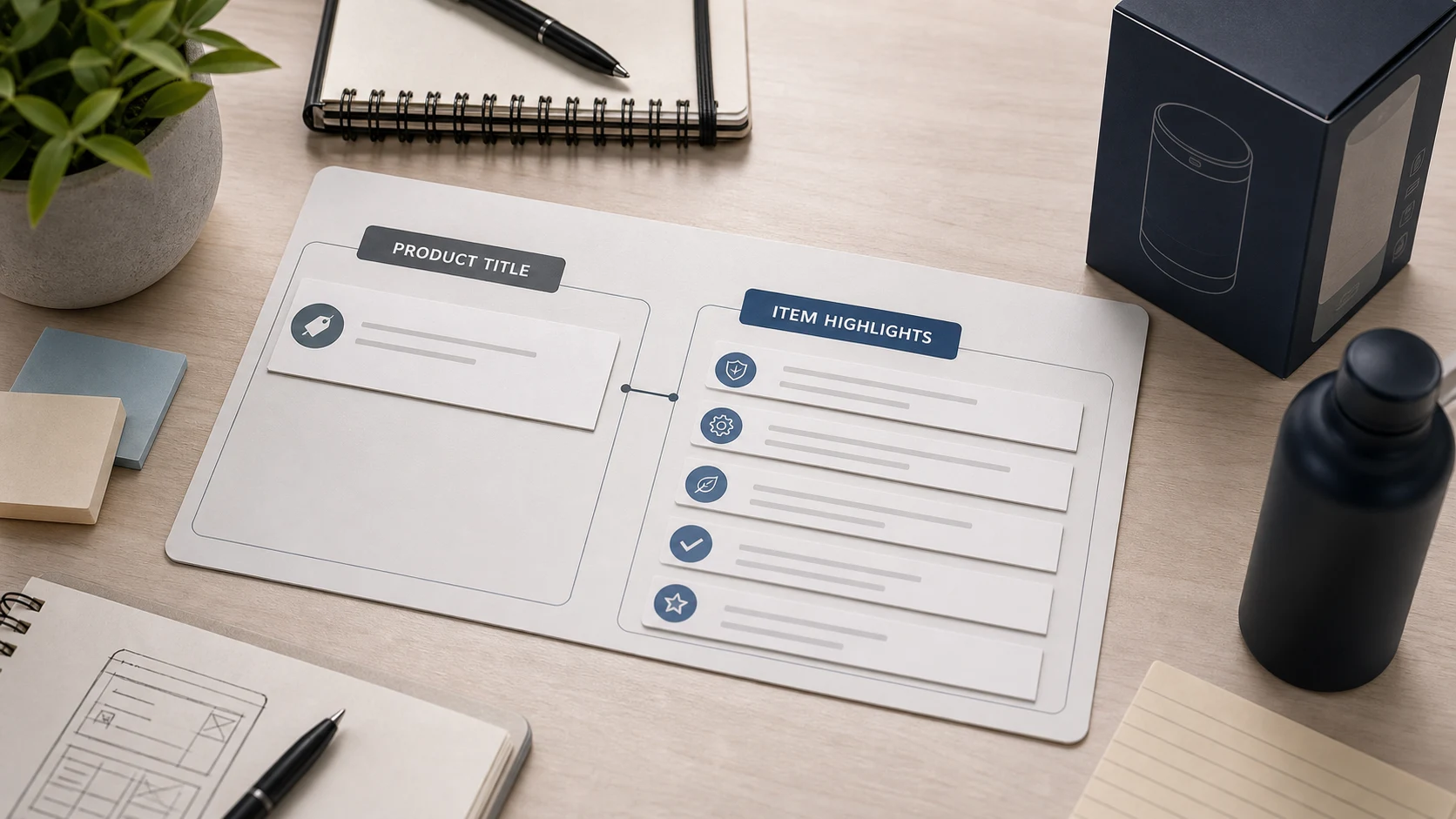
How to get the Amazon TXT file from Seller Central
If you are updating many listings, start with the original Amazon listing export instead of a blank spreadsheet.
Basic path:
- Log in to Amazon Seller Central.
- Go to Reports.
- Open Inventory Reports.
- Choose Active Listings, All Listings, Open Listings, or Category Listings Report, depending on the catalog view you need.
- Click Request Report.
- Wait until the report status becomes Ready.
- Click Download.
- Use the downloaded
.txtfile for your title and Item Highlights workflow.
Do not convert the file to CSV or XLSX before processing if your workflow expects the original Amazon TXT export.
The original export helps preserve listing structure, including title, description, SKU, ASIN, listing ID, product ID, price, quantity, and other catalog fields.
Amazon’s Inventory Reports documentation covers the report request and download workflow. See Amazon’s download an inventory report guide.
Bulk workflow: how to decide title vs Item Highlights across a catalog
A single listing is easy. A catalog needs structure.
Use this workflow.
Step 1: Export the source file
Start with the original Amazon Seller Central listing export.
Step 2: Segment by product group
Group similar listings together:
- soaps
- car perfumes
- electronics accessories
- apparel
- home cleaners
- food items
Step 3: Define field priority rules
For each group, define what usually belongs in the title.
Example:
Soap: Brand -> variant -> product type -> hero ingredient -> size
Car perfume: Brand -> fragrance -> product type -> size
Electronics accessory: Brand -> product type -> model/compatibility -> color
Step 4: Generate title and Item Highlights together
Do not create Item Highlights as an afterthought.
The pair should feel intentional.
Step 5: Review exceptions
Review listings with:
- missing descriptions
- unclear product type
- weak source data
- sensitive claims
- repeated keywords
- over-limit output
- low confidence
Step 6: Export a review-ready working file
Keep original Amazon fields close to the generated fields so the team can review and map updates safely.
Step 7: Apply approved values through the correct Amazon workflow
Use the appropriate Seller Central update path or category template. A review spreadsheet is not the same as direct upload.
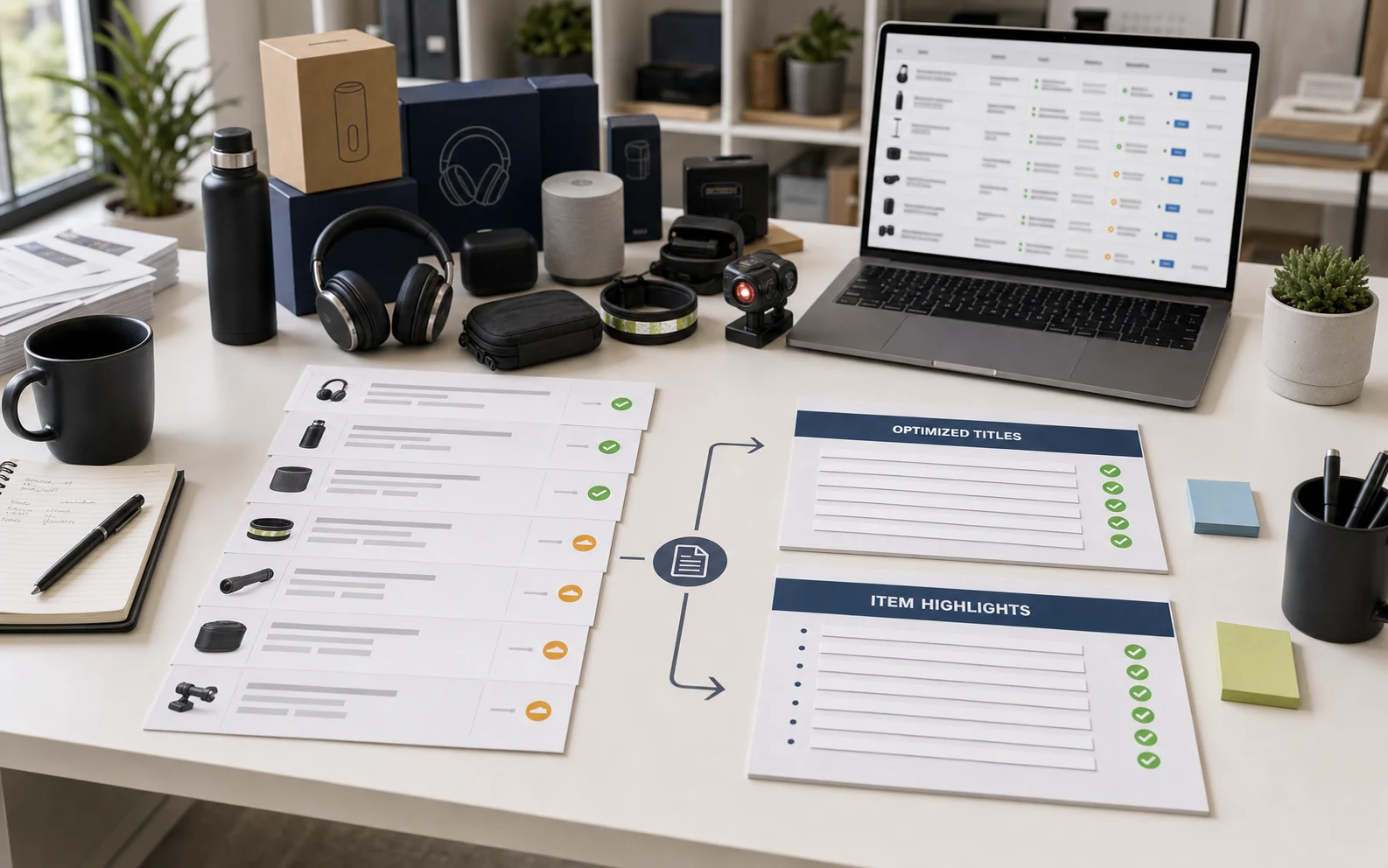
Why generic AI prompts are not enough for this workflow
A generic AI prompt can answer:
"Rewrite this title under 75 characters."
But it does not automatically solve:
- where Item Highlights should come from
- how to preserve SKU and ASIN context
- how to process hundreds of rows
- how to maintain original Amazon columns
- how to track row status
- how to show validation notes
- how to export review-ready data
- how to handle selected rows and regeneration
That is why the workflow matters.
For a few titles, a prompt is fine.
For a catalog, sellers need a structured process.
Amazon’s Q&A guidance also points sellers toward reviewing recommendations and seller-side preparation rather than treating automated changes as a replacement for catalog review. See Amazon’s product title update Q&A.
How AgenixSocial helps with title vs Item Highlights decisions
AgenixSocial’s Amazon 75-Character Title Compliance workflow helps sellers turn Amazon listing exports into shorter titles and compact Item Highlights.
The workflow starts with an original Amazon Seller Central TXT export. AgenixSocial primarily uses the item name, item description, and eligible product attributes from each row. It generates a shorter title and one comma-separated Item Highlights value, while preserving original Amazon columns in a review-ready XLSX.
Sellers can:
- generate all valid rows
- generate selected rows
- edit titles
- edit Item Highlights
- regenerate rows
- view confidence signals
- review validation notes
- export a review-ready XLSX
This is useful because the title vs Item Highlights decision is not only about wording. It is about catalog operations, review, and preserving product context.
AgenixSocial does not directly upload changes to Amazon. It does not guarantee Amazon approval. Sellers should still review product accuracy, claims, category fit, and marketplace requirements before applying updates.
If your team also needs product visuals after the listing text is structured, see marketplace listing image sets and Amazon A+ content generation. For broader channel planning, see Amazon seller content workflows and pay-as-you-go credits.
Checklist: title vs Item Highlights
Keep in title
- Brand
- Product type
- Variant/model
- Size or quantity if important
- One identity-defining material or feature if needed
Move to Item Highlights
- Ingredients
- Materials
- Benefits
- Use cases
- Compatibility
- Fragrance
- Audience when useful
- Secondary differentiators
- Size or quantity if not in title
Remove or flag
- Repeated keywords
- Unsupported claims
- Vague promotional phrases
- Overly broad audience stacking
- Noisy separators
- Sentence-style filler
- Claims needing category review
Review before applying
- Title length
- Item Highlights length
- Product accuracy
- Claims
- Category fit
- Marketplace requirements
- Low-confidence rows
- Missing or weak source descriptions
Common mistakes to avoid
Mistake 1: Treating Item Highlights as overflow
Item Highlights should not be a trash bin for everything that did not fit in the title. They should be a compact support field.
Mistake 2: Removing too much product context
Short titles should not become vague. Preserve useful details in Item Highlights when source-supported.
Mistake 3: Repeating the same words in both fields
If the title says "wireless mouse," the highlights do not need to repeat "wireless mouse" unless there is a clear reason.
Mistake 4: Keeping promotional words over useful attributes
A word like "premium" may be less useful than material, size, compatibility, or product type.
Mistake 5: Ignoring risky claims
Do not casually move claims like "anti-aging," "chemical-free," or "clinically proven" into Item Highlights without review.
Amazon’s broader title requirements have also tightened around length, prohibited characters, and repeated words, which makes clean field allocation more important. See Amazon’s 2025 product title requirements update.
Mistake 6: Rewriting in a blank sheet
If you lose SKU, ASIN, listing ID, or product ID context, the update workflow becomes risky. Work from structured listing data.
FAQ
What is the difference between Amazon title and Item Highlights?
The title identifies the product. Item Highlights provide compact supporting details such as materials, use cases, benefits, compatibility, fragrance, or secondary differentiators.
What should go in the Amazon product title?
The title should usually include brand, product type, variant or model, and size or quantity when important.
What should go in Item Highlights?
Item Highlights should include useful source-supported details that help shoppers compare products but do not need to sit in the title.
Should Item Highlights repeat the title?
Usually no. Item Highlights should support the title, not duplicate it.
Should ingredients go in the title or Item Highlights?
If an ingredient defines the product, it can stay in the title. If it is supporting detail, move it to Item Highlights.
Should benefits go in the title or Item Highlights?
Most benefits belong in Item Highlights unless the benefit is essential to the product identity.
Should size or quantity stay in the title?
Often yes, especially when size or quantity affects comparison. If space is tight and size is less critical, it can move to Item Highlights.
Are Item Highlights the same as bullet points?
No. Item Highlights are shorter and more compact. Bullet points can explain features and benefits in more depth.
Where do I get the Amazon TXT file for bulk title updates?
Go to Amazon Seller Central -> Reports -> Inventory Reports, choose Active Listings, All Listings, Open Listings, or Category Listings Report, click Request Report, wait until the report is ready, then download the original .txt file.
Can I use ChatGPT to decide title vs Item Highlights?
You can use a generic AI prompt for a few listings, but catalog-scale work needs row processing, character counts, validation notes, original column preservation, and export structure.
Does AgenixSocial directly upload changes to Amazon?
No. AgenixSocial creates a review-ready XLSX. Sellers should apply approved values through the correct Amazon update workflow.
Does AgenixSocial guarantee Amazon approval?
No. AgenixSocial helps with compliance preparation and review. Sellers should still check product accuracy, claims, category fit, and marketplace requirements before applying changes.
Conclusion
Amazon’s shorter title structure changes how sellers need to think about listing information.
The product title is no longer the place to carry everything.
The title should identify the product.
Item Highlights should preserve the most useful supporting details.
Everything else should be removed or flagged for review.
That decision sounds small on one listing, but it becomes a real workflow across hundreds of SKUs. Sellers need a repeatable way to decide what stays, what moves, and what gets reviewed.
AgenixSocial helps sellers do that with its Amazon 75-Character Title Compliance workflow. Upload your Amazon TXT export, generate shorter titles and 125-character Item Highlights, review confidence and validation notes, edit or regenerate where needed, and export a review-ready XLSX your team can work from.
First 100 products are free. After that, it is 1 credit per additional 100 products.
Create cleaner Amazon titles and Item Highlights with AgenixSocial’s Amazon 75-Character Title Compliance workflow.