AI Instagram Content Generator for Ecommerce Product Posts
Instagram content is easy to create once.
The hard part is creating product posts again and again without losing the brand voice, misrepresenting the product, repeating the same layout, or turning every caption into a mini product brochure with hashtags sprinkled on top.
That is where AI Instagram content generators can help ecommerce teams.
But there is a catch.
A generic AI Instagram generator can write captions, suggest hashtags, or create simple post designs. An ecommerce-ready Instagram content generator has a bigger job. It needs to understand the product, the brand, the audience, the visual format, the offer, and the review workflow before the post goes live.
For D2C brands, marketplace sellers, and ecommerce teams, Instagram is not just a content channel. It is a product discovery surface, a visual storefront, a campaign channel, and often the first place a customer checks before deciding whether the brand feels credible.
Hootsuite describes Instagram as one of the largest social platforms and notes that 47% of U.S. social buyers are expected to shop on Instagram in 2026, which helps explain why product-post quality matters so much for commerce teams. Hootsuite Instagram statistics
So the question is not only:
"How do I generate Instagram posts with AI?"
The better question is:
"How do I turn my product context into Instagram posts that are useful, accurate, on-brand, and ready for human review?"
Quick answer
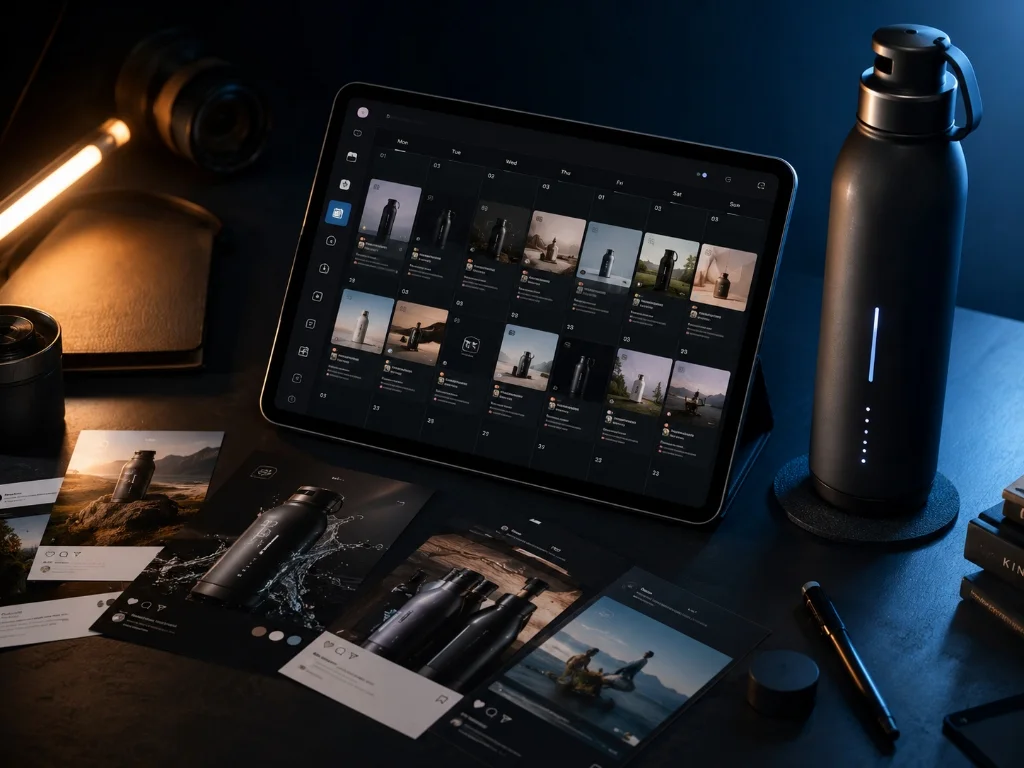
An AI Instagram content generator for ecommerce helps brands turn product and brand context into Instagram-ready posts, captions, carousels, visual concepts, Reels ideas, and campaign drafts. The best workflow starts from real product data, adapts content to Instagram formats, keeps product claims accurate, and leaves final review with the team before publishing.
What is an AI Instagram content generator?
An AI Instagram content generator is a tool that helps create Instagram content using artificial intelligence.
A basic version may generate:
- Captions
- Hashtags
- Hooks
- Post ideas
- Simple graphics
- Caption variations
- Reels scripts
- Carousel outlines
For ecommerce, the tool becomes more useful when it can work from:
- Product name
- Product images
- Product description
- Price or offer details
- Product benefits
- Use cases
- Customer pain points
- Brand voice
- Visual direction
- Platform format
That context is the difference between a generic post and a product-aware Instagram post.
A generic AI tool may write:
"Upgrade your routine with our premium skincare serum. Shop now."
A product-aware tool should understand what the serum does, who it is for, what ingredients or benefits can be safely mentioned, what visual style fits the brand, and whether the post should be a launch teaser, ingredient explainer, lifestyle visual, carousel, founder note, or social proof post.
Why ecommerce Instagram posts are different from generic posts
A regular Instagram post can be a thought, a meme, a quote, or a personal update.
An ecommerce Instagram post has a job.
It may need to:
- Introduce a new product
- Explain a product benefit
- Show how the product is used
- Announce a drop or offer
- Build trust before purchase
- Answer a common objection
- Reuse a customer review
- Support a campaign
- Push traffic to a product page
- Support shopping or product-tag workflows
Sprout defines social commerce as buying and selling directly inside social networks, and that broader shift is part of why Instagram product posts sit so close to the buying journey. Sprout Social on social commerce
That means the content cannot just sound nice. It has to be accurate.
For ecommerce brands, Instagram content sits close to the buying decision. A post may influence whether a customer clicks, saves, comments, visits the product page, or sends a DM. If the post exaggerates a claim, uses the wrong variant, shows the product in an unrealistic way, or gets the offer wrong, the problem is not "content quality." It is business risk.
A good AI Instagram content generator should help the team move faster without making the brand careless.
The main Instagram product post formats ecommerce teams need
Ecommerce teams should not think of Instagram content as one format.
Product posts can take many shapes.
| Instagram format | Best use case | What AI should help generate | What the team should review |
|---|---|---|---|
| Product showcase post | New product, hero SKU, collection highlight | Caption, image direction, headline, CTA | Product accuracy, visual fit, offer details |
| Product + person post | Lifestyle, use case, product-in-hand content | Scene idea, product-in-use framing, caption | Whether the product is shown realistically |
| Carousel | Education, comparison, feature breakdown, launch sequence | Slide outline, captions, visual direction | Claims, sequence logic, readability |
| Reels idea or script | Short product demo, creator-style explainer, founder note | Hook, script, shot list, CTA | Script accuracy, tone, platform fit |
| Story post | Offer, restock, countdown, poll, quick update | Short copy, visual prompt, CTA | Urgency, offer accuracy, link or tag setup |
| Social proof post | Review, testimonial, UGC-style proof | Caption, layout direction, quote framing | Permission, testimonial accuracy, claim safety |
| Educational post | Ingredients, materials, care, compatibility, usage | Explanation, slide sequence, caption | Technical and product correctness |
| Campaign post | Launch, sale, seasonal push, collection story | Content angle, visual theme, timeline | Campaign consistency and brand fit |
This is where many AI Instagram generators stop short.
They can produce a caption. They may create a pretty design. But ecommerce teams often need the whole product post logic: product, audience, format, visual, caption, CTA, review, schedule, and reuse.
What an ecommerce-ready AI Instagram generator should create
A good AI Instagram content generator for ecommerce should create more than one caption.
It should help with the full content unit.
1. Caption options
Captions should match the product goal.
Examples:
- Launch caption
- Feature-focused caption
- Problem-solution caption
- Founder-led caption
- Social proof caption
- Offer caption
- Educational caption
- Behind-the-scenes caption
The caption should not simply stuff in benefits. Instagram captions work better when they feel like a natural extension of the visual and the audience's actual problem.
2. Visual direction
The tool should suggest the visual job.
For example:
- Clean product hero
- Product in hand
- Product on shelf
- Flat lay
- Lifestyle use
- Before or after setup
- Ingredient or material detail
- Founder holding the product
- Customer-style scene
- Comparison layout
This matters because Instagram is a visual feed first. The caption supports the visual; it should not carry the whole post.
3. Carousel structure
Carousels are useful for ecommerce because they can teach and sell without sounding pushy.
A product carousel could follow this structure:
- Hook: "Why your desk still feels cluttered"
- Problem: tangled cables, small space, poor organization
- Product role: compact desk organizer
- Feature: hidden cable route
- Use case: work-from-home setup
- CTA: save for your next desk reset
AI can create the outline, but the team should review the claims and visual plan.
4. Reels idea or short script
For Reels, the tool should help generate:
- Hook
- Scene sequence
- Script
- Product demonstration idea
- Creator-style angle
- CTA
- Caption
- Cover text idea
For example:
"Three ways to style this crossbody bag for a weekend trip" is more useful than "Buy our bag today."
5. Hashtags and search-friendly keywords
Hashtags are not the whole strategy, but they still help organize content and capture niche intent.
A useful AI workflow should suggest hashtags around:
- Product category
- Use case
- Audience
- Occasion
- Brand positioning
- Location or market, where relevant
For ecommerce, keyword-rich captions can also help social search. A caption should include natural terms customers actually use, such as "travel coffee mug," "linen summer shirt," "non-sticky lip balm," or "desk organizer for small spaces."
6. CTA options
Not every post needs "Shop now."
Better ecommerce CTAs include:
- Save this for later
- Compare the sizes
- See the full collection
- Drop a comment for the shade guide
- Tap the product tag
- Send this to someone who needs it
- Check the launch offer
- Join the waitlist
- Watch the full demo
- View the product page
The CTA should match the stage of the buyer journey.
7. Review notes
A strong AI generator should remind the team what to check.
Examples:
- Does the visual show the correct product?
- Is the price current?
- Are the claims safe?
- Is the discount accurate?
- Does the product tag match the right SKU?
- Does the tone match the brand?
- Does the format fit Instagram Feed, Stories, Carousel, or Reels?
Review notes are not friction. They are how teams avoid accidental nonsense at scale.
Prompt-based vs product-aware Instagram generation
Most AI Instagram generators are prompt-based.
You type something like:
"Create an Instagram post for my new protein bar."
The tool creates a caption, maybe a graphic, and maybe some hashtags.
This is fine for quick ideation. It is less useful when you need consistent ecommerce output across many products.
A product-aware workflow is different.
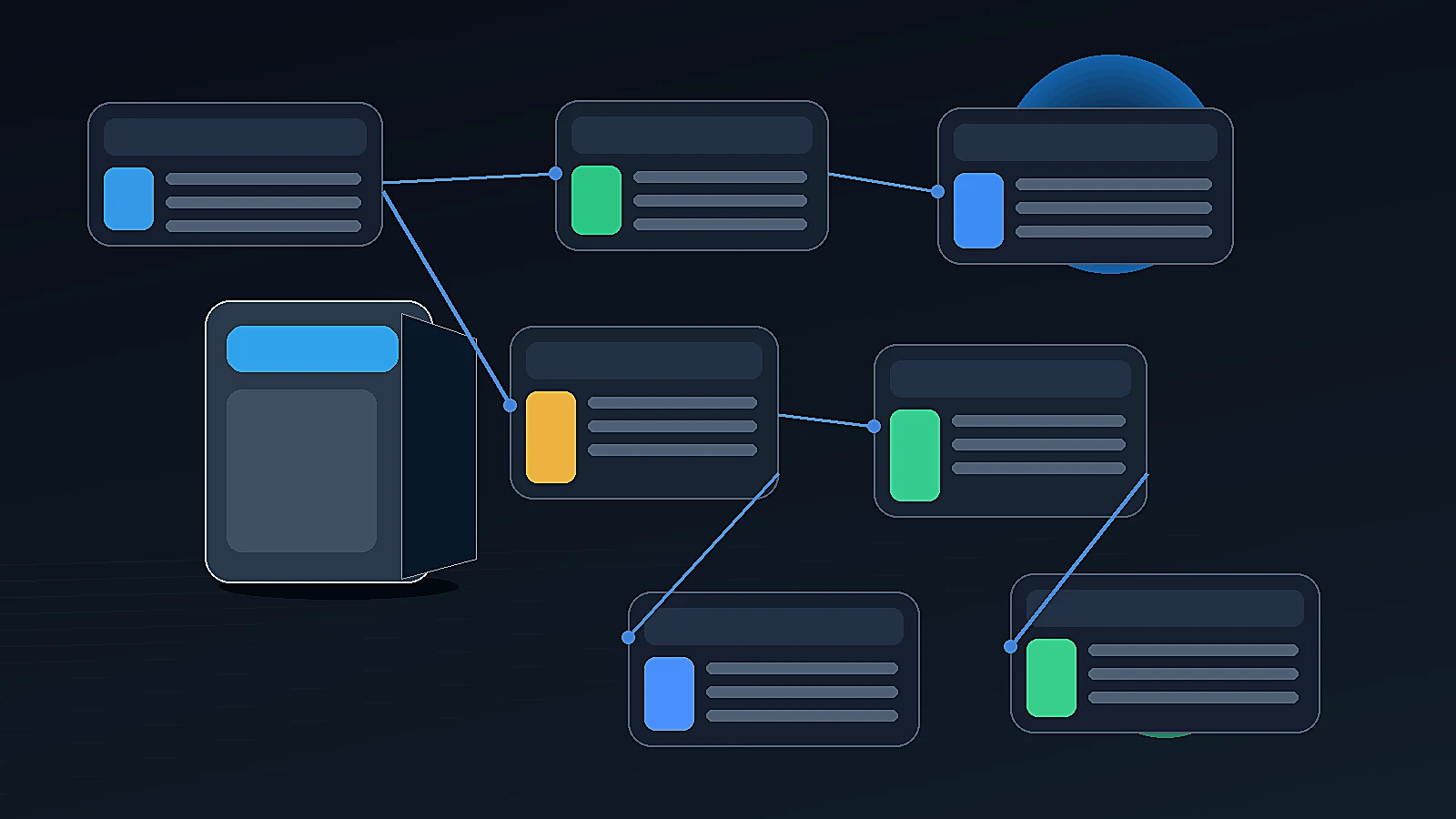
Instead of asking the user to explain everything again, the tool starts from saved brand and product context.
| Workflow | How it starts | Best for | Weakness |
|---|---|---|---|
| Prompt-based generator | User writes a prompt | Quick ideas, captions, one-off posts | Brand and product context must be repeated |
| Template-based generator | User chooses a design template | Simple branded visuals | Can become repetitive |
| Scheduler with AI copy | User writes or imports content into calendar | Publishing and planning | Creation may happen elsewhere |
| Product-aware generator | User selects a product and goal | Ecommerce product posts, launches, product visuals | Still needs human review |
For ecommerce teams, product-aware generation is usually the better long-term workflow.
Why?
Because the same product context should power many content types:
- Instagram product post
- Carousel
- Story
- Reel script
- Product image
- Campaign visual
- Ad creative
- Marketplace image
- Product page content
- Founder-led post
If every tool needs the product explained from scratch, the AI workflow becomes copy-paste busywork.
A practical workflow: from product to Instagram post
Here is a clean ecommerce workflow for AI-generated Instagram content.
Step 1: Start with the product
Choose the product first.
Useful product context includes:
- Product name
- Product image
- Description
- Price
- Materials or ingredients
- Size, color, or variant
- Target customer
- Key use case
- Main objection
- Offer or launch detail
Without this, AI has to guess. Guessing is where vague captions and inaccurate visuals are born.
Step 2: Choose the post goal
Pick the job of the post.
Examples:
- Launch a new product
- Explain one feature
- Show lifestyle use
- Compare variants
- Announce a sale
- Build trust
- Educate the customer
- Show founder perspective
- Create social proof
- Drive product page clicks
The post goal decides the structure.
Step 3: Pick the format
For Instagram, common ecommerce formats include:
- Feed image
- Carousel
- Story
- Reel
- Product + person visual
- Product-in-use visual
- Founder-led post
- Ad-style static creative
Each format has different creative rules.
A carousel can explain. A Reel can demonstrate. A feed post can create immediate product desire. A Story can drive quick action.
Instagram shopping tags are also relevant here. Instagram's Help Center says shopping tags can be used across formats such as posts, Stories, and Reels, which is part of why format-specific planning matters for commerce content. Instagram Help Center on shopping tags
Step 4: Generate content variants
The AI should create multiple directions.
For example, one product could become:
- Product Showcase
- Curiosity Hook
- Social Proof
- Problem-Solution
- Lifestyle Use
- Founder Story
- Educational Explainer
- Offer Reminder
Variants help the team avoid getting locked into the first acceptable draft.
Step 5: Review before publishing
Review the output for:
- Product accuracy
- Claim accuracy
- Offer accuracy
- Image realism
- Brand tone
- Platform fit
- Product tag or link setup
- Legal or regulated category risk
- Customer expectations
This is especially important in categories like skincare, supplements, health, baby products, electronics, food, fitness, and anything involving performance claims.
Step 6: Schedule and reuse
Once approved, the content should move into a publishing workflow.
The best setup is:
- Generate content.
- Save as draft.
- Review or approve.
- Schedule on calendar.
- Publish or export.
- Save assets for reuse.
Good Instagram content should not disappear into a downloads folder named "final-final-actually-final-v7."
Ecommerce examples: how AI can turn one product into Instagram content
Example 1: Skincare serum
Product context:
- Vitamin C serum
- Brightening positioning
- Sensitive skin audience
- Lightweight texture
- No direct medical claims
Instagram outputs:
- Feed post: product hero with benefit-led caption
- Carousel: "How to layer Vitamin C in your morning routine"
- Reel script: founder explains how to use it
- Story: launch countdown with product shot
- Social proof post: customer quote, reviewed carefully
Review notes:
- Avoid claiming to cure pigmentation.
- Confirm ingredient claims.
- Keep before or after visuals realistic.
- Check usage instructions.
Example 2: Coffee brand
Product context:
- Single-origin medium roast
- Notes of cocoa and orange
- Whole bean and ground variants
- Subscription available
Instagram outputs:
- Product showcase post
- Brewing tips carousel
- Morning routine Reel idea
- Restock Story
- Founder note about sourcing
- UGC-style review post
Review notes:
- Confirm roast notes.
- Match the correct variant.
- Avoid unsupported health or energy claims.
- Keep origin and sourcing details accurate.
Example 3: Apparel drop
Product context:
- Linen shirt
- Summer collection
- Three colors
- Relaxed fit
- Limited stock
Instagram outputs:
- Product + person lifestyle image
- Carousel comparing color options
- Reel script: "3 ways to style it"
- Story: drop reminder
- Founder post: why the fabric was selected
Review notes:
- Check color accuracy.
- Avoid misleading fit representation.
- Confirm inventory and launch time.
- Include sizing guidance where useful.
Example 4: Home organization product
Product context:
- Desk organizer
- Small apartment audience
- Cable management feature
- Matte black finish
Instagram outputs:
- Before or after desk setup carousel
- Product-in-use image
- Short Reel idea
- Caption around small-space productivity
- Offer post for bundle purchase
Review notes:
- Confirm dimensions.
- Avoid exaggerating storage capacity.
- Show realistic desk scale.
- Check that the product is visually clear.
What to review before publishing AI-generated Instagram posts
AI is useful for speed, but human review is still central.
Use this checklist:
| Review area | What to check |
|---|---|
| Product truth | Is the product name, variant, size, material, ingredient, or price correct? |
| Visual accuracy | Does the image show the product correctly? |
| Claims | Are benefits phrased safely and accurately? |
| Offer | Is the discount, launch date, or bundle detail current? |
| Brand tone | Does the post sound like the brand? |
| Audience fit | Does the language match the buyer's level of awareness? |
| Instagram format | Does it fit Feed, Story, Reel, or Carousel use? |
| Shopping setup | Are product tags, links, or CTAs pointing to the right place? |
| Compliance | Any category-specific claim, ad, marketplace, or platform issue? |
| Reuse | Should the asset be saved for future campaigns? |
The goal is not to slow the workflow down.
The goal is to prevent fast content from becoming fast mistakes.

How AgenixSocial helps with Instagram product posts
AgenixSocial is useful when ecommerce teams need Instagram content connected to product and brand context, not just generated from blank prompts.
The workflow starts with Brand DNA, which stores reusable brand context. Products give the system real product context to work from. Then Content Studio helps teams create product-aware content across multiple workflows.
For Instagram product posts, the most relevant AgenixSocial modules are:
| Ecommerce need | AgenixSocial module |
|---|---|
| Consistent brand voice | Brand DNA |
| Product-aware content | Products |
| Fast product posts | Quick Post |
| Product-led visuals | Product Shots |
| Creator-style Reels ideas and videos | AI Creator Videos |
| Launch sequences | Campaigns |
| Human review | Approval Queue |
| Scheduling | Calendar |
| Asset reuse | Media Library |
| Flexible usage | Pay-as-you-go credits |
Quick Post is the most direct fit for Instagram product posts. A user selects a product, then creates an Image, Product + Person post, or Carousel. The workflow supports platform-aware generation, so the output direction can match Instagram rather than starting from a generic square graphic.
Product Shots is useful when the brand needs stronger lifestyle or product visuals first.
AI Creator Videos are useful when the Instagram content should become creator-style video or Reels content.
Campaigns are useful when one product needs multiple posts across a 3, 5, or 7 day launch or promotion.
Approval Queue, Calendar, and Media Library matter because Instagram content does not end at generation. Teams still need to review drafts, schedule approved content, and keep the assets organized for reuse.
AgenixSocial gives ecommerce teams a stronger starting point by grounding workflows in reusable brand and product context. Teams still review final assets for product accuracy, claims, marketplace fit, platform fit, and brand tone before publishing.
When a simple AI Instagram generator is enough
A simple AI Instagram generator may be enough if:
- You only need captions
- You already have product visuals
- You post occasionally
- You do not manage many SKUs
- You are not running product launches
- You do not need approval workflows
- You are comfortable manually checking everything elsewhere
That setup works for early experimentation.
It starts to break when content volume increases.
When ecommerce teams need a product-aware workflow
A product-aware workflow becomes more important when:
- You have many products
- You post frequently
- You run launches or drops
- You need carousels and product visuals
- You want creator-style videos
- You manage multiple brands or clients
- You need approval before publishing
- You reuse assets across campaigns
- You do not want to re-explain the brand every time
At that point, the issue is not "Can AI write Instagram captions?"
The issue is "Can our team turn products into approved Instagram content without rebuilding the whole workflow every week?"
That is the bigger problem worth solving.
Related reading
- AI Social Media Automation for Ecommerce Brands
- Brand-Aware AI Content: How Ecommerce Teams Stay On-Brand
- AI Product Image Automation for Ecommerce
- AI Product Launch Campaign for Ecommerce Teams
- AI Content Approval Workflow for Ecommerce Teams
FAQ
What is an AI Instagram content generator for ecommerce?
An AI Instagram content generator for ecommerce helps brands create Instagram captions, product posts, carousels, visual ideas, Reels scripts, and campaign drafts from product and brand context. The best workflows use real product data instead of relying only on generic prompts.
Can AI create Instagram product posts?
Yes. AI can help create Instagram product posts by generating captions, visual directions, carousel outlines, product-in-use ideas, Reels scripts, hashtags, and CTAs. Ecommerce teams should still review the output for product accuracy, claims, pricing, and brand tone before publishing.
What product information should I give an AI Instagram generator?
Useful inputs include product name, product image, description, price, variant, materials or ingredients, use cases, target customer, offer details, and brand voice. The more specific the product context, the better the post usually becomes.
Is an AI Instagram caption generator enough for ecommerce?
A caption generator is useful for writing faster, but it is usually not enough for ecommerce teams that need product visuals, carousels, Reels ideas, campaign planning, approvals, scheduling, and asset reuse. It solves only one part of the content workflow.
Can AI generate Instagram carousels for ecommerce products?
Yes. AI can help structure Instagram carousels around product benefits, use cases, comparisons, objections, launch stories, and educational content. The team should review each slide for accuracy and readability before publishing.
Can AI-generated Instagram posts be used for ads?
AI-generated posts can support ad creative workflows, but teams should review the final content against product claims, offer accuracy, platform policies, and brand standards before using it in paid campaigns.
Should AI Instagram posts be automatically published?
Not without review. For ecommerce brands, human approval is important because product claims, pricing, visual accuracy, and product tags can directly affect customer trust and buying decisions.
How does AgenixSocial create Instagram product posts?
AgenixSocial supports Instagram product post workflows through Brand DNA, Products, and Quick Post. Teams can select a product and create Image, Product + Person, or Carousel content, then use related workflows such as Product Shots, AI Creator Videos, Campaigns, Approval Queue, Calendar, and Media Library.
Conclusion
AI can make Instagram content creation faster.
But ecommerce brands should not measure success by how quickly a tool can write a caption.
The better test is whether the tool can turn real product and brand context into useful Instagram content that the team can review, approve, schedule, and reuse.
A generic AI Instagram generator helps with the blank page.
A product-aware workflow helps with the real ecommerce problem: turning products into consistent, accurate, visual, platform-ready content without rebuilding context every time.
If your team is moving from occasional posts to repeatable Instagram product content, start with your brand context, connect or add your products, and create posts that are ready for review before they go live.