AI Product Launch Campaign: A 30-Day Ecommerce Content Workflow
An AI product launch campaign uses AI to help plan, create, review, and schedule the content needed before, during, and after an ecommerce product launch.
But a launch campaign is not the same as generating a few social posts.
A real product launch needs a sequence.
The brand has to build curiosity, explain the product, show the product visually, answer buyer objections, create social proof, prepare marketplace assets, publish on time, and keep the campaign consistent across channels.
That is why ecommerce teams should not start with the question:
“What should we post today?”
They should start with:
“What does this product launch need buyers to understand over the next 30 days?”
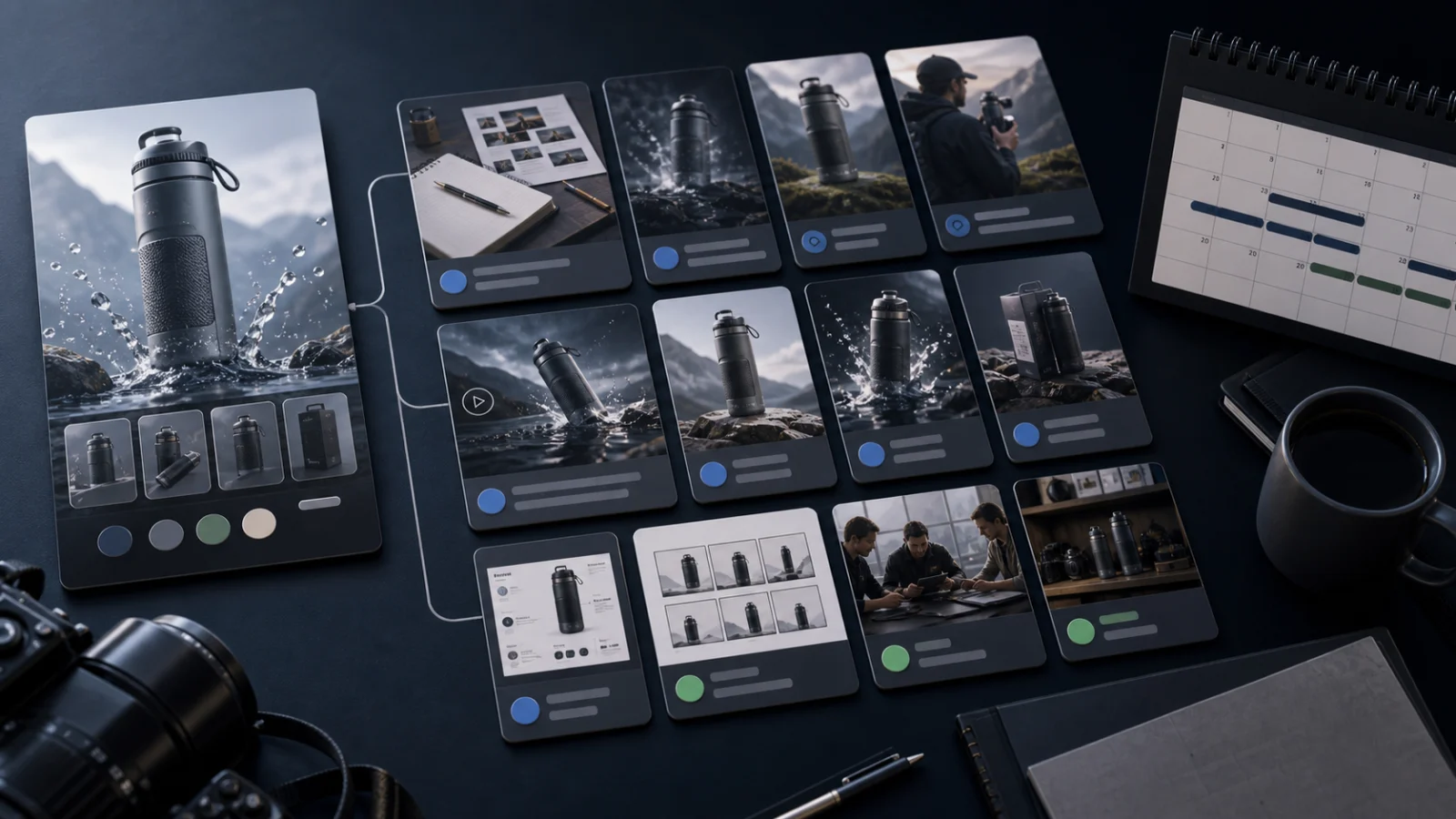
Quick answer: what is an AI product launch campaign?
An AI product launch campaign is a structured launch workflow where AI helps turn product context, brand context, and campaign goals into launch assets such as teaser posts, product shots, creator videos, short product videos, founder-led content, marketplace assets, Amazon A+ modules, image ads, captions, and calendar-ready drafts. The strongest workflows include human review before content is published or uploaded.
Why product launches need a campaign, not random posts
Many ecommerce product launches fail at the content level before they fail at the product level.
The brand creates a launch post, adds a few images, maybe runs an ad, and hopes buyers understand the value.
That is not enough.
A buyer usually needs to see the product from multiple angles:
- What is it?
- Who is it for?
- Why should I care?
- How does it solve my problem?
- What does it look like in use?
- What makes it different?
- Is it worth the price?
- Can I trust the brand?
- What should I do next?
One post cannot answer all of this.
A launch campaign should tell the product story over time.
What AI can help with during a product launch
AI can help ecommerce teams create many launch assets faster.
| Launch asset | How AI can help | What humans should review |
|---|---|---|
| Teaser posts | Draft hooks, captions, curiosity angles | Whether the tease is clear and on-brand |
| Product shots | Generate studio, lifestyle, macro, or in-use visuals | Product accuracy and visual realism |
| Creator-style videos | Generate scripts and avatar-led product explainers | Claims, tone, avatar fit, product truth |
| Product videos | Generate short reveal, product-in-use, or ad videos | Motion accuracy and implied functionality |
| Launch campaign plan | Build a 3, 5, 7, or 30-day content sequence | Strategy, timing, and offer |
| Image ads | Create promotional concepts with headline/CTA direction | Offer accuracy and platform fit |
| Founder-led content | Turn founder perspective into launch storytelling | Authenticity, voice, and consent |
| Marketplace assets | Plan listing images and supporting visuals | Marketplace rules and upload readiness |
| Amazon A+ content | Draft storyboards and visual module ideas | Product accuracy and Amazon fit |
| Calendar drafts | Arrange content across launch phases | Timing, channel mix, and approval status |
AI should create a stronger starting point. It should not remove the launch owner’s judgment.
The 30-day product launch content framework
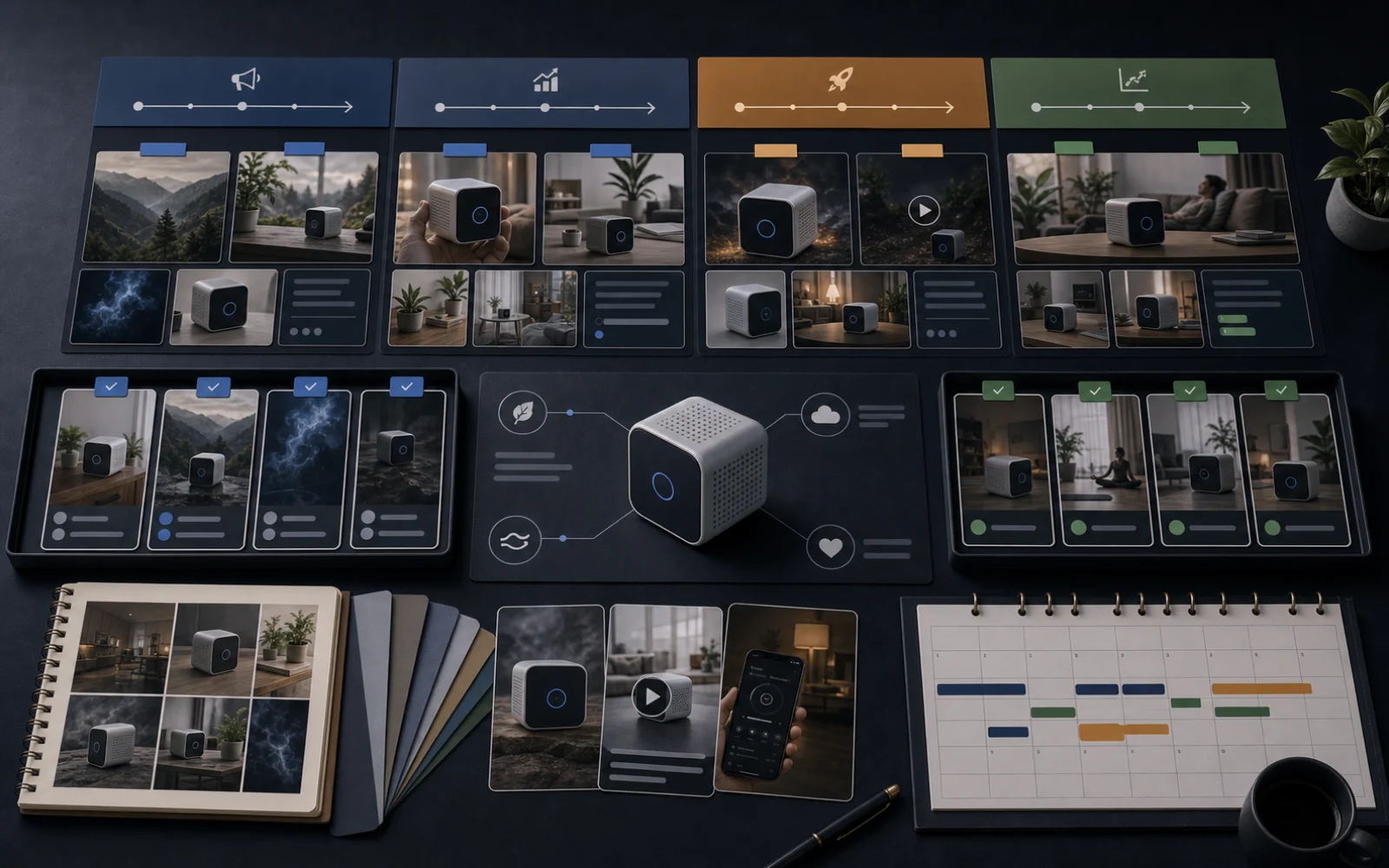
A 30-day launch workflow can be split into four stages.
| Stage | Timing | Goal |
|---|---|---|
| Pre-launch setup | Days -30 to -15 | Prepare product story, assets, and campaign direction |
| Warm-up | Days -14 to -7 | Build curiosity and educate early audiences |
| Launch push | Days -6 to 0 | Drive attention, explain value, and push action |
| Post-launch follow-up | Days +1 to +14 | Answer objections, show use cases, reuse assets, and improve conversion |
The exact timing can change, but the structure is useful.
A launch is not only launch day. It is the story around launch day.
Stage 1: Pre-launch setup
The first stage is about preparing the foundation.
Before creating content, the team should define:
- product name
- product category
- target customer
- main buyer problem
- product promise
- key benefits
- proof points
- launch offer
- campaign goal
- content channels
- visual direction
- review owner
- launch date
This is where AI can help turn scattered product notes into a structured campaign brief.
Pre-launch AI tasks
AI can help create:
- launch positioning options
- audience segments
- product benefit hierarchy
- customer objection list
- campaign theme ideas
- launch hooks
- product education angles
- visual direction options
- launch calendar structure
But humans should decide the final strategy.
AI can suggest the launch story. The team should own the launch decision.
Stage 2: Warm-up content
Warm-up content builds interest before the product is available or before the main push starts.
Good warm-up content does not reveal everything immediately.
It creates familiarity.
Warm-up content can include:
- problem-led posts
- behind-the-scenes content
- founder notes
- category education
- “coming soon” visuals
- product detail teasers
- audience polls
- waitlist posts
- use-case previews
- short product hints
The goal is to prepare the buyer before asking for action.
Warm-up content examples
For a new compact kitchen organizer, warm-up content could include:
- “The drawer problem nobody fixes properly.”
- A close-up teaser of the product material.
- A founder post about why the product was built.
- A carousel showing common storage mistakes.
- A short lifestyle image showing the before-state.
- A poll asking customers what they struggle to organize.
AI can help turn one product insight into multiple warm-up angles.
Stage 3: Launch push content
Launch-week content should be clearer and more direct.
This is where the brand explains:
- what the product is
- why it exists
- what problem it solves
- what makes it different
- how to buy it
- whether there is an offer
- what content assets support the decision
Launch push content can include:
- product reveal post
- product shots
- creator-style product video
- short product ad video
- image ad
- founder-led launch video
- product-in-use image
- comparison visual
- benefit carousel
- launch email creative
- marketplace listing refresh
- Amazon A+ content where relevant
The goal is to convert curiosity into action.
Stage 4: Post-launch follow-up
Many brands stop too early.
After launch day, buyers still have questions.
Post-launch content should handle:
- objections
- use cases
- reviews or reactions
- product education
- comparison
- care or setup
- “how to use” content
- founder follow-up
- customer FAQs
- retargeting ad assets
- marketplace asset improvements
Post-launch content is where the brand learns what buyers actually respond to.
AI can help turn comments, questions, and early feedback into follow-up content ideas.
30-day ecommerce launch content calendar
Here is a practical 30-day structure.
| Timing | Content focus | Example assets |
|---|---|---|
| Day -30 | Campaign brief | Product promise, audience, goal, offer |
| Day -28 | Product story | Founder note, category problem |
| Day -25 | Visual direction | Moodboard, product shot plan |
| Day -21 | Product education | Buyer problem post, carousel outline |
| Day -18 | Asset planning | Product shots, video concepts, ad angles |
| Day -14 | Warm-up begins | Teaser post, behind-the-scenes visual |
| Day -12 | Problem content | Pain point post or short video |
| Day -10 | Product hint | Detail shot, close-up, partial reveal |
| Day -8 | Founder context | Why we built this |
| Day -7 | Use-case preview | Lifestyle image or short clip |
| Day -5 | Product reveal prep | Hero image, launch caption drafts |
| Day -3 | Social proof angle | Early reaction, testimonial-style script |
| Day -2 | Launch reminder | Countdown post, email/social draft |
| Day 0 | Launch day | Product reveal, video, ad, CTA |
| Day +1 | Benefit deep dive | Carousel or product education video |
| Day +3 | Objection answer | FAQ post, comparison visual |
| Day +5 | Product-in-use | Lifestyle or demo video |
| Day +7 | Founder follow-up | What customers asked after launch |
| Day +10 | Retargeting asset | Short product ad or creator-style video |
| Day +14 | Review and refresh | Improve assets, update content plan |
This calendar does not need to be rigid. It gives the team a structure to adapt.
Product launch planning often spans branding, marketing, distribution, launch-day execution, and post-launch follow-up. Ecommerce-specific launch checklists also point to the need for promotional assets such as product photos, demo videos, descriptions, FAQs, and sales scripts.
What content formats should a launch include?
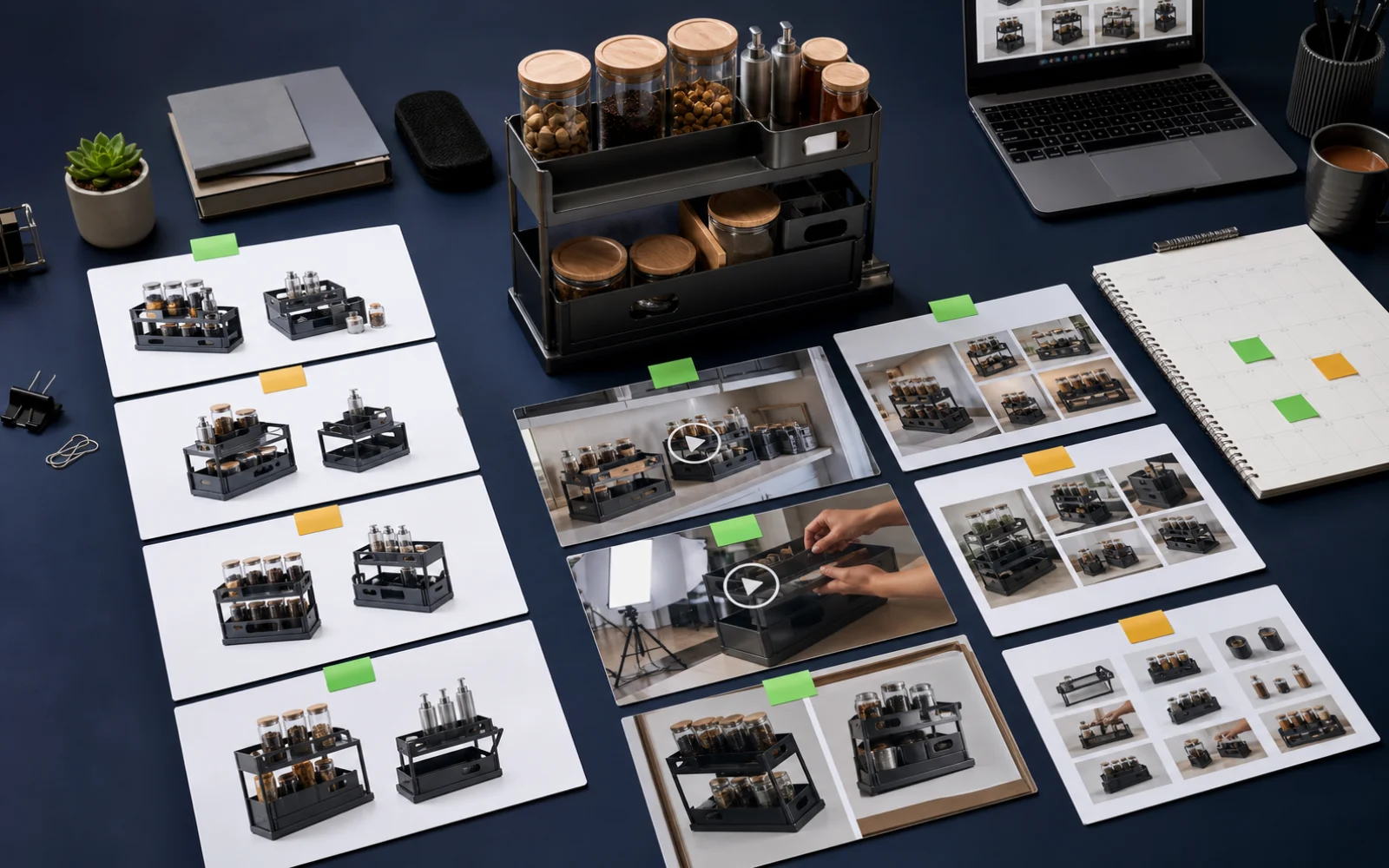
A good launch campaign should include a mix of formats.
Product images
Product images help buyers see the product clearly.
Useful launch images include:
- studio shots
- lifestyle shots
- macro/detail shots
- product-in-use scenes
- flat lays
- environmental shots
- hero product images
Product videos
Product videos show motion, sequence, reveal, or use case.
Useful launch videos include:
- product reveal
- product-in-use
- feature demo
- cinematic short ad
- packaging reveal
- launch teaser
Creator-style videos
Creator-style videos explain the product in a human voice.
Useful angles include:
- problem-solution
- testimonial-style
- product education
- lifestyle
- founder story
- social proof
Campaign images
Campaign images help keep the launch visually consistent.
They can include:
- image ads
- social graphics
- promotional visuals
- sale reminders
- benefit panels
- campaign hero assets
Marketplace and Amazon assets
If the product sells on marketplaces, the launch workflow may also need:
- marketplace listing image set
- updated listing copy
- Amazon A+ content
- product title or highlights review
- downloadable assets for upload
Founder-led content
Founder content works well when the founder is part of the brand story.
Useful formats include:
- launch explanation
- behind-the-scenes note
- product origin story
- customer problem story
- short founder video
AI product launch campaign checklist
Before generating launch content, define:
Product
- Product name
- Category
- Images
- Description
- Price or offer
- Variants
- Main benefits
- Use cases
- Buyer objections
Brand
- Voice and tone
- Visual style
- Audience
- Brand promise
- Category position
- Content boundaries
Campaign
- Launch date
- Campaign goal
- Main message
- Channels
- Offer
- Asset list
- Review owner
- Approval deadline
Content
- Social posts
- Product shots
- Product videos
- Creator videos
- Image ads
- Campaign visuals
- Marketplace assets
- Amazon A+ content
- Founder-led content
- Calendar schedule
Review
- Product accuracy
- Claims
- Pricing
- Visual realism
- Marketplace fit
- Platform format
- Brand tone
- Approval status
What AI should not decide alone
AI should not independently decide:
- final product claims
- final pricing
- discount language
- health, beauty, safety, or performance promises
- legal or marketplace-sensitive copy
- customer testimonials
- inventory claims
- final publishing schedule
- final offer terms
These need human review.
AI can draft options. Humans should approve launch-critical decisions.
AI-generated ecommerce content also needs responsible-use review around transparency, privacy, fairness, and customer trust.
The mistake: creating launch assets one by one
Many teams create launch assets in separate tools.
A typical DIY launch stack might include:
- AI writing tool for captions
- image generator for visuals
- video tool for product ads
- avatar tool for UGC-style videos
- design tool for ads
- spreadsheet for launch calendar
- drive folder for assets
- Slack or email for approval
- scheduler for publishing
- marketplace tools for listing images
This works, but it creates handoff friction.
The team spends time moving assets, re-explaining product context, checking versions, and remembering what has been approved.
A launch campaign needs coordination. Tool stitching makes coordination harder.
A better AI launch workflow
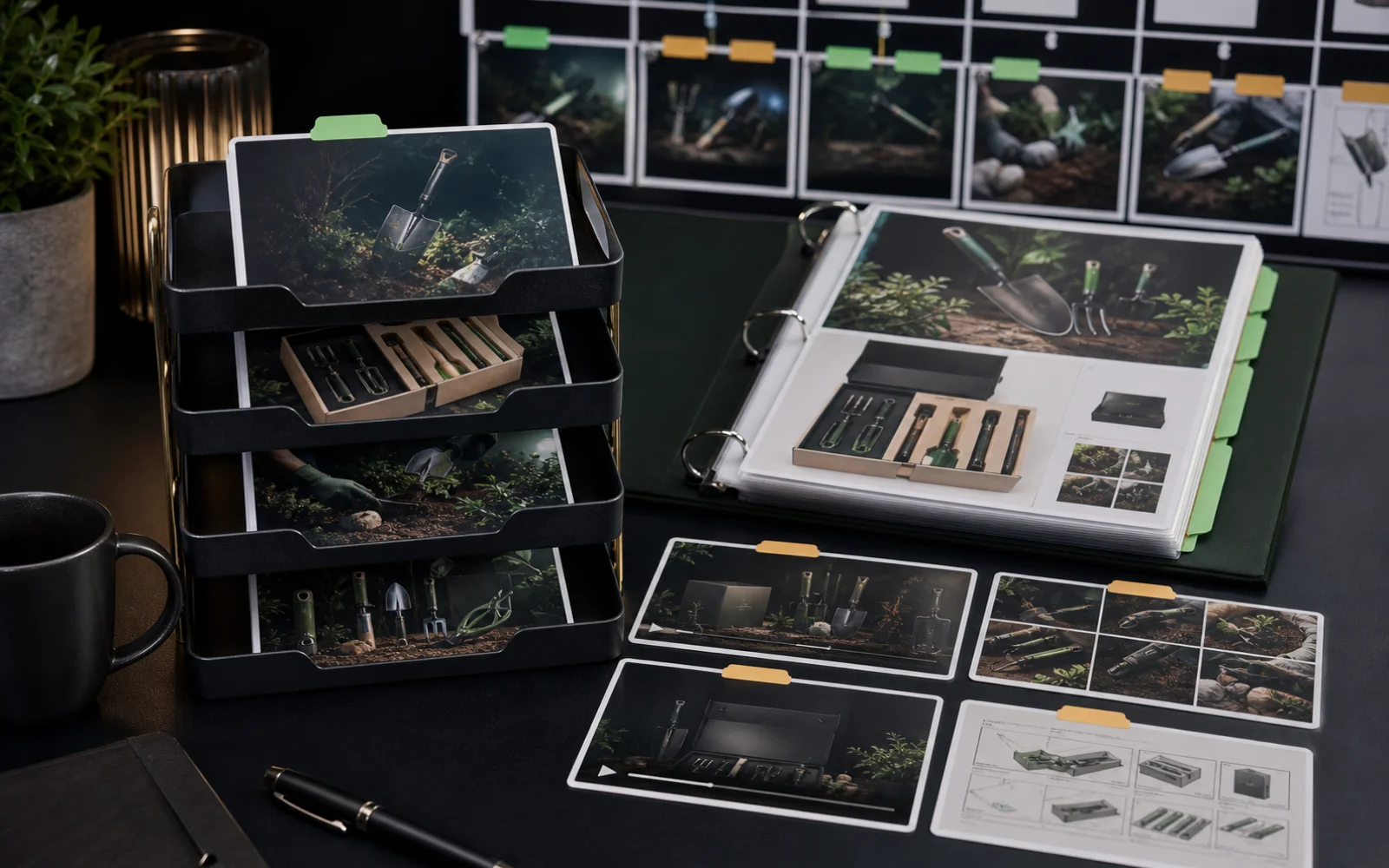
A stronger workflow looks like this:
- Build or refresh brand context.
- Select the product.
- Define campaign goal.
- Plan the campaign before generating assets.
- Review the campaign plan.
- Generate launch assets.
- Review content and visuals.
- Save approved assets.
- Schedule content on the calendar.
- Improve post-launch assets based on feedback.
This is the difference between AI content generation and AI campaign operations.
How AgenixSocial supports product launch campaigns
AgenixSocial supports product launch campaigns by connecting brand context, product context, content generation, review, media storage, and scheduling.
Brand DNA gives the campaign reusable brand context.
Products gives the workflow product details and product images.
Campaigns lets users plan product or brand campaigns before generating assets.
Product Shots can create launch visuals such as studio, lifestyle, flat lay, in-use, macro, or environmental product images.
AI Creator Videos can create creator-style product videos with selected message angles and editable scripts.
Video can create product-led short ads.
Image Ads can create promotional ad visuals.
Marketplace Listing Studio can help sellers create image sets for marketplace launch or refresh workflows.
Amazon A+ Studio can help Amazon sellers create storyboard-led A+ assets.
Approval Queue, Media Library, and Calendar help the team review, organize, and schedule assets after generation.
AgenixSocial gives ecommerce teams a stronger starting point by grounding workflows in reusable brand and product context. Teams still review final assets for product accuracy, claims, marketplace fit, and brand tone before publishing or uploading.
Example: one product launch inside AgenixSocial
A D2C brand launches a new outdoor hydration accessory.
The workflow could look like this:
- Brand DNA defines voice, tone, audience, and visual direction.
- The product is selected from Products.
- Campaigns creates a 7-day product campaign plan.
- Product Shots creates lifestyle and detail images.
- AI Creator Videos creates a problem-solution video.
- Video creates a product reveal short ad.
- Image Ads creates launch promotional visuals.
- The team reviews assets in Approval Queue.
- Approved assets are saved to Media Library.
- Calendar schedules launch content across the campaign window.
- Post-launch questions become follow-up content.
The result is not a pile of AI assets. It is a launch workflow.
AI product launch campaign vs generic AI posts
| Question | Generic AI posts | AI product launch workflow |
|---|---|---|
| Starting point | Prompt or topic | Product and brand context |
| Output | Individual posts | Campaign sequence |
| Visuals | Separate image tool | Product shots and campaign assets |
| Video | Separate video tool | Product-led and creator-style video workflows |
| Review | Usually manual elsewhere | Approval step |
| Scheduling | Separate calendar or scheduler | Connected calendar workflow |
| Asset storage | Folders and downloads | Media Library |
| Best for | One-off content | Coordinated product launches |
FAQ
What is an AI product launch campaign?
An AI product launch campaign uses AI to help plan, create, review, and schedule the content needed for an ecommerce product launch. It can include posts, product images, videos, ads, marketplace assets, Amazon A+ content, and calendar-ready drafts.
Can AI plan a product launch campaign?
AI can help draft campaign plans, content calendars, launch angles, hooks, product education posts, and asset lists. Humans should still decide the final strategy, timing, offer, claims, and publishing plan.
What content should an ecommerce product launch include?
A strong launch may include teaser posts, product shots, product videos, creator-style videos, founder-led content, image ads, marketplace image sets, Amazon A+ content, launch emails, and post-launch objection-handling content.
How long should an ecommerce product launch campaign be?
Many brands benefit from a 30-day structure that includes pre-launch planning, warm-up content, launch-week content, and post-launch follow-up. Smaller launches can use shorter 3, 5, or 7 day campaigns.
Can AI create product launch social posts?
Yes. AI can help create launch captions, hooks, carousels, product education posts, founder story posts, and social ad copy. These should still be reviewed for product accuracy and brand tone.
Can AI create product launch images and videos?
Yes. AI can help create product shots, lifestyle visuals, product videos, creator-style videos, and ad images. Teams should review visual accuracy, claims, and campaign fit before publishing.
What should humans review in an AI product launch campaign?
Humans should review product accuracy, pricing, claims, offer language, visual realism, brand tone, marketplace fit, channel format, approval status, and final publishing timing.
How does AgenixSocial support product launch campaigns?
AgenixSocial connects Brand DNA, Products, Campaigns, Product Shots, AI Creator Videos, Video, Image Ads, Marketplace Listing Studio, Amazon A+ Studio, Approval Queue, Media Library, Calendar, and pay-as-you-go credits inside one product-aware workspace.
Conclusion
A product launch is not a single post.
It is a sequence of messages, visuals, videos, assets, approvals, and follow-ups that help buyers understand and trust the product.
AI can help ecommerce teams move faster, but only if the workflow starts from product context and brand context.
The strongest AI launch workflow plans first, generates second, reviews carefully, and schedules only after approval.
That is where AgenixSocial fits.
It helps teams move from product to campaign plan to content assets to approval to calendar, without rebuilding the launch workflow across disconnected tools.