AI Social Media Automation for Ecommerce Brands: From Product Catalog to Approved Calendar
AI social media automation helps brands create, organize, schedule, and publish social content with less manual work.
For ecommerce brands, that sounds attractive immediately.
A product goes live. A campaign needs posts. A launch needs teasers. A marketplace listing needs supporting social content. A founder wants to announce something. The team needs images, captions, videos, carousels, and a calendar.
The problem is that many AI social media automation tools start from the wrong place.
They start from a prompt.
Ecommerce content should start from the product.
Quick answer: what is AI social media automation?
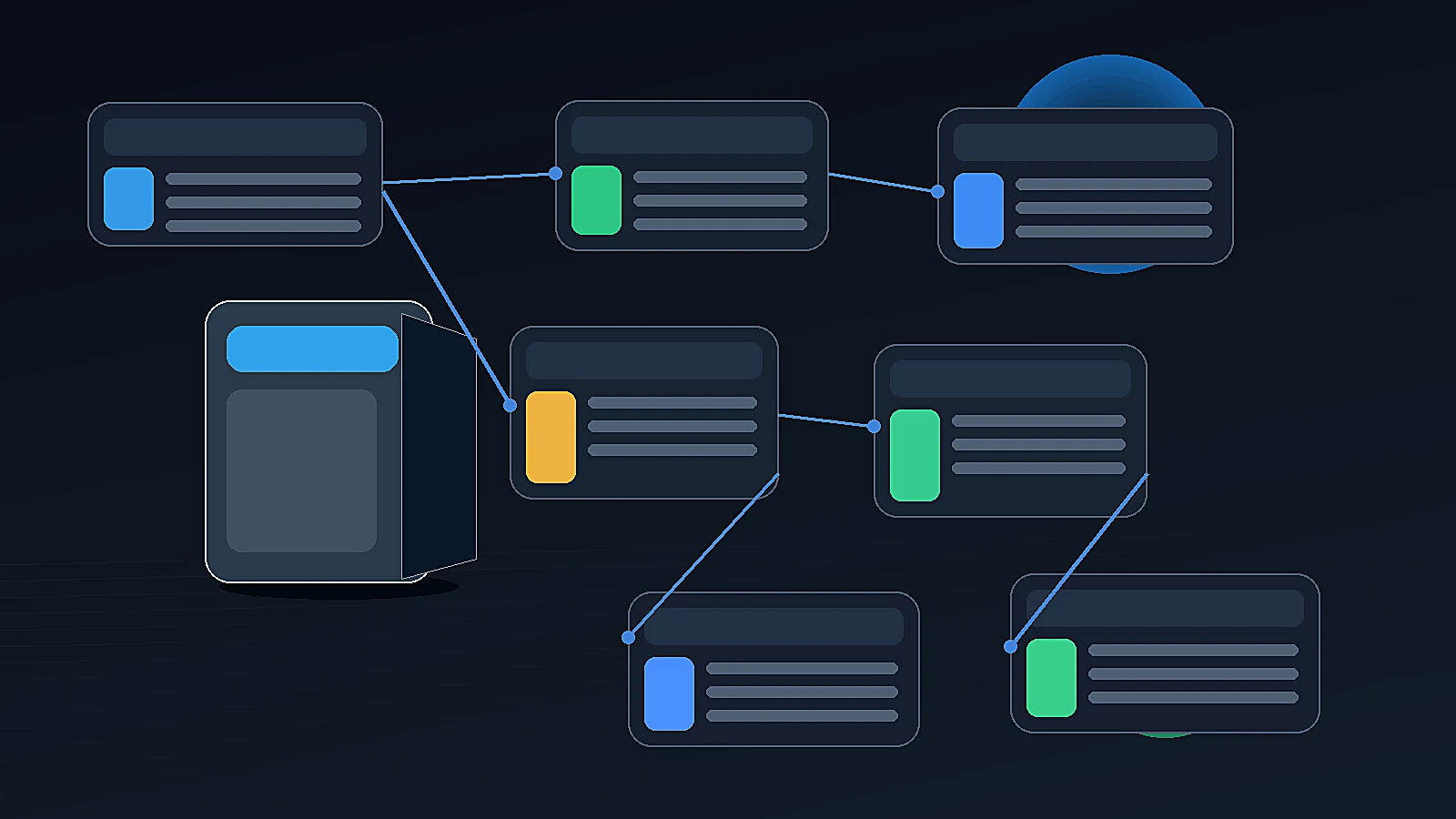
AI social media automation is the use of AI-assisted tools or workflows to create, adapt, organize, schedule, and sometimes publish social media content. For ecommerce brands, the best workflows go beyond captions and hashtags. They use brand context, product catalog data, product visuals, campaign goals, approval steps, media storage, and a content calendar so social content stays accurate, on-brand, and product-aware.
Why ecommerce social media automation is different
Generic social media automation usually focuses on speed.
Create a post. Generate a caption. Suggest hashtags. Resize for platforms. Schedule it.
That is useful. But ecommerce content has a different job.
A product-led social post has to answer questions like:
- What product is being promoted?
- What does the product do?
- Who is it for?
- Which image or video should represent it?
- Is the price, variant, or offer correct?
- Does the content match brand tone?
- Is the post part of a campaign?
- Is it going to Instagram, Facebook, Threads, X, TikTok, YouTube, or somewhere else?
- Does someone need to review it before it goes live?
This is why ecommerce social automation cannot only be about posting more often.
It has to be about creating better product-aware social workflows.
Generic social automation vs ecommerce social automation
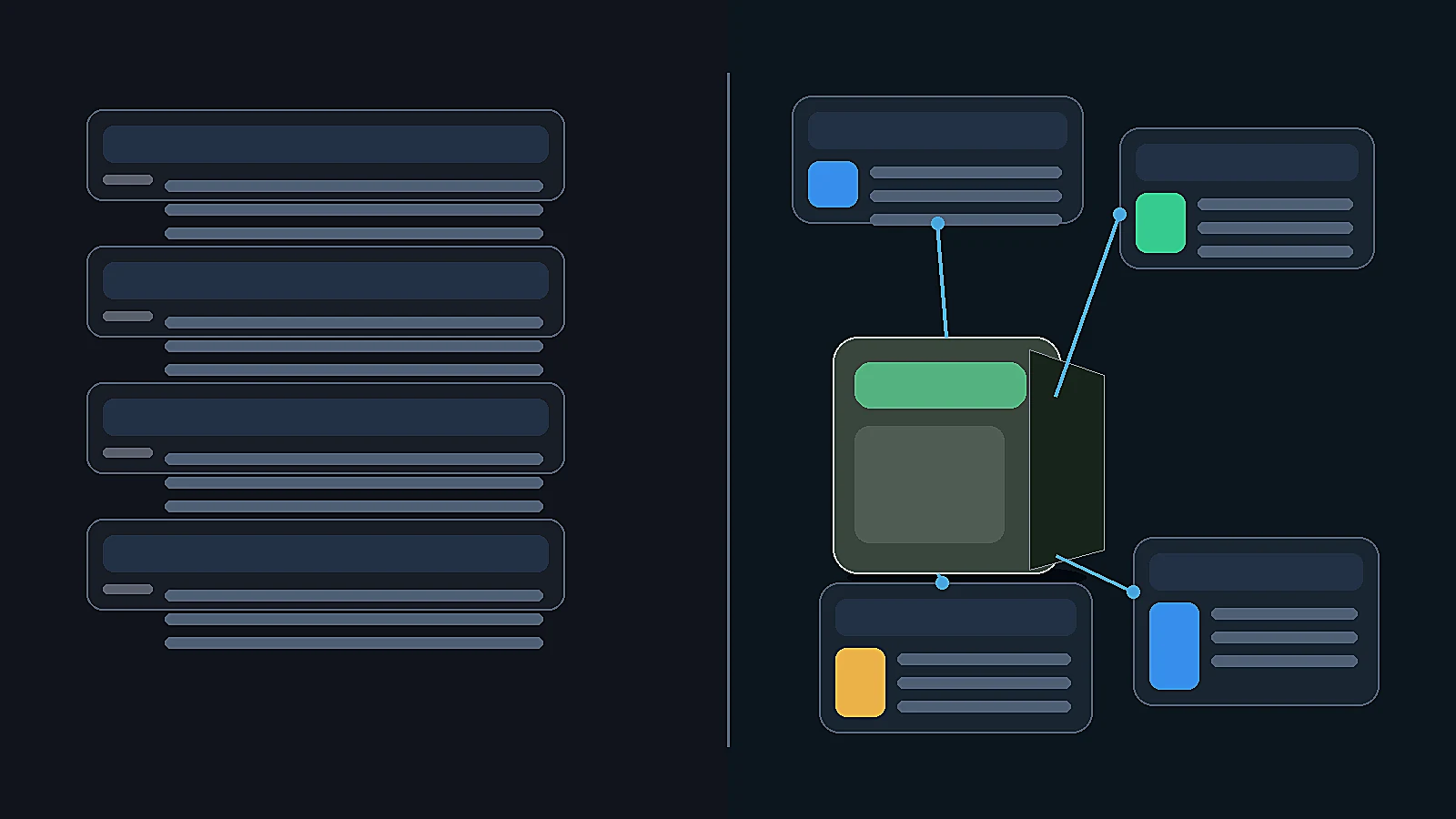
| Area | Generic social automation | Ecommerce social automation |
|---|---|---|
| Starting point | Topic, idea, prompt, or trend | Product catalog and brand context |
| Main output | Captions, hashtags, scheduled posts | Product posts, carousels, visuals, videos, campaigns |
| Brand context | Often a tone field or prompt | Reusable Brand DNA or brand profile |
| Product context | Manually pasted or missing | Product catalog as source of truth |
| Visual workflow | Template or upload-based | Product-aware image/video generation |
| Review | Often optional or external | Approval should be built into workflow |
| Asset storage | Separate folders or platform library | Media Library or organized asset hub |
| Scheduling | Core feature | Connected to product and campaign workflow |
| Best for | General social management | Product-led ecommerce marketing |
The difference is not small. It changes the whole workflow.
What AI can automate in ecommerce social media
AI can help with several parts of ecommerce social content.
| Workflow | What AI can help with | What teams should review |
|---|---|---|
| Product posts | captions, post angles, carousel structure | product accuracy, tone, offer details |
| Product images | lifestyle scenes, product-in-use ideas, creative directions | visual accuracy, brand fit, product realism |
| Creator-style videos | scripts, hooks, talking points, avatar-led concepts | claims, product demonstration, language |
| Campaign planning | 3-day, 5-day, 7-day or launch sequences | timing, product priority, campaign goal |
| Platform adaptation | different copy lengths and creative directions | platform fit, crop, format, CTA |
| Scheduling | draft calendar slots and posting rhythm | final timing, approval status |
| Repurposing | turn one product idea into multiple posts | repetition, accuracy, audience relevance |
The rule is simple:
AI should reduce repetitive work. Humans should still review judgment-heavy decisions.
What should not be fully automated
Not every part of social media should be handed over to automation.
Ecommerce teams should be careful with:
- product claims
- prices and offers
- medical, beauty, nutrition, or safety claims
- marketplace-related claims
- customer testimonials
- discount urgency
- influencer/creator-style scripts
- before-after content
- product comparison claims
- final publishing approval
AI can draft. AI can suggest. AI can speed up the starting point.
But a product post still needs a human check before it reaches customers.
The product catalog should be the starting point
Most AI social tools ask the user to type an idea.
That works for generic posts.
For ecommerce, the stronger starting point is the product catalog.
A product catalog gives the workflow:
- product name
- product images
- description
- price
- variants
- use cases
- materials or ingredients
- product bullets
- positioning
- category context
Without this, the social post can sound good but fail to say anything useful.
A caption like “Upgrade your everyday routine with premium quality” could describe almost anything.
A product-aware post can explain what the product actually does, who should use it, how it solves a problem, and why the buyer should care.
Brand context matters just as much
Product context keeps content accurate.
Brand context keeps it recognizable.
An ecommerce team should not have to re-explain the brand every time it creates a post.
A strong AI social workflow should understand:
- voice and tone
- audience
- visual direction
- brand positioning
- content boundaries
- platform preferences
- past social content
- campaign themes
Without brand context, AI social posts often drift into generic category language.
That is how a premium home brand starts sounding like a discount gadget store, or a serious skincare brand starts sounding like a meme page with moisturizer.
The problem with DIY AI social automation
Many teams try to build their own workflow.
A common DIY stack looks like this:
- Product data in Shopify or a spreadsheet.
- ChatGPT or Claude for captions.
- Image generator for visuals.
- Video tool for creator-style content.
- n8n, Make, or Zapier for automation.
- Google Drive for assets.
- Buffer, Later, Hootsuite, or native tools for scheduling.
- Slack, email, or Notion for approvals.
This can work. It can also become a lot of maintenance.
The hidden friction usually shows up in five places.
1. Repeated context
The writing tool needs brand context. The image tool needs product context. The video tool needs script direction. The scheduler needs final assets.
The same information gets copied again and again.
2. Asset movement
Images and videos are generated in separate tools, downloaded, renamed, uploaded, reviewed, and scheduled.
The workflow becomes file management.
3. Platform formatting
Each platform has its own style, crop, caption length, format, and audience expectation.
The team still needs to check the final output.
4. Approval gaps
Generated content may move too fast unless there is a review step.
This is risky for product details, claims, prices, and visual accuracy.
5. Subscription sprawl
Writing, image, video, automation, and scheduling tools can each become a separate monthly cost.
At first, each tool looks affordable. Together, they become a stack.
A better ecommerce social automation workflow
A practical ecommerce social workflow should look like this:
- Start with brand context.
- Select the product.
- Choose the content goal.
- Pick the output type.
- Generate social content from product context.
- Create or attach visuals and videos.
- Review the draft.
- Save approved assets.
- Schedule content on a calendar.
- Learn from performance and reuse useful patterns.
This is different from “generate 10 captions.”
It is a content operating workflow.
Social automation should support campaigns, not only posts
A single post is useful.
A campaign is more valuable.
Ecommerce teams often need sequences:
- teaser post
- product reveal
- benefit explanation
- founder story
- customer objection answer
- lifestyle use case
- creator video
- comparison post
- offer reminder
- post-launch follow-up
AI social automation should help organize these sequences.
A product launch does not need random posts. It needs a planned story.
Example: turning one product into a week of content
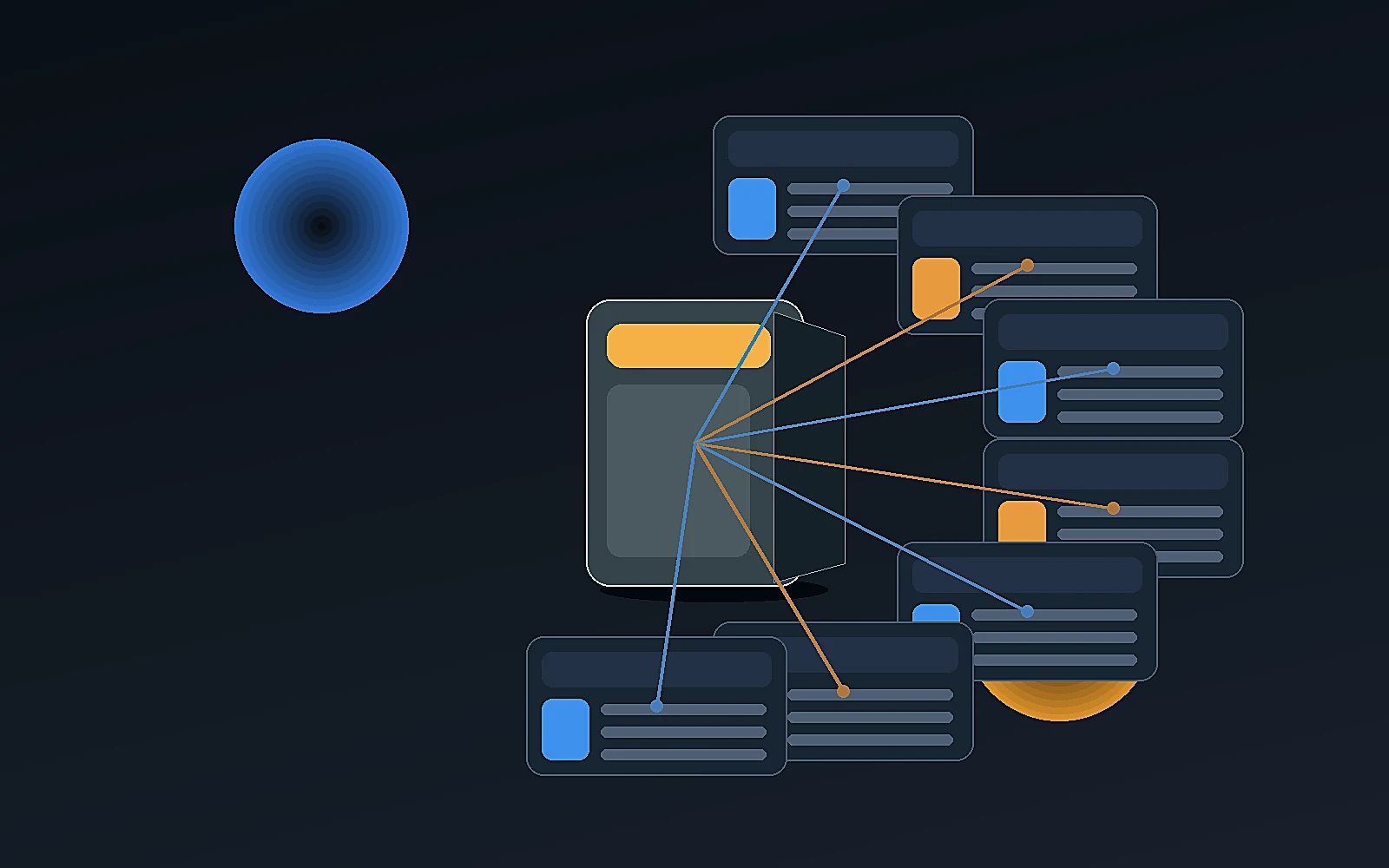
Imagine a brand launching a compact cycling safety light.
A generic AI tool might create five captions.
A product-aware workflow can create a full sequence:
| Day | Content type | Purpose |
|---|---|---|
| Day 1 | Product teaser image | Create curiosity |
| Day 2 | Founder/product story | Explain why the product exists |
| Day 3 | Product-in-use visual | Show the use case |
| Day 4 | Creator-style video | Explain benefit in a human voice |
| Day 5 | Detail shot | Show build quality |
| Day 6 | Objection answer | Address battery, size, compatibility |
| Day 7 | Offer or launch reminder | Drive action |
That is the difference between post automation and campaign automation.
What to look for in an AI social media automation tool
Ecommerce teams should look beyond caption generation.
Use this checklist:
Product context
- Can the tool use real product data?
- Can it work from product images?
- Can it create content for specific products?
- Can it support product variants or use cases?
Brand context
- Can it store reusable brand voice?
- Can it preserve tone across posts?
- Can it learn from brand history?
- Can it avoid generic category language?
Content formats
- Can it create image posts?
- Can it create carousels?
- Can it support product visuals?
- Can it support creator-style videos?
- Can it help with campaigns?
Workflow
- Does it include approval?
- Does it save generated assets?
- Does it connect to a calendar?
- Does it support scheduling or publishing?
- Does it reduce tool switching?
Cost
- Does it require another monthly subscription?
- Are image/video tools separate?
- Are credits clear before generation?
- Can usage scale up and down with campaign needs?
How AgenixSocial supports AI social media automation
AgenixSocial is built for product-aware ecommerce content workflows.
Brand DNA creates reusable brand context, so teams do not start from zero every time.
Products gives the rest of the platform product catalog context, including product information and product images.
Content Studio supports multiple creation flows, including Quick Post, Campaigns, Product Shots, AI Creator Videos, Video, Image Ads, Marketplace Listing Studio, and A+ Studio.
For social content specifically, Quick Post helps turn one product into a product-led image, product + person visual, or carousel. Campaigns helps teams build product or brand campaigns before generating assets.
AgenixSocial also includes Approval Queue, Calendar, and Media Library, so the workflow does not stop at generation.
The practical flow is:
- Build Brand DNA.
- Use product catalog context.
- Create product-aware social content.
- Review the output.
- Save useful assets.
- Schedule content on the calendar.
- Publish or download as needed.
AgenixSocial gives ecommerce teams a stronger starting point by grounding workflows in reusable brand and product context. Teams still review final assets for product accuracy, claims, marketplace fit, and brand tone before publishing.
AI social automation: DIY stack vs product-aware workspace
| Question | DIY social automation stack | Product-aware ecommerce workspace |
|---|---|---|
| Where does product context live? | Spreadsheet, prompt, or product page | Product catalog |
| Where does brand context live? | Prompt docs or tool memory | Brand DNA |
| Can it create visuals? | Usually with separate tools | Inside product-aware workflows |
| Can it create videos? | Usually with separate tools | Inside AI Creator Videos / Video workflows |
| Is review built in? | Usually external | Approval Queue |
| Is scheduling connected? | Usually another tool | Calendar |
| Where are assets stored? | Folders and downloads | Media Library |
| Is it built for ecommerce? | Depends on setup | Yes |
| Best for | Technical teams building custom workflows | Ecommerce teams that want lower operational friction |
What still needs human review
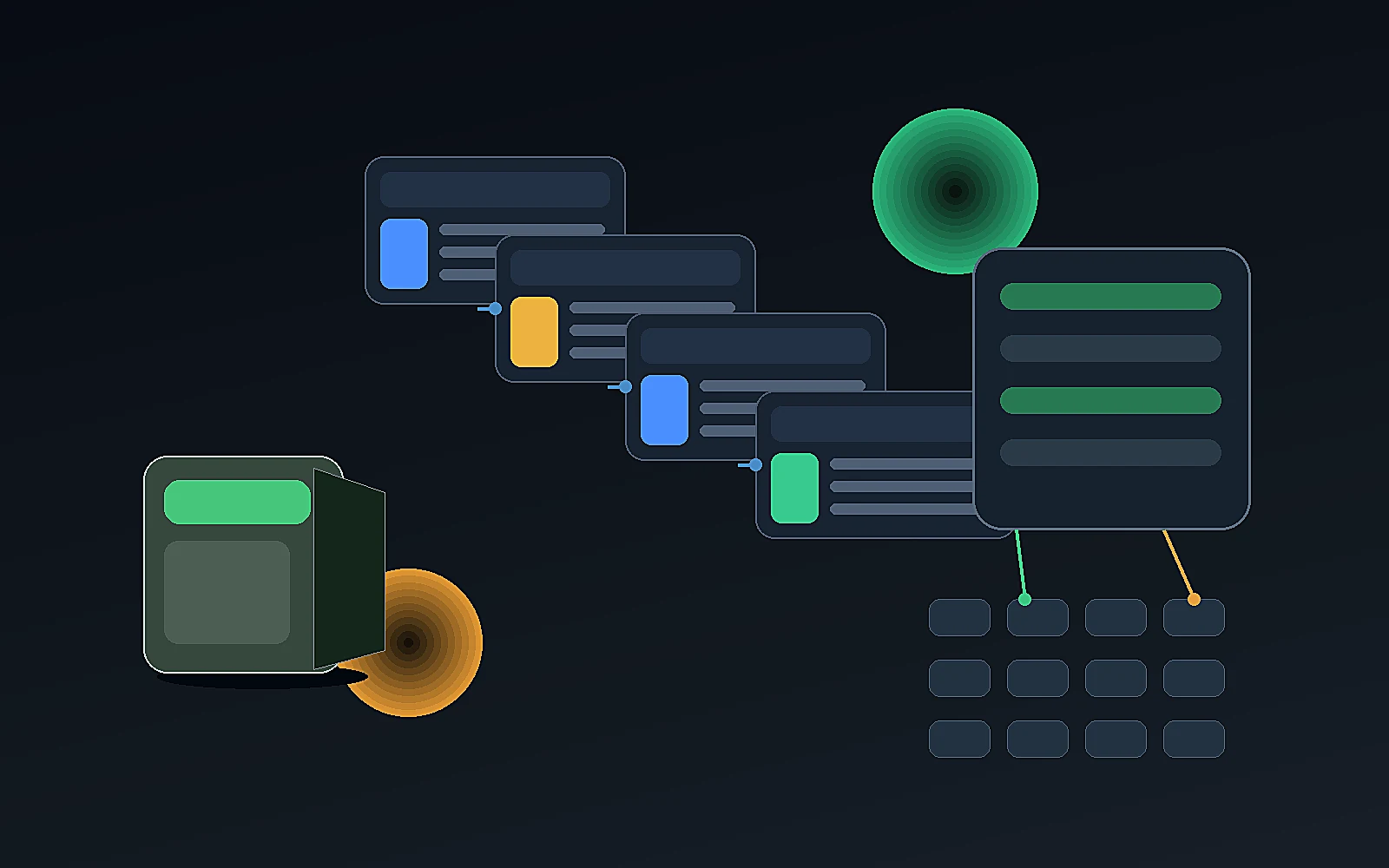
Before publishing AI-generated social content, review:
- product details
- claims
- prices and offers
- spelling
- text overlays
- product image accuracy
- platform crop and format
- brand tone
- CTA
- whether the post fits the campaign sequence
Automation should help the team create faster. It should not bypass judgment.
FAQ
What is AI social media automation?
AI social media automation uses AI to help create, adapt, schedule, organize, and sometimes publish social content. It can include caption generation, post ideas, platform adaptation, image generation, video scripts, campaign planning, and calendar workflows.
Can AI automate social media posts for ecommerce brands?
Yes. AI can help ecommerce brands create product posts, captions, carousels, product visuals, creator-style videos, and campaign sequences. Teams should still review content before publishing.
What is the difference between AI social media automation and scheduling?
Scheduling is only the calendar part. AI social media automation can also include ideation, captions, visuals, video scripts, product posts, campaign plans, approvals, and asset organization.
Why does product catalog context matter?
Product catalog context helps AI create content grounded in what the brand actually sells. Without product context, social posts often sound generic or miss important product details.
Can AI social media automation replace a social media manager?
No. AI can reduce repetitive work and create stronger drafts, but humans still need to review strategy, brand tone, product claims, timing, community response, and final publishing decisions.
What should ecommerce teams not automate fully?
Teams should not fully automate product claims, pricing, customer testimonials, marketplace-sensitive claims, regulated category claims, or final publishing without review.
How does AgenixSocial support social media automation?
AgenixSocial connects Brand DNA, Products, Content Studio, Campaigns, Approval Queue, Calendar, and Media Library so ecommerce teams can create, review, organize, and schedule product-aware social content from one workspace.
Is AI social media automation useful for small brands?
Yes, especially when small teams need more consistent content but cannot manage many separate tools. The workflow should still be simple enough for non-technical users and include human review.
Conclusion
AI social media automation is useful, but ecommerce brands need more than captions and scheduling.
They need product-aware content.
A strong workflow starts with brand context and product catalog data, then turns that context into posts, visuals, videos, campaigns, approvals, assets, and calendar plans.
Generic social tools can help with pieces of the workflow. DIY stacks can connect tools. But ecommerce teams often need a simpler operating system for product-led content.
AgenixSocial is built around that idea: Brand DNA, Products, Content Studio, Campaigns, Approval Queue, Media Library, Calendar, and pay-as-you-go credits working together so teams can create social content without rebuilding the workflow every time.