AI Product Image Automation for Ecommerce: Product Shots, Listing Images, and Marketplace-Ready Assets
AI product image automation helps ecommerce teams create product visuals faster without setting up a physical shoot for every product, campaign, marketplace update, or social post.
But the phrase can be misleading.
Automating product images is not only about removing backgrounds or generating one lifestyle scene.
Ecommerce brands need many kinds of product visuals:
- clean product shots
- lifestyle images
- flat lays
- product-in-use scenes
- macro detail shots
- environmental images
- social post visuals
- image ads
- marketplace listing image sets
- Amazon A+ visual modules
- campaign assets
Each image has a different job.
A product page image is not the same as an Instagram post. A marketplace main image is not the same as an A+ module. A lifestyle image is not the same as a scale image. A product ad is not the same as a clean catalog shot.
So the real opportunity is not just AI product photography.
The real opportunity is product-aware image automation.
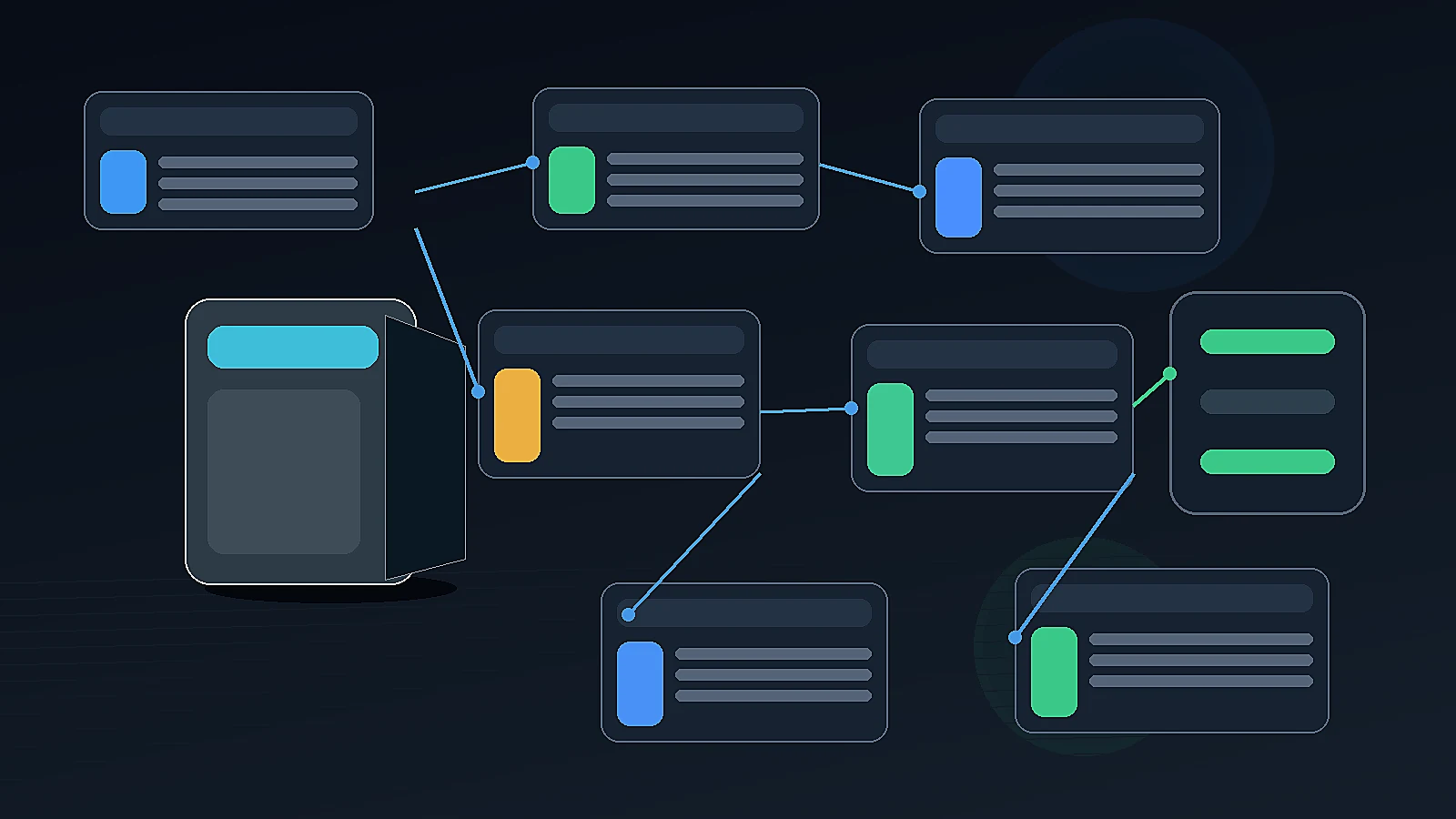
Quick answer: what is AI product image automation?
AI product image automation is the use of AI to create, adapt, review, and organize ecommerce product visuals such as studio shots, lifestyle images, product-in-use scenes, image ads, marketplace listing images, and Amazon A+ visual modules. The strongest workflows start from real product context, choose the right image type, generate review-ready assets, and keep humans in the loop for product accuracy, realism, brand fit, and marketplace requirements.
AI product photography vs product image automation
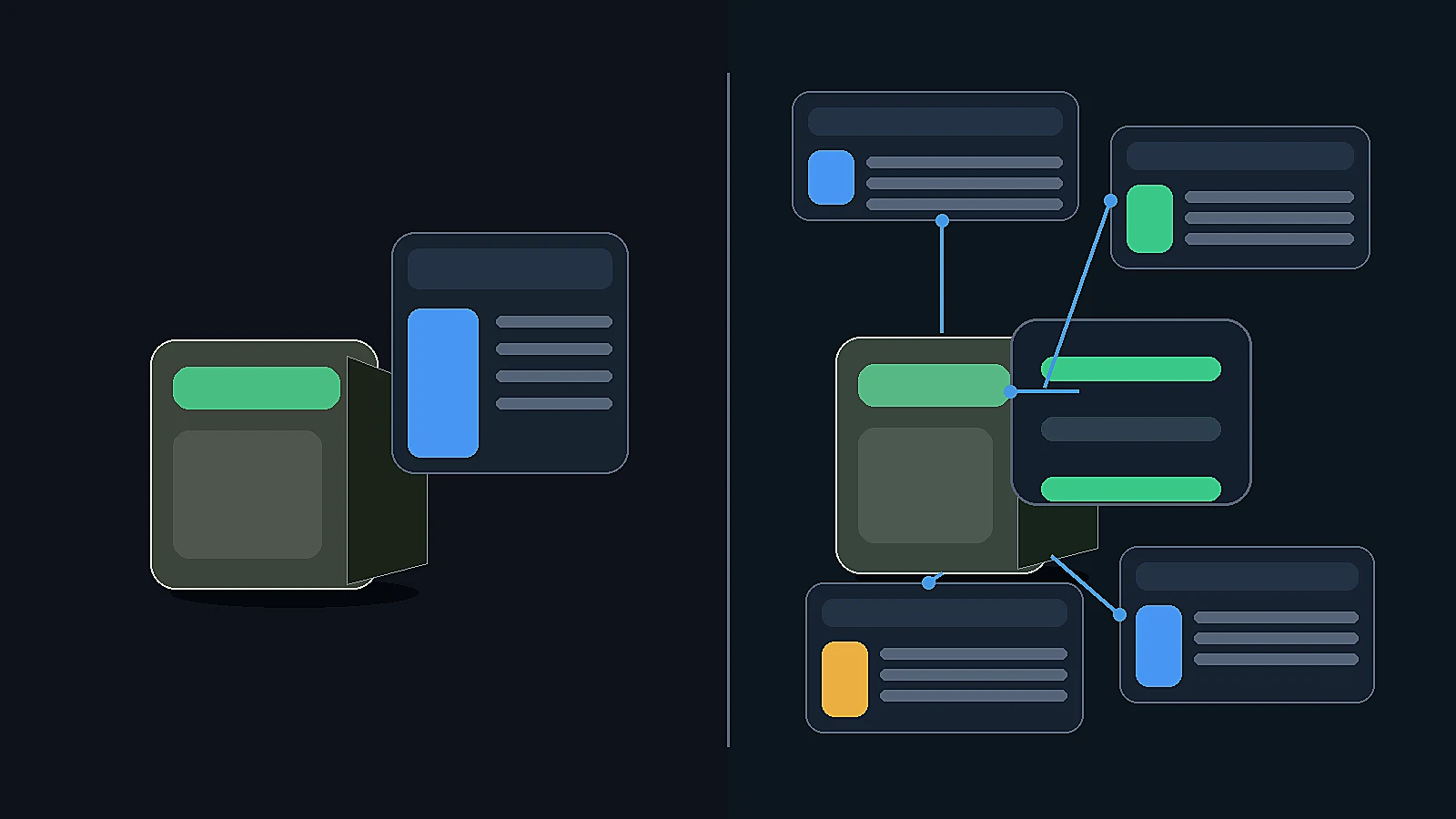
AI product photography usually means using AI to create or edit product photos.
That can include:
- background replacement
- white-background images
- lifestyle scenes
- on-model images
- flat lays
- product shadows
- image cleanup
- studio-style visuals
AI product photography tools are often grouped around ecommerce studios, listing editors, creative suites, and category-specific workflows.
AI product image automation is broader.
It includes the workflow around the image:
- selecting the product
- choosing the image purpose
- matching the channel
- generating the right scene type
- creating a full image set
- reviewing product accuracy
- saving assets
- downloading or exporting
- reusing approved visuals
That difference matters.
A single AI-generated product photo can be useful. But ecommerce teams need systems that produce usable image sets across channels.
Why ecommerce product images need a workflow
Product images affect how shoppers understand the product.
They answer questions such as:
- What does the product look like?
- How big is it?
- What is included?
- How is it used?
- What material or texture does it have?
- What problem does it solve?
- Does it look trustworthy?
- Does it match the price point?
- Can I imagine owning it?
A product description can explain these things, but images do the first layer of persuasion. Shopify's product photography guidance still emphasizes that product photos help customers understand what they get and increase trust in the brand.
That is why ecommerce product image automation should not be treated as a design shortcut. It should be treated as a selling workflow.
The main product image types ecommerce teams need

A strong ecommerce image workflow should support different image jobs.
| Image type | Purpose | Common use |
|---|---|---|
| White studio shot | Show the product clearly | Product pages, marketplace main images |
| Lifestyle shot | Show product in context | Social, PDP gallery, ads |
| Flat lay | Show product arrangement | Social, bundles, kits |
| Product in use | Show function or usage | PDP, ads, marketplace supporting images |
| Macro detail | Show texture, material, or feature | PDP, premium products, technical items |
| Environmental shot | Place product in real surroundings | Campaigns, lifestyle brands |
| Scale image | Show size and proportion | Marketplace listings, product pages |
| Benefit visual | Explain product value | Listing images, ads, carousels |
| Image ad | Promote offer or product | Paid social, campaigns |
| A+ module image | Tell deeper product story | Amazon A+ content |
A generic image generator may create one of these. An ecommerce workflow should help the team choose the right one.
What AI can automate in product images
AI can help with many product image tasks.
Background generation
AI can place products into studio, lifestyle, outdoor, indoor, seasonal, or brand-specific environments.
Scene variation
One product can be shown in several contexts:
- home use
- outdoor use
- office use
- travel use
- gifting
- unboxing
- setup
- detail inspection
Product image sets
AI can help create a sequence of images that work together instead of one isolated visual.
Ad-style visuals
AI can help create promotional images with a specific campaign mood, CTA direction, or offer emphasis.
Marketplace image planning
AI can help plan supporting images for marketplaces, such as benefits, details, scale, and use cases.
A+ content visuals
AI can help turn product storyboards into large-format visual modules.
Variant or campaign refreshes
AI can help create new visuals when the same product needs seasonal, launch, or promotional variations.
What AI should not automate blindly
AI product images should never be accepted without review.
Common risks include:
- wrong product shape
- distorted proportions
- incorrect color
- altered material or texture
- invented buttons, ports, seams, handles, or accessories
- unrealistic scale
- misleading use case
- incorrect packaging
- fake text on labels
- poor hand-object interaction
- marketplace-inappropriate background
- too much text on image
- product details that do not match the real item
Research on product-image background inpainting highlights the need to evaluate product consistency, and research on distinguishing AI-generated images from authentic photos points to artifacts and implausibilities as practical review concerns.
If the generated image changes what the product is, it is not ready.
AI should make product visuals easier to create, not invent a better product than the one being sold.
Why product catalog context matters
AI image generation works better when it starts from product catalog context.
Useful context includes:
- product name
- product images
- description
- price point
- category
- use cases
- materials
- key benefits
- dimensions
- included accessories
- visual style
- target customer
- brand positioning
Without this context, AI may create a beautiful image that does not sell the actual product.
The image might be attractive but wrong.
For ecommerce, wrong is expensive.
A visually polished but inaccurate image can create buyer confusion, return risk, marketplace issues, and brand trust problems.
Product shots for social and ecommerce
Product Shots are useful when the brand needs controlled visuals without organizing a shoot.
Common product-shot styles include:
- white studio
- lifestyle
- flat lay
- in use
- macro detail
- environmental
Each style serves a different role.
A white studio shot helps with product clarity.
A lifestyle shot helps buyers imagine ownership.
A macro shot supports premium perception and product detail.
A flat lay works well for bundles and kits.
An environmental shot helps the brand create campaign mood.
A product-in-use shot helps explain function.
A good workflow should not ask the user to write a long prompt for every image. It should help choose the shot type and use product context to generate a stronger starting point.
Marketplace listing image automation
Marketplace sellers need image sets, not only individual images.
A marketplace image set may include:
- Main image.
- Alternate angle.
- Lifestyle or use-case image.
- Feature or benefit visual.
- Scale image.
- Detail shot.
- Packaging or included-items image.
- Comparison or variant image.
Marketplace rules vary by platform and category. That means sellers should not generate one image set and blindly upload it everywhere.
AI can help create the assets, but sellers still need to review:
- main image rules
- product fill
- background expectations
- aspect ratio
- text overlay rules
- product accuracy
- category requirements
- image quality
- file readiness
The workflow should support marketplace-specific planning and human review before upload.
Product images for Amazon A+ content
Amazon A+ Studio visuals are different from listing images.
Listing images help shoppers inspect the product quickly.
A+ visuals tell a deeper product story.
A+ content may need:
- hero product story modules
- benefit panels
- detail modules
- comparison visuals
- lifestyle storytelling
- brand story modules
- use-case education
- large-format images
AI can help create these visuals, but the best workflow starts with a storyboard.
A+ content should not be a random set of attractive images. It should follow a sequence that helps shoppers understand the product and brand.
Product images for campaigns and ads
Campaign images have a different job again.
They may need to support:
- product launches
- seasonal campaigns
- sales
- bundles
- founder-led stories
- social proof
- retargeting
- product education
- offer reminders
Image ads may need:
- headline direction
- CTA
- promotional badge
- price or offer
- product-first composition
- brand-consistent mood
These images are closer to marketing creative than catalog assets.
They still need product accuracy, but they also need campaign strategy.
AI image automation workflow for ecommerce teams
A practical AI product image workflow should look like this.
Step 1: Select the product
Start with the product catalog, not a blank prompt.
The system should know the product name, images, description, and key details.
Step 2: Choose the image purpose
Decide whether the image is for:
- product page
- marketplace listing
- social post
- ad
- campaign
- Amazon A+ module
- product detail
- scale reference
- lifestyle context
Step 3: Choose the scene type
Pick the right image style:
- studio
- lifestyle
- flat lay
- in use
- macro
- environmental
- ad-style
- marketplace support image
Step 4: Generate the image or image set
Create the draft asset from product context.
For marketplace or A+ workflows, generate the plan or storyboard first when possible.
Step 5: Review for product accuracy
Check:
- shape
- color
- size
- material
- texture
- logo or label
- packaging
- accessories
- use case
- product interactions
Step 6: Review for channel fit
Check:
- aspect ratio
- background
- text rules
- image purpose
- platform crop
- marketplace requirements
- brand style
- campaign goal
Step 7: Save and organize
Approved images should move into a media library or asset system, not random downloads.
Step 8: Download, schedule, or upload
The final image should be ready for its destination:
- product page
- social post
- ad platform
- marketplace upload
- Amazon A+ content
- campaign calendar
- team handoff
AI product image automation checklist
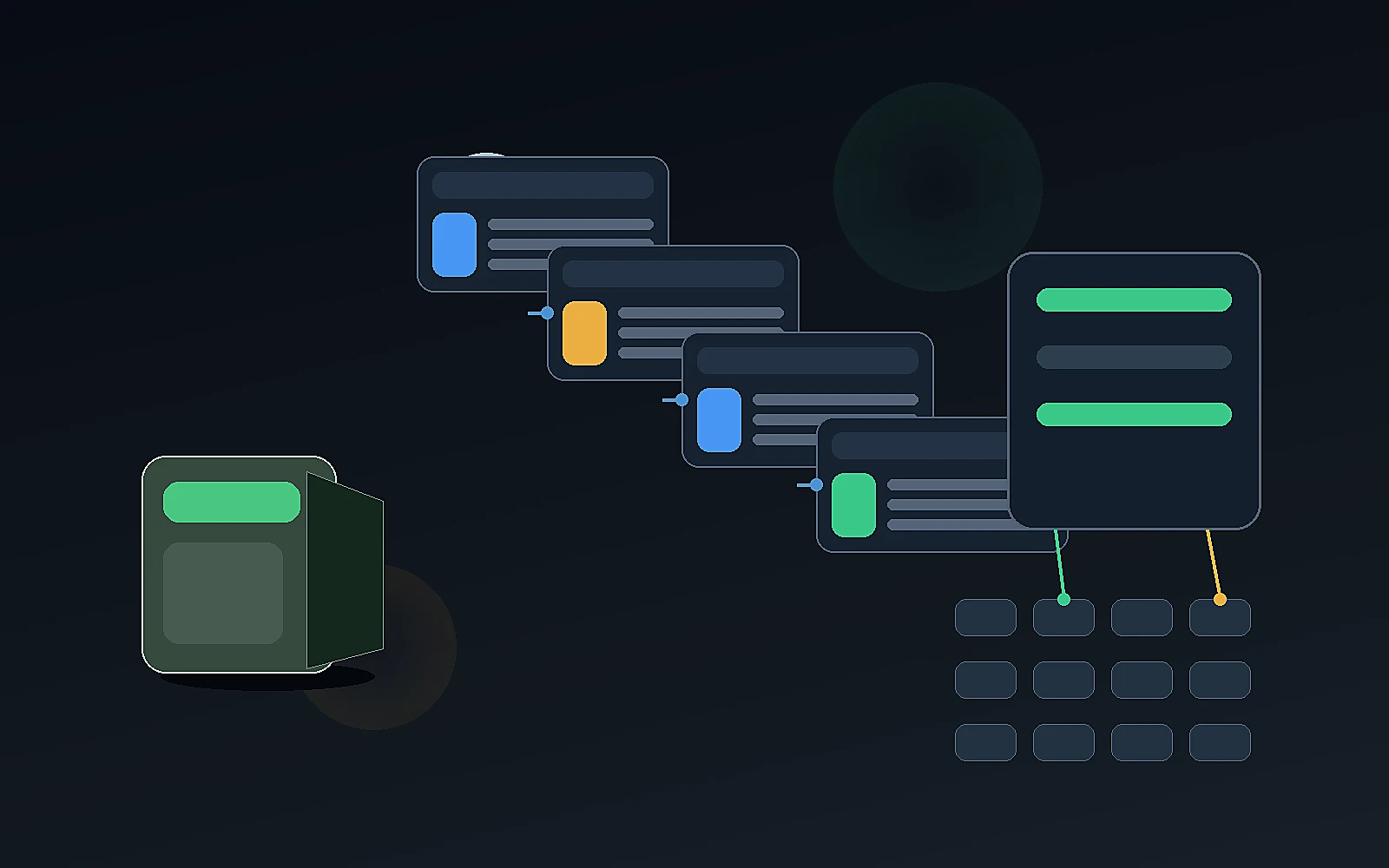
Use this checklist before publishing or uploading AI-generated product visuals.
Product accuracy
- Is the product shape correct?
- Is the product color correct?
- Are materials and textures accurate?
- Are dimensions or scale misleading?
- Are accessories shown correctly?
- Is packaging accurate?
- Are labels or text distorted?
- Does the product match the real item?
Visual quality
- Is the image sharp?
- Is lighting consistent?
- Does the product stand out?
- Are shadows realistic?
- Are hands, people, or props believable?
- Does the scene look natural?
- Are there obvious AI artifacts?
Brand fit
- Does the image match brand tone?
- Does it feel appropriate for the product price point?
- Does it fit the audience?
- Does it align with existing brand visuals?
- Does it avoid generic AI-photo styling?
Channel fit
- Is this for social, PDP, marketplace, ad, or A+?
- Is the ratio correct?
- Is text allowed?
- Is the background appropriate?
- Does the marketplace require a cleaner main image?
- Does the asset need resizing or export changes?
Workflow readiness
- Is the image approved?
- Is it saved in the media library?
- Is the filename clear?
- Is it grouped with the right product?
- Is it ready to download, schedule, upload, or hand off?
AI product image automation vs traditional product photography
AI and traditional photography are not enemies.
They solve different jobs.
| Area | AI product image automation | Traditional product photography |
|---|---|---|
| Speed | Faster variations and drafts | Slower planning and shooting |
| Cost structure | Tool or credit-based | Studio, photographer, model, editing cost |
| Control | Good for scene variation and campaigns | Strong for exact product realism |
| Product accuracy | Needs careful review | Strong when product is physically shot |
| Scale | Useful for many SKUs or campaign variants | More expensive to scale |
| Best for | Lifestyle variations, product shots, ads, marketplace drafts, A+ concepts | Hero shots, exact catalog shots, premium campaigns, physical product proof |
Many ecommerce brands should use both.
Use traditional photography when exact realism is essential.
Use AI product image automation when the team needs speed, variations, campaign imagery, supporting visuals, or marketplace image drafts.
How AgenixSocial supports product image automation
AgenixSocial supports product image automation through multiple connected workflows.
Product Shots helps brands create controlled product visuals such as white studio shots, lifestyle shots, flat lays, product-in-use scenes, macro details, and environmental images.
Products gives the system real product context.
Brand DNA gives the workflow reusable brand context.
Marketplace Listing Studio helps create marketplace image sets from one product, with an editable plan before generation.
Amazon A+ Studio helps create storyboard-led visual modules for Amazon A+ content.
Image Ads helps turn products into promotional creatives with headline, CTA, price, and badge direction.
Media Library helps ecommerce teams save and organize generated assets.
That is important because ecommerce teams do not need one more disconnected image generator. They need a workflow that connects product context, image type, review, asset storage, and destination.
AgenixSocial gives ecommerce teams a stronger starting point by grounding workflows in reusable brand and product context. Teams still review final assets for product accuracy, claims, marketplace fit, and brand tone before publishing or uploading.
DIY image stack vs product-aware image workspace
| Question | DIY AI image stack | Product-aware image workspace |
|---|---|---|
| Where does product context live? | Prompt, folder, product page, or spreadsheet | Product catalog |
| Where does brand context live? | Prompt or brand guide | Brand DNA |
| Can it create single images? | Yes | Yes |
| Can it create structured marketplace image sets? | Usually manual | Yes, through listing workflow |
| Can it support A+ modules? | Usually manual | Yes, through storyboard workflow |
| Is review connected? | Usually external | Workflow can include review |
| Are assets organized? | Downloads and folders | Media Library |
| Best for | One-off visuals | Repeatable ecommerce image workflows |
FAQ
What is AI product image automation?
AI product image automation is the use of AI to create, adapt, review, and organize ecommerce product visuals such as studio shots, lifestyle images, product-in-use scenes, image ads, marketplace listing images, and A+ content visuals.
Is AI product image automation the same as AI product photography?
No. AI product photography usually refers to generating or editing product photos. AI product image automation is broader because it includes image planning, channel fit, review, asset organization, marketplace image sets, and campaign workflows.
Can AI create marketplace-ready product images?
AI can help create marketplace-ready image drafts and image sets, but sellers still need to review final assets against marketplace requirements and product accuracy standards before upload.
Can AI product images replace a photoshoot?
Sometimes AI can reduce the need for a shoot, especially for lifestyle variations, campaign images, and supporting visuals. Traditional photography is still valuable when exact product realism, hero assets, or physical product proof are essential.
What product images can AI create?
AI can help create white studio shots, lifestyle shots, flat lays, product-in-use scenes, macro detail shots, environmental images, image ads, listing images, and A+ module visuals.
What should ecommerce teams review in AI-generated product images?
Teams should review product shape, color, size, material, packaging, accessories, labels, scene realism, marketplace fit, brand style, and whether the image accurately represents the real product.
How does AgenixSocial support AI product image automation?
AgenixSocial supports product image automation through Product Shots, Products, Brand DNA, Marketplace Listing Studio, Amazon A+ Studio, Image Ads, Media Library, and review-ready workflows.
Is AI product image automation useful for small brands?
Yes. It can help small brands create more product visuals without organizing a shoot for every campaign, product update, listing refresh, or social post. Human review is still important.
Conclusion
AI product image automation is not just a faster way to make pretty images.
For ecommerce teams, it should be a product-aware workflow.
The image needs to match the real product, fit the brand, serve the channel, follow marketplace expectations where relevant, and move into the right asset workflow after review.
Single-purpose AI product photography tools can be useful. But product image work does not end at generation.
AgenixSocial is built around the broader workflow: product context, Brand DNA, Product Shots, Listing Studio, A+ Studio, Image Ads, Media Library, and review-ready asset creation.
The goal is not to remove human judgment.
The goal is to help ecommerce teams create stronger product visuals faster, with less tool switching and a clearer path from product to usable asset.