Create listing visuals and Amazon A+ modules from the same product context.
AgenixSocial helps Amazon sellers create marketplace listing image sets and Amazon A+ content with storyboard-led workflows.

Plain-English answer
What this page is about.
Amazon sellers can use AgenixSocial for listing image packs and Amazon A+ visual storytelling modules, while still reviewing Brand Registry, ASIN context, A+ eligibility, and Amazon policy before upload.
Search intent
AI content workflow for Amazon sellers
How it works
Move from ASIN/product context to listing images and A+ modules.
Create product or ASIN context
Generate Amazon listing image set
Choose A+ mode after confirming eligibility
Review storyboard
Download assets for upload
Inputs
Product
Amazon listing goals
A+ content mode
Policy mode
Brand story direction
ASIN or product context where available
Outputs
Listing image set
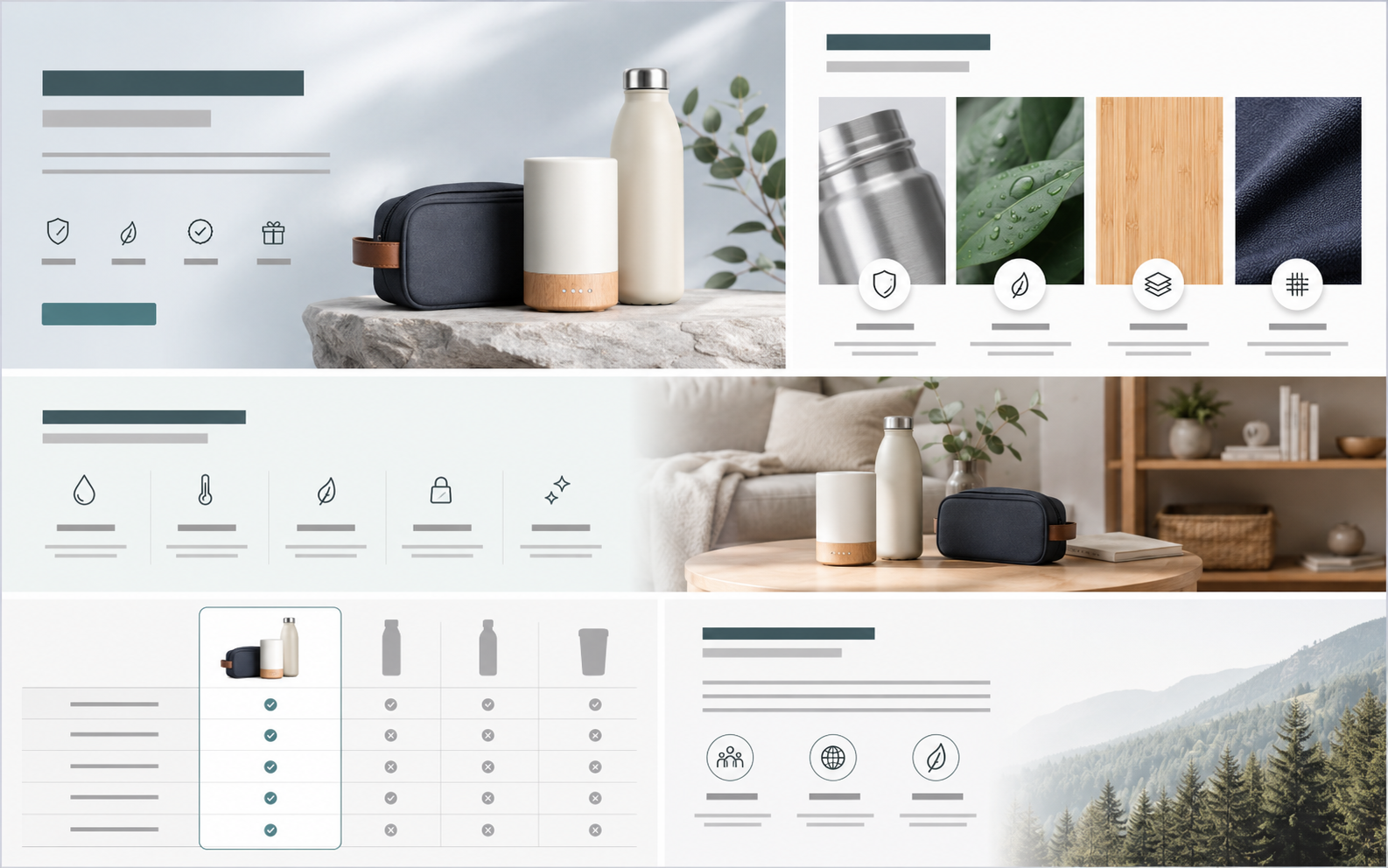
A+ visual modules
Storyboard plan
ZIP download
Current limits
AgenixSocial does not guarantee Amazon approval.
Users should review Amazon's current policies, Brand Registry status, ASIN details, and A+ eligibility.
A+ Studio creates images, not videos.
Questions
Buyer questions, answered clearly.
Can AgenixSocial create Amazon listing images?+
Yes. Listing Studio can create marketplace listing image sets for Amazon.
Can it create Amazon A+ content?+
Yes. Amazon A+ Studio creates standard, enhanced, and brand-story visual modules.
Does it upload directly to Amazon?+
The marketing flow focuses on generating, saving, and downloading assets. Manual upload may still be required.
Can I edit the A+ plan?+
Yes. The system creates a storyboard that can be reviewed before final image generation.
Is this only for Amazon sellers?+
This use case is Amazon-specific, but AgenixSocial also supports other marketplace sellers through Listing Studio.
Related paths