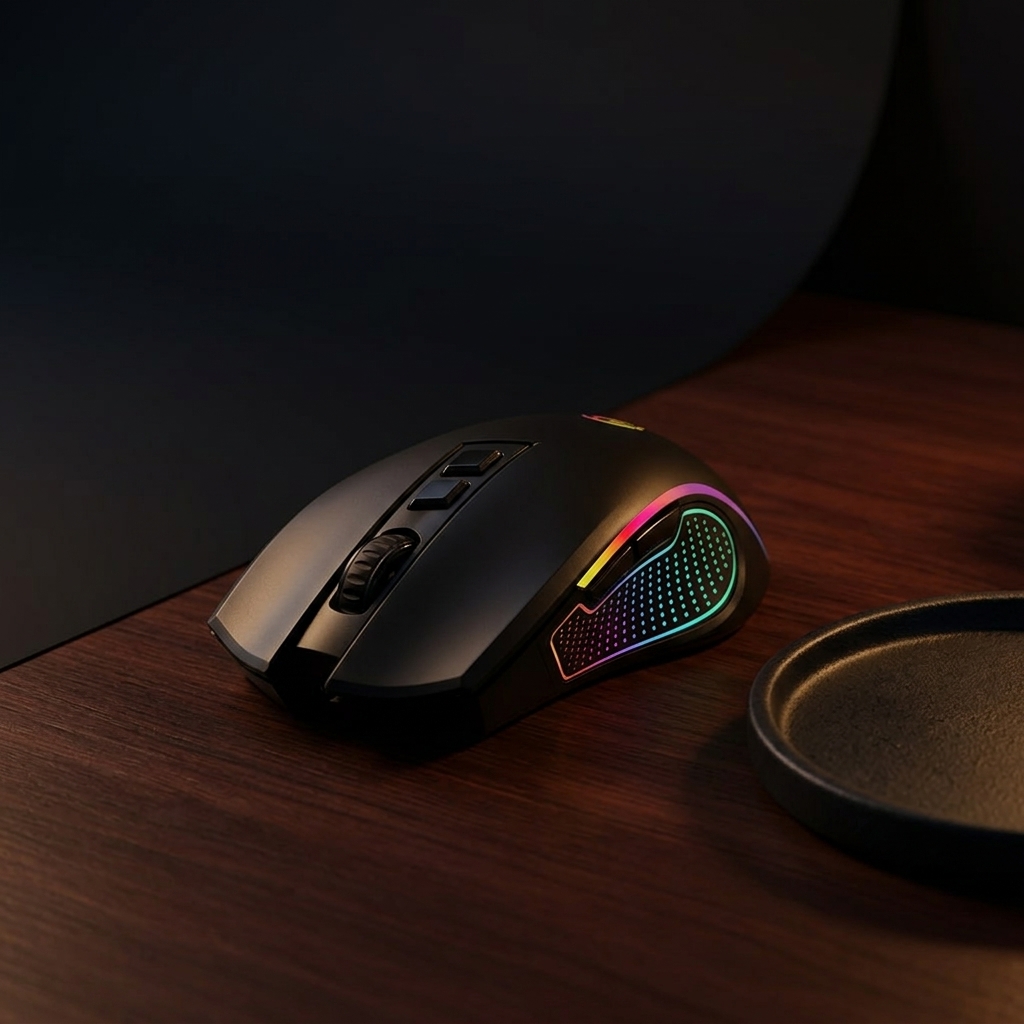
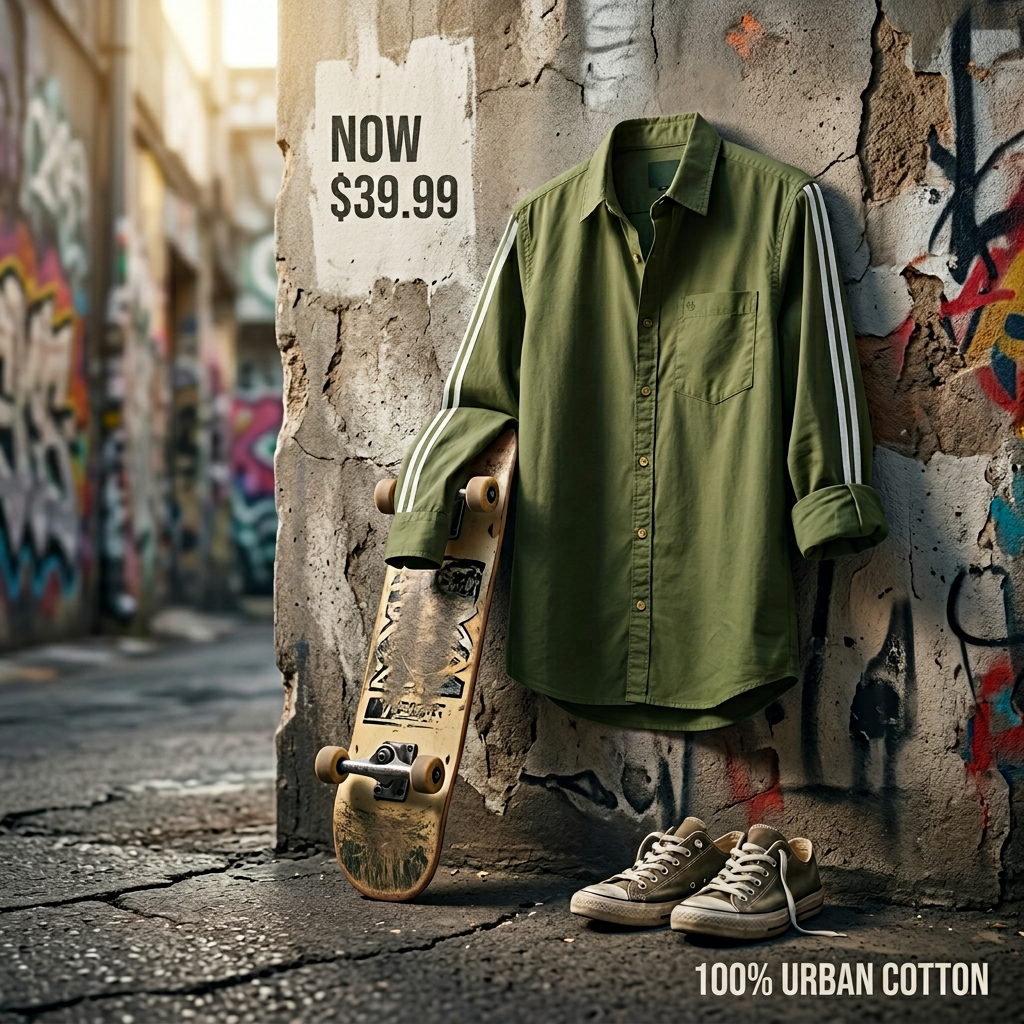
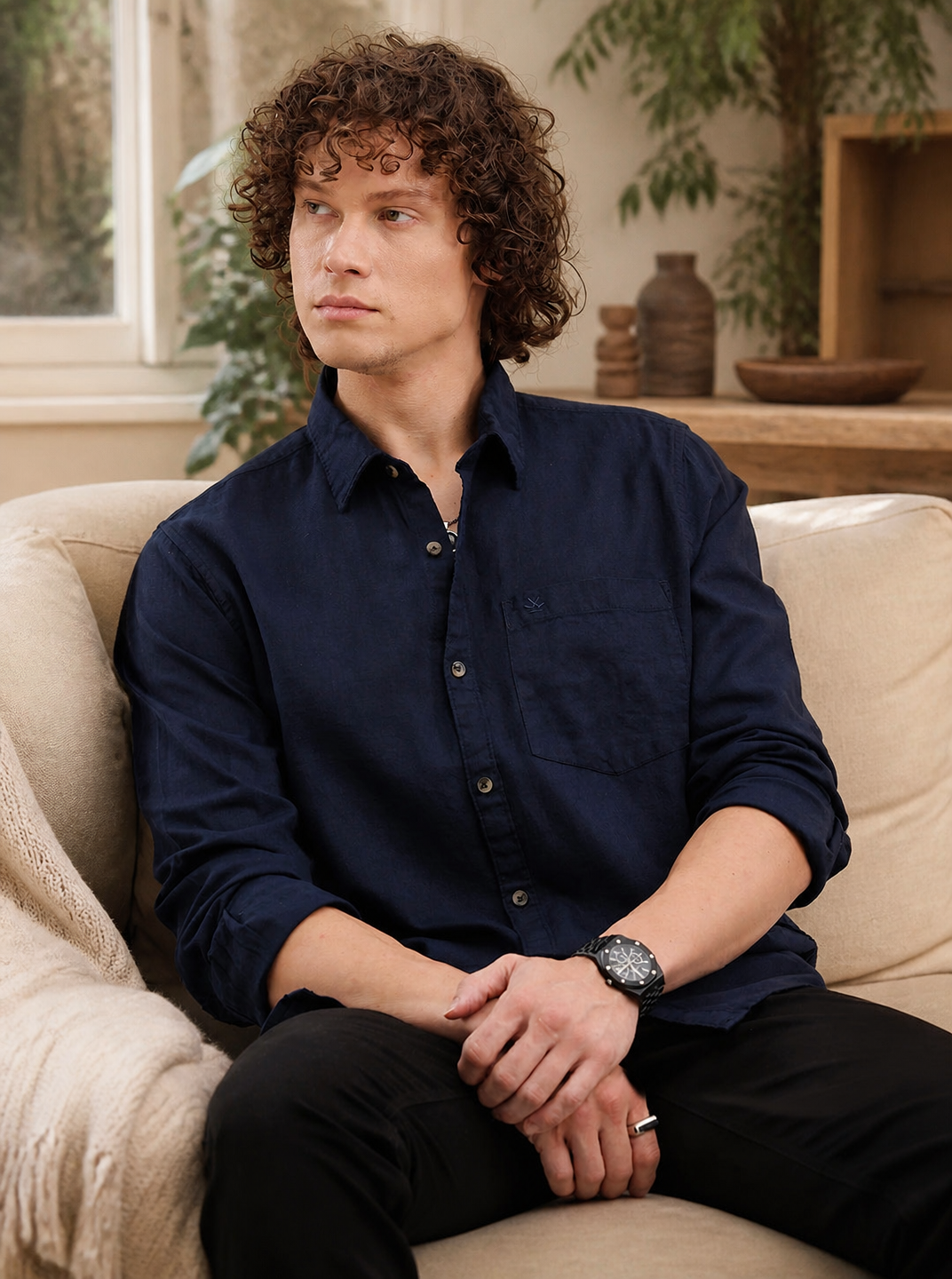
Generate studio, lifestyle, flat lay, macro, and product-in-use visuals.
Product Shots helps commerce teams create product photography alternatives from product context, scene choices, and brand-aware visual direction.
Plain-English answer
What this page is about.
Product Shots uses product context and Brand DNA to generate scenes that match the brand's aesthetic instead of placing products into random stock-style backgrounds.
Search intent
AI product photography and lifestyle product image creation
How it works
Choose the shot type, product context, and output count before generation.
Select product
Choose visual style and scene type
Decide text overlay if needed
Generate product visuals
Inputs
Product
Scene type
Number of content pieces
Optional text on image
Outputs
Studio-style product shots
Lifestyle and environmental images
Product-in-use visuals
Flat lay and macro-style shots
Downloadable web-ready image assets for Shopify, Amazon, and marketplace review workflows
Current limits
This section is about product visuals, not avatar-led creator videos.
User review is still important before publishing or marketplace use.
Exact export format, resolution, and marketplace-specific upload requirements should be reviewed inside the app before publishing.
It helps reduce shoot dependency but should not be described as perfect replacement for every photography need.
Questions
Buyer questions, answered clearly.
What kinds of product shots can it create?+
It can create white studio shots, lifestyle shots, flat lays, product-in-use images, macro shots, and environmental product visuals.
Does Product Shots include a prompt builder?+
No. It is more like a studio replacement flow where the user selects what kind of visual is needed.
Can images include text?+
Yes. The user can choose whether the generated image should include text.
Can it generate more than one image?+
Yes. The user can decide how many content pieces to generate.
Who is this best for?+
D2C brands, marketplace sellers, and teams that need product visuals without arranging every shoot manually.
Related paths