Give ecommerce clients a clearer content production workflow.
AgenixSocial helps agencies use Brand DNA, product context, generated visuals, campaign planning, and asset organization for ecommerce clients.

Plain-English answer
What this page is about.
Agencies can use AgenixSocial as a brand-aware production workspace for ecommerce clients, reducing repeated briefing and helping export organized assets across social, product, marketplace, and campaign workflows.
Search intent
AI content workflow for ecommerce agencies
How it works
Create client Brand DNA, generate assets, then hand off organized outputs.
Create client-specific Brand DNA
Import or add products for that brand
Generate assets by client need
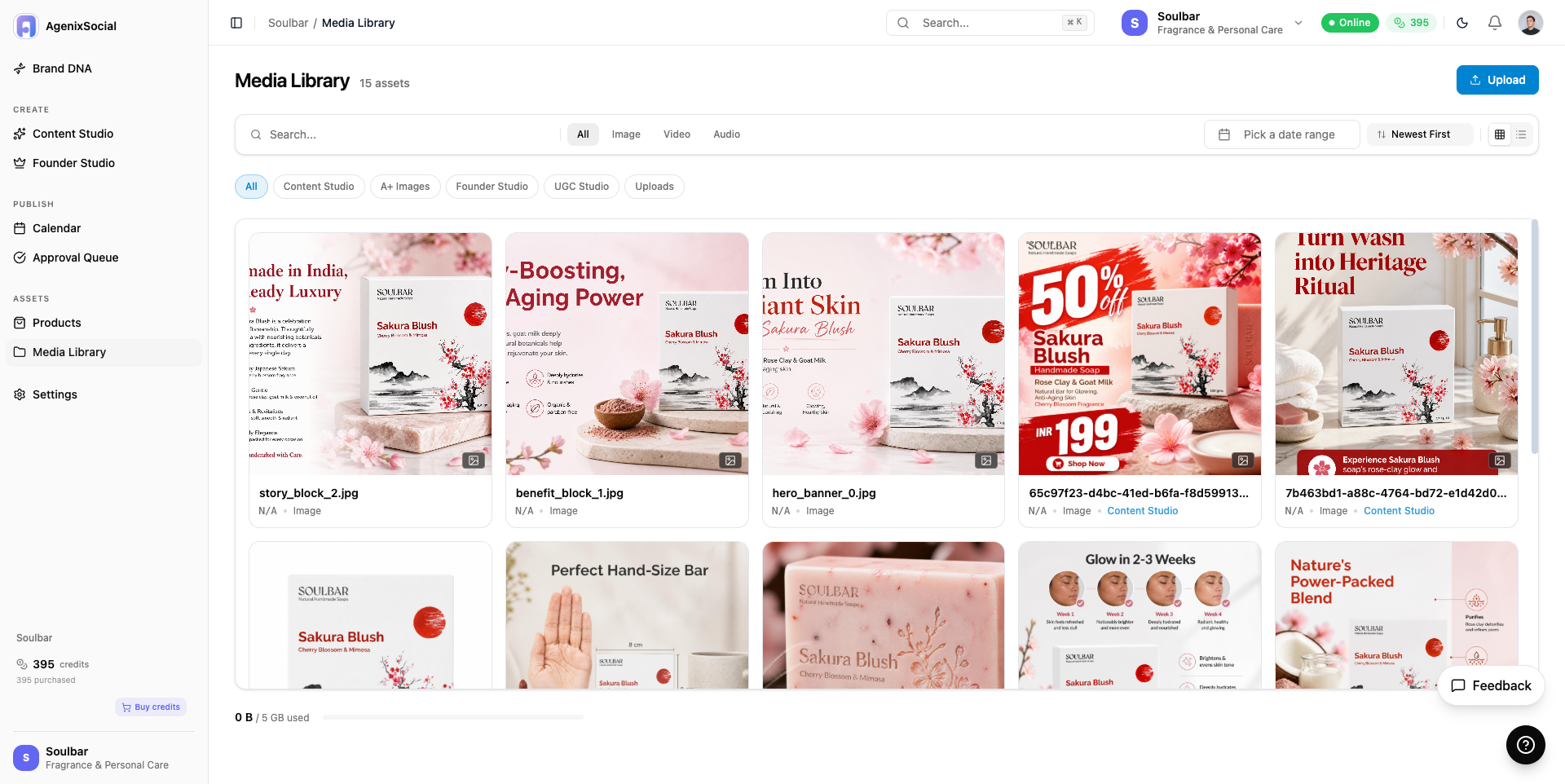
Organize outputs by source
Download or hand off assets
Inputs
Client website URL
Client product catalog
Campaign brief
Marketplace or platform goal
Outputs
Ad visuals
Product shots
Creator videos
Campaign assets
Marketplace listing packs
Media-library organized files
Downloadable files for client handoff
Current limits
AgenixSocial supports brand-specific production workflows but does not replace agency strategy.
The agency should still review output quality and client fit.
Detailed credit usage remains inside the product.
Questions
Buyer questions, answered clearly.
Can agencies use AgenixSocial for multiple clients?+
The product story supports brand-specific workflows, but exact account packaging should be confirmed inside the app experience.
Does it reduce briefing time?+
Yes. Brand DNA reduces the need to restate the same brand and product context repeatedly.
Can agencies download assets for clients?+
Yes. Generated assets can be downloaded or saved in the media library.
Does it replace agency creative direction?+
No. It is best described as a production tool that helps agencies move faster.
Which outputs are most useful for agencies?+
Product shots, image ads, campaigns, AI Creator Videos, marketplace packs, and founder-led content are all useful agency workflows.
Related paths