Make founder-led content easier to create and repeat.
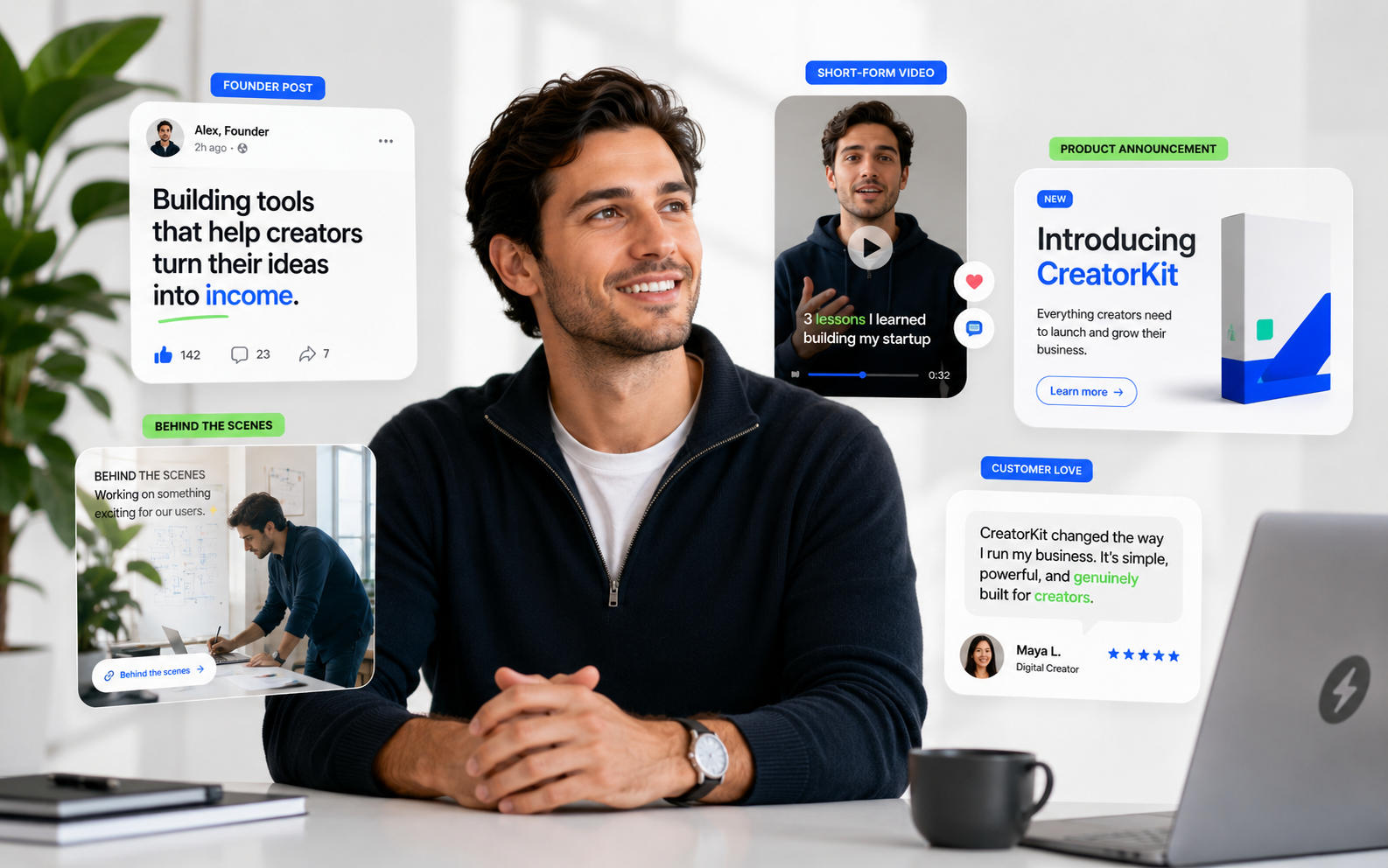
Founder Studio helps brands create founder-led images and videos from founder profiles, uploaded face images, scripts, and optional voice samples for cloned-voice videos.
Note: founder-led videos need a consented founder profile and voice sample. Marketing examples should use consented or fictional identities.

Plain-English answer
What this page is about.
Founder Studio is the founder-led content workspace: upload a founder image and optional voice sample, then create images or videos that represent that consented founder profile.
Search intent
founder-led AI marketing content for D2C brands
How it works
Create the founder profile once, then generate repeatable founder-led scenes.
Create founder profile
Upload face image and optional voice sample
Choose platform, style, scene, or prompt
Generate founder image or video
Inputs
Founder name
Founder image
Optional voice sample
Script or enhanced script
Platform, style, scene, aspect ratio, and optional text overlay
Outputs
Founder-led images with the uploaded face represented
Founder-led avatar videos
Script-enhanced video flow
Current limits
Founder visuals should use consented founder or fictional identities.
Voice-cloned video requires a voice sample.
Outputs should be reviewed before publishing.
Questions
Buyer questions, answered clearly.
Can one company have multiple founder profiles?+
Yes. A company can create multiple founder profiles and select the relevant founder for image or video creation.
Does video use the founder's voice?+
Founder video can use a cloned version of the founder's voice when a voice sample is uploaded.
Can the system enhance the script?+
Yes. The video flow can help enhance the script before generation.
Should marketing examples use real founders?+
Marketing examples should use consented or fictional founder identities to avoid copyright and consent issues.
Is Founder Studio only for videos?+
No. It supports both founder-led images and founder-led videos.
Related paths