Plan product and brand campaigns before generating the image set.
Campaigns helps brands create 3, 5, or 7 day product or brand campaign plans with editable scenes, visual themes, and platform-sized image outputs.
Plain-English answer
What this page is about.
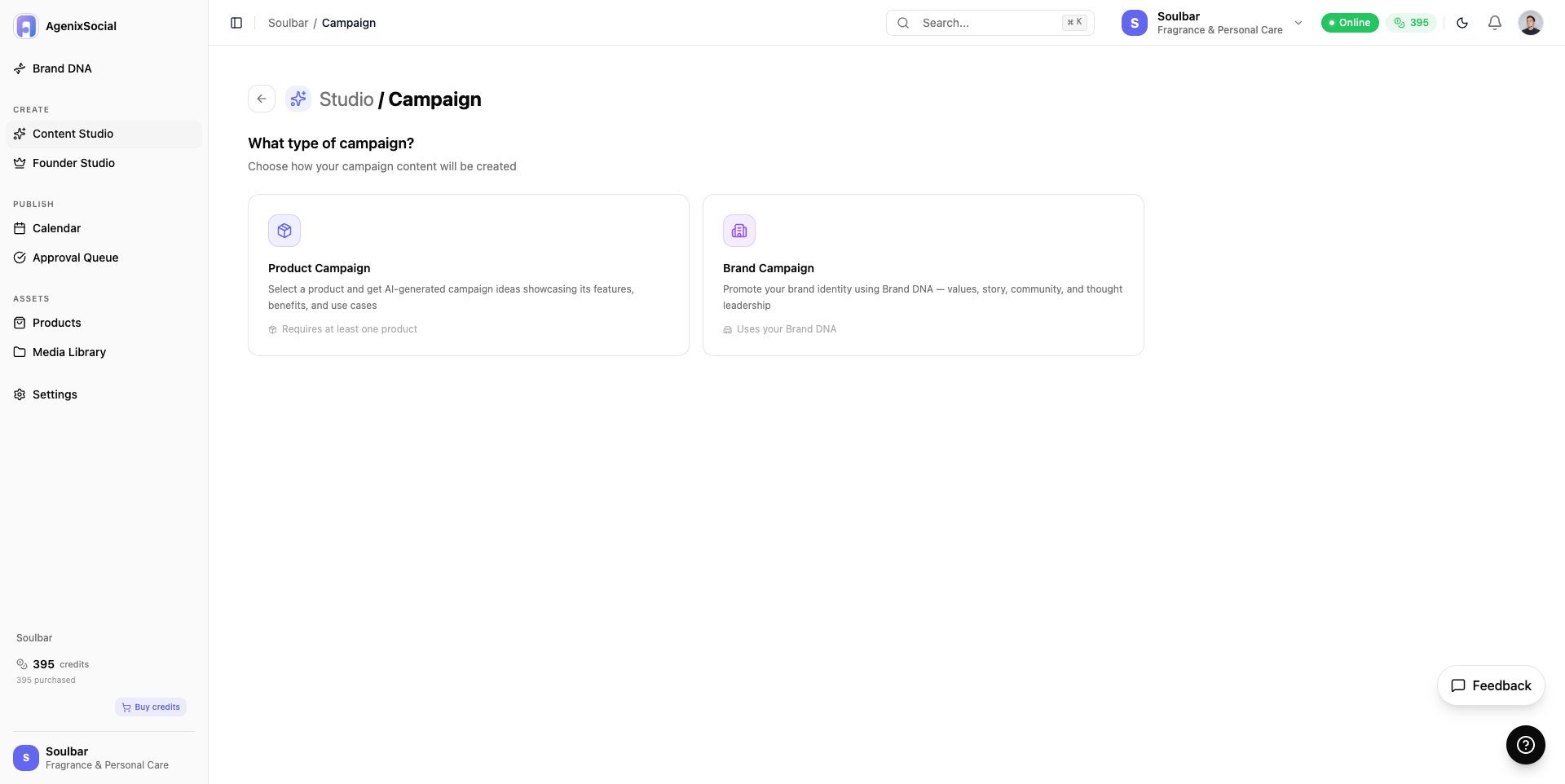
Campaign mode lets a user create a product campaign or brand campaign, define a goal and optional visual theme, approve an editable plan, and then generate the full campaign image set.
Search intent
AI campaign planner for product and brand campaigns
How it works
Plan the launch story first, then generate the campaign image set.
Choose product or brand campaign
Define goal and optional visual theme
Select duration and platform
Review and edit campaign plan
Generate images
Inputs
Product or brand mode
Campaign goal
Custom visual theme
3, 5, or 7 day duration
Instagram or Facebook output format
Outputs
Editable campaign plan
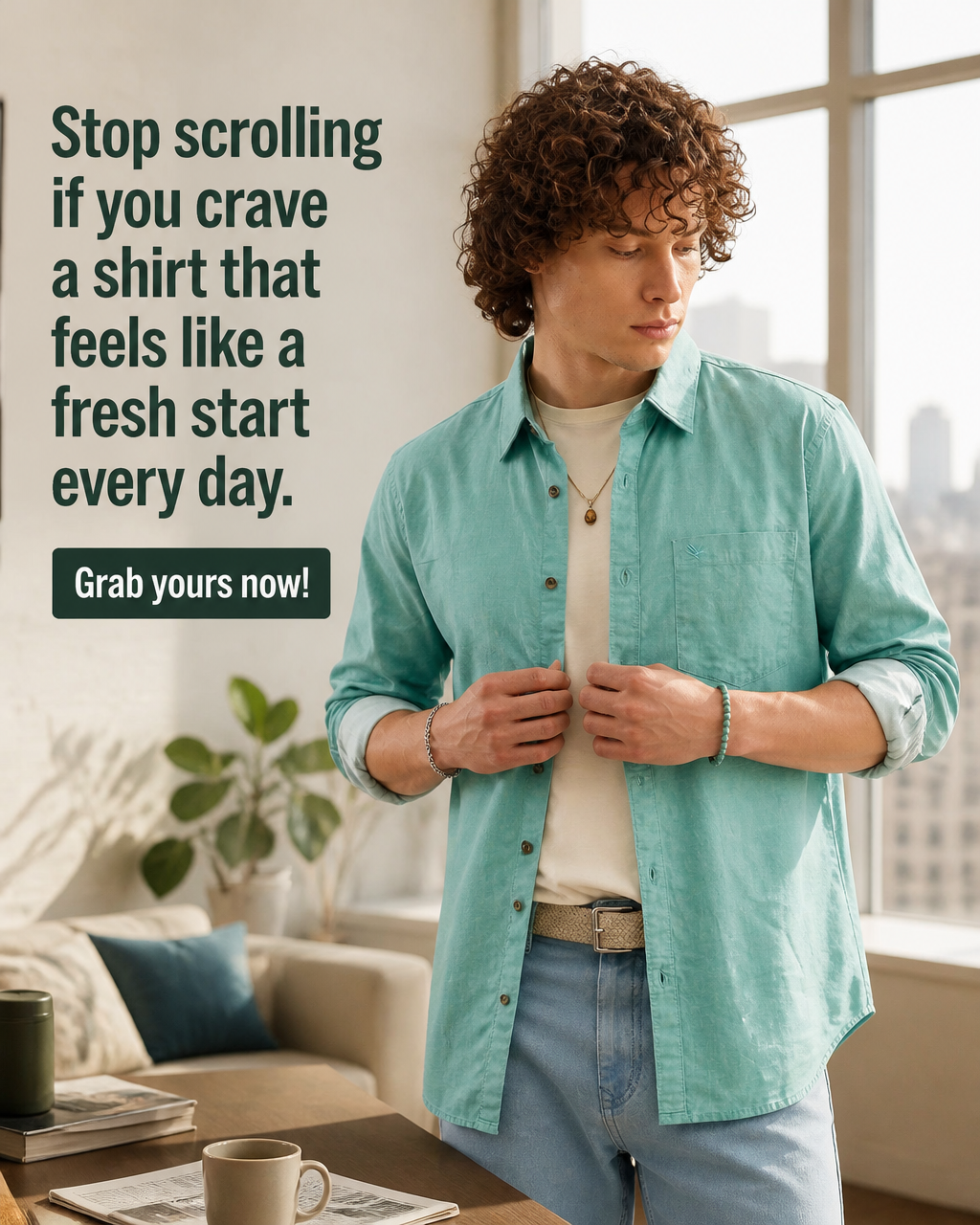
3, 5, or 7 generated campaign images
Platform-sized image set for Instagram or Facebook
Save, schedule, or download workflow
Current limits
Campaign mode currently creates images, not videos.
If the user does not define a goal, the system can decide based on brand and product context.
Outputs should be reviewed before publishing.
Questions
Buyer questions, answered clearly.
What is the difference between product and brand campaigns?+
Product campaigns focus on a selected product. Brand campaigns focus on brand awareness and the brand's guidelines.
Does Campaigns create videos?+
No. Campaign mode is image-only.
Can the user edit the campaign plan?+
Yes. The plan is created in text first, and the user can edit scenes before approving generation.
What campaign lengths are supported?+
The user can choose 3, 5, or 7 day campaigns.
Which platforms can campaigns target?+
Campaign output can be sized for Instagram or Facebook.
Related paths