AI Product Photography Tools for Ecommerce: How to Choose the Right Workflow in 2026
Product photos are no longer just catalog assets. For ecommerce teams, they are the starting point for product pages, marketplace listings, social posts, ads, emails, Amazon A+ modules, creator videos, and campaign launches.
That is why AI product photography tools have become so attractive. They can help teams create product shots, lifestyle images, backgrounds, and visual variants faster than traditional photoshoot cycles.
But speed is only part of the story.
The best AI product photography workflow for ecommerce is not just about generating a nice image. It is about creating accurate, brand-consistent, review-ready product visuals that can be reused across channels.
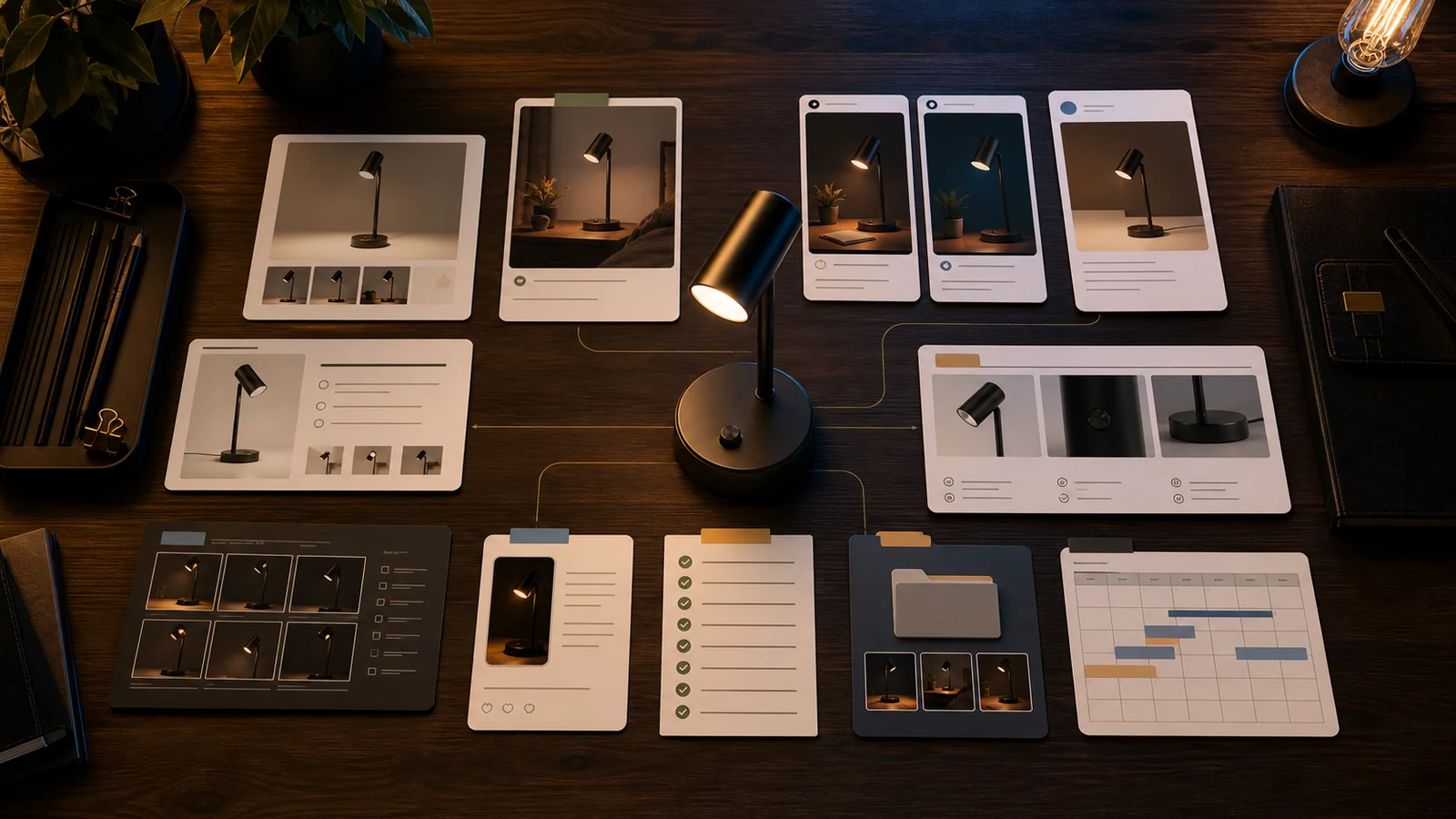
Quick answer: what are AI product photography tools?
AI product photography tools help ecommerce teams create or edit product images using artificial intelligence. They can remove backgrounds, generate lifestyle scenes, create product mockups, improve image quality, produce visual variants, and prepare assets for online stores, marketplaces, ads, and social channels. The best workflow also includes product accuracy review, brand consistency, approvals, and asset organization.
Why AI product photography matters for ecommerce
Ecommerce teams need more visual content than ever.
One product may need:
- a clean product image,
- a white-background marketplace image,
- a lifestyle scene,
- a scale image,
- a close-up detail image,
- an infographic-style product benefit image,
- a social post image,
- a paid ad creative,
- an Amazon A+ module visual,
- and a launch campaign image.
Traditional product photography is still valuable, especially for hero campaigns, premium brand shoots, complex products, fashion, food, and highly regulated categories. But it can be slow and expensive for everyday content needs.
AI product photography helps fill the gap between "we need a full shoot" and "we need this product visual ready today."
What AI product photography tools can create
Most AI product photography tools help with one or more of these tasks.
| Use case | What it means | Ecommerce example |
|---|---|---|
| Background removal | Isolating the product from the original image | Clean marketplace or product page image |
| White-background image | Creating a clean product image for listings | Main product image for marketplace use |
| Lifestyle background | Placing product in a realistic usage scene | Desk lamp on a modern work desk |
| Seasonal campaign scene | Creating promotional context | Diwali, Christmas, summer sale, back-to-school setup |
| Product mockup | Showing product in a staged environment | Tote bag on a shelf, pet brush near grooming supplies |
| Image enhancement | Improving sharpness, light, color, or quality | Fixing dull catalog photos |
| Batch image generation | Creating images for many SKUs | Catalog-scale product visuals |
| Social-ready product image | Creating visuals for organic posts | Product benefit image for Instagram or LinkedIn |
| Marketplace listing image | Creating structured listing visuals | Feature image, comparison image, scale image |
| A+ or product story visual | Supporting richer product storytelling | Material detail, use-case, brand story module |
The strongest tools are not just image generators. They help teams create visual systems.
The current AI product photography tool landscape
The category has become crowded. Current comparison pages commonly mention tools such as Photoroom, Claid, Pebblely, Flair, Adobe Firefly, Nightjar, and others. Fibbl
These tools tend to fall into a few lanes:
- Mobile-first product photo editors for fast background removal, clean product shots, and simple exports.
- AI product photo generators for lifestyle backgrounds, campaign scenes, and product mockups.
- Catalog-scale enhancement tools for ecommerce platforms, agencies, and sellers managing many SKUs.
- Creative-suite tools for teams that need deeper editing control and design flexibility.
- Product-aware content workflows for teams that need images connected to listings, campaigns, social content, approvals, and asset libraries.
A small seller may only need a quick background remover. A growing ecommerce team may need the fifth category.
What popular AI product photography tools are built for
Here is a practical, non-hype view.
| Tool/category | Strong fit | Watch out for |
|---|---|---|
| Photoroom-style tools | Fast background removal, ecommerce product photos, listing images, mobile-friendly editing | May still need separate systems for campaigns, approvals, and content planning |
| Pebblely-style tools | Product lifestyle scenes, marketing images, quick product mockups | Review product accuracy carefully, especially props, scale, and materials |
| Claid-style tools | Product photo enhancement, on-model/fashion images, realistic scenes, API-oriented workflows | Best for teams that know how they want to operationalize visual generation |
| Adobe Firefly/Photoshop-style workflows | Creative control, image editing, design refinement | Requires design skill and may not be ecommerce workflow-first |
| Marketplace image tools | Listing-specific assets and marketplace visuals | Can be narrow to one channel or format |
| Product-aware ecommerce workspaces | Product visuals connected to catalog, brand context, campaigns, approvals, media library, and listings | More specialized than generic photo editors |
The best choice depends less on the tool's demo and more on your workflow.
AI product photography vs traditional product photography
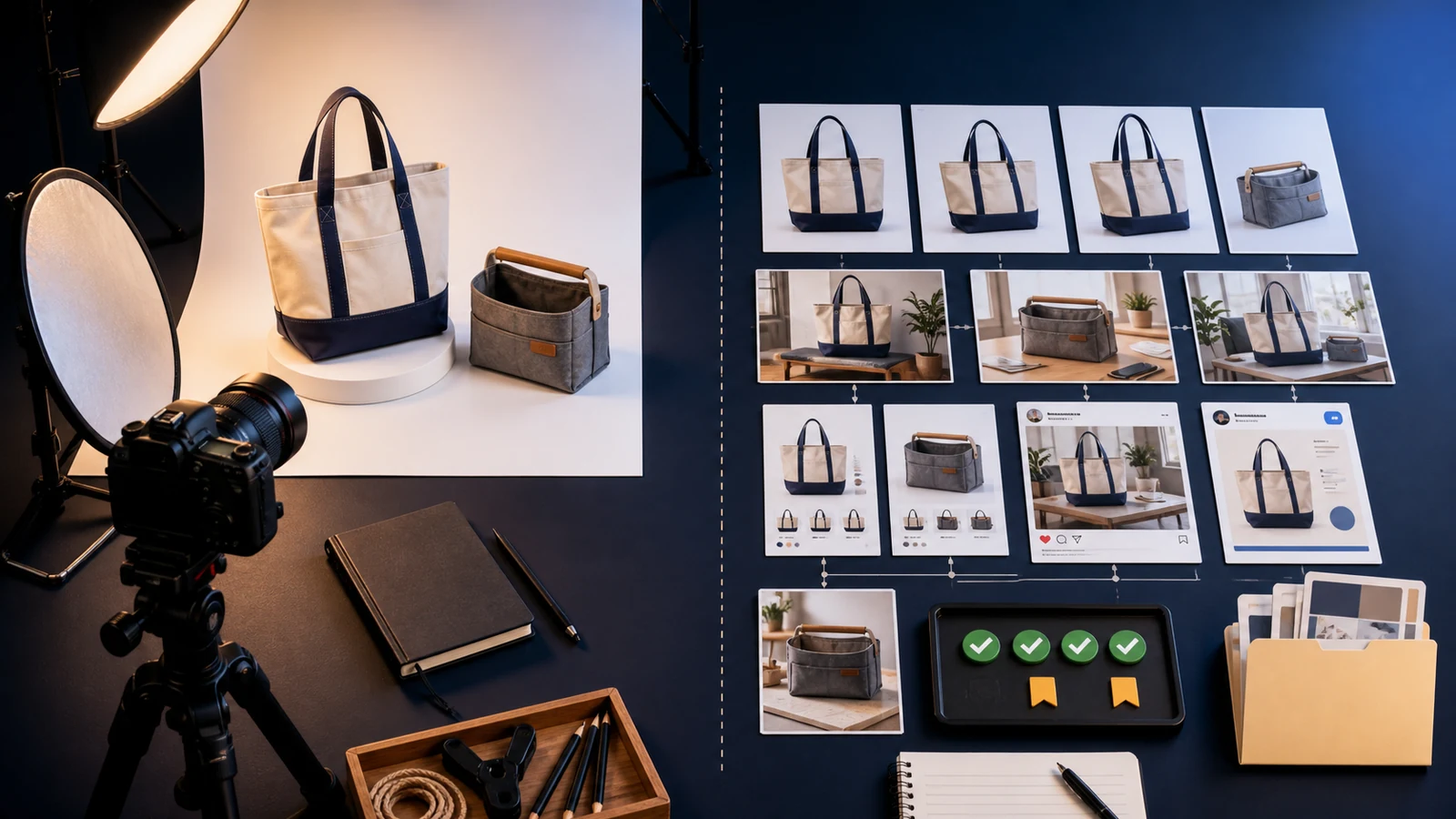
AI product photography does not eliminate traditional photography. It changes when and where teams need it.
| Requirement | Traditional photoshoot | AI product photography |
|---|---|---|
| Premium campaign hero images | Strong fit | Useful for concepts, but often needs review/refinement |
| Everyday product content | Can be expensive and slow | Strong fit |
| Catalog background consistency | Good, but operationally heavy | Strong fit |
| Lifestyle scene variations | Requires staging/shoots | Strong fit |
| Highly accurate product representation | Strong fit if shot well | Must be reviewed carefully |
| Fashion/on-model fit | Strong with real models | Useful, but needs rights/accuracy review |
| Regulated product claims | Requires careful production | Requires even stricter review |
| Fast social variants | Slower | Strong fit |
| Marketplace-ready visuals | Strong if shot to spec | Strong if reviewed against requirements |
Use traditional photography for high-stakes brand assets, hero campaigns, complex materials, human models, and products where accuracy is difficult to generate. Use AI product photography for scalable variations, backgrounds, lifestyle contexts, social assets, and faster content production.
Marketplace and platform requirements still matter
AI-generated product images still need to fit the rules of the platform where they will appear.
For Amazon, every product must have a main image, and Amazon recommends at least six images and one video for the product. Amazon Seller Central
Google Merchant Center requires an image URL for the main product image and has announced new image size requirements of at least 500 x 500 pixels for all products beginning January 31, 2027. Google also recommends larger images, such as 1500 x 1500 pixels or above, for stronger performance across listing formats. Google Merchant Center
Shopify product media can include images, 3D models, and videos. Shopify's help docs describe product images as media used across online stores and sales channels. Shopify product media
The point is simple: an AI image can look good and still be wrong for the channel.
Before publishing AI product images, teams should check image dimensions, file format, background requirements, product accuracy, included accessories, text overlays, marketplace rules, category-specific rules, and whether AI-generated edits could mislead the customer.
The biggest risk: inaccurate product visuals
The most important question is not "does the image look beautiful?"
It is: does this image accurately represent the product?
AI product images can fail in subtle ways:
- The product shape changes.
- The color shifts.
- The texture looks different.
- The product appears larger or smaller than reality.
- Extra accessories appear in the scene.
- The generated background implies use cases the product does not support.
- Materials look more premium than they are.
- A feature is visually exaggerated.
- Packaging details are distorted.
- The product looks like a different variant.
For ecommerce, these are not small issues. They can create customer disappointment, returns, marketplace problems, and brand trust issues.
A beautiful but inaccurate image is not good ecommerce content.
How to choose an AI product photography tool
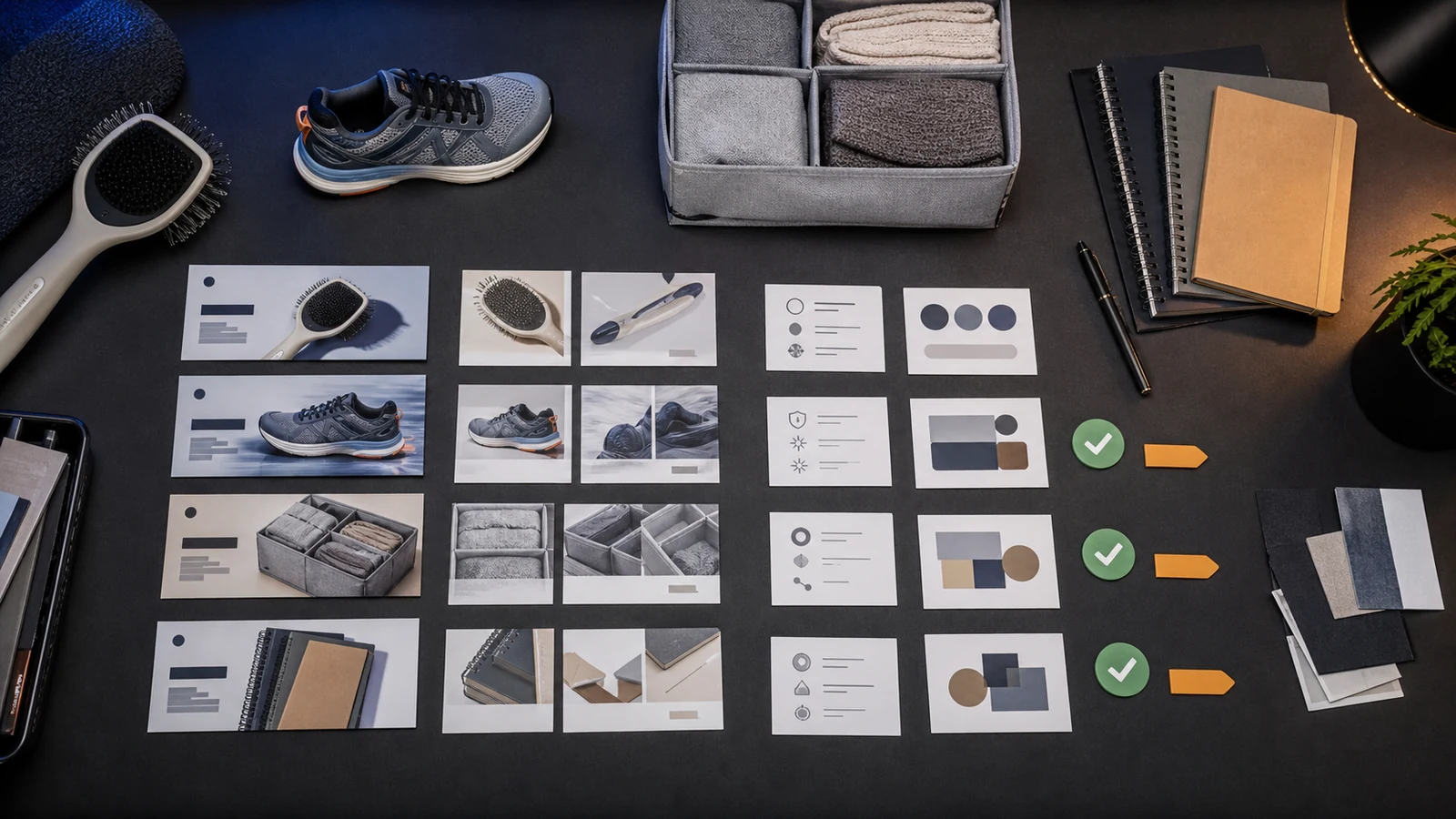
Use this framework before choosing a tool.
1. Start with the image type you need
Different tools are better for different image types. Ask whether you need white-background product images, lifestyle scenes, social visuals, ad creatives, marketplace listing image sets, Amazon A+ module visuals, catalog-scale batch generation, on-model fashion images, or product detail close-ups.
Do not choose a tool because the demo looks impressive. Choose it because it fits your actual image workflow.
2. Check product accuracy controls
A good AI product photography workflow should help you preserve product shape, color, size, material, packaging, included accessories, variant details, and product constraints.
The more the tool changes the product, the more review is required.
3. Check brand consistency
Product images should look like they belong to the same brand.
Check whether the workflow supports recurring visual direction, background style, lighting preferences, product placement rules, brand tone, color palette, campaign mood, and reusable guidelines.
This is where Brand DNA matters.
4. Check channel fit
An image for Instagram may not work as an Amazon main image. An ad creative may not work as a Shopify PDP image. An Amazon A+ visual may not work as a Google Shopping image.
Ask where the image will be used, what format that channel needs, whether the image can include props or text, whether it needs square, vertical, or wide framing, and whether the image is part of a sequence.
5. Check batch and catalog workflows
For small catalogs, manual generation is manageable. For larger catalogs, workflow matters.
Look for batch generation, naming conventions, product-level organization, variant handling, review states, download formats, media library, and asset reuse.
If your team has 500 SKUs, the tool needs to solve more than one image at a time.
6. Check review and approval flow
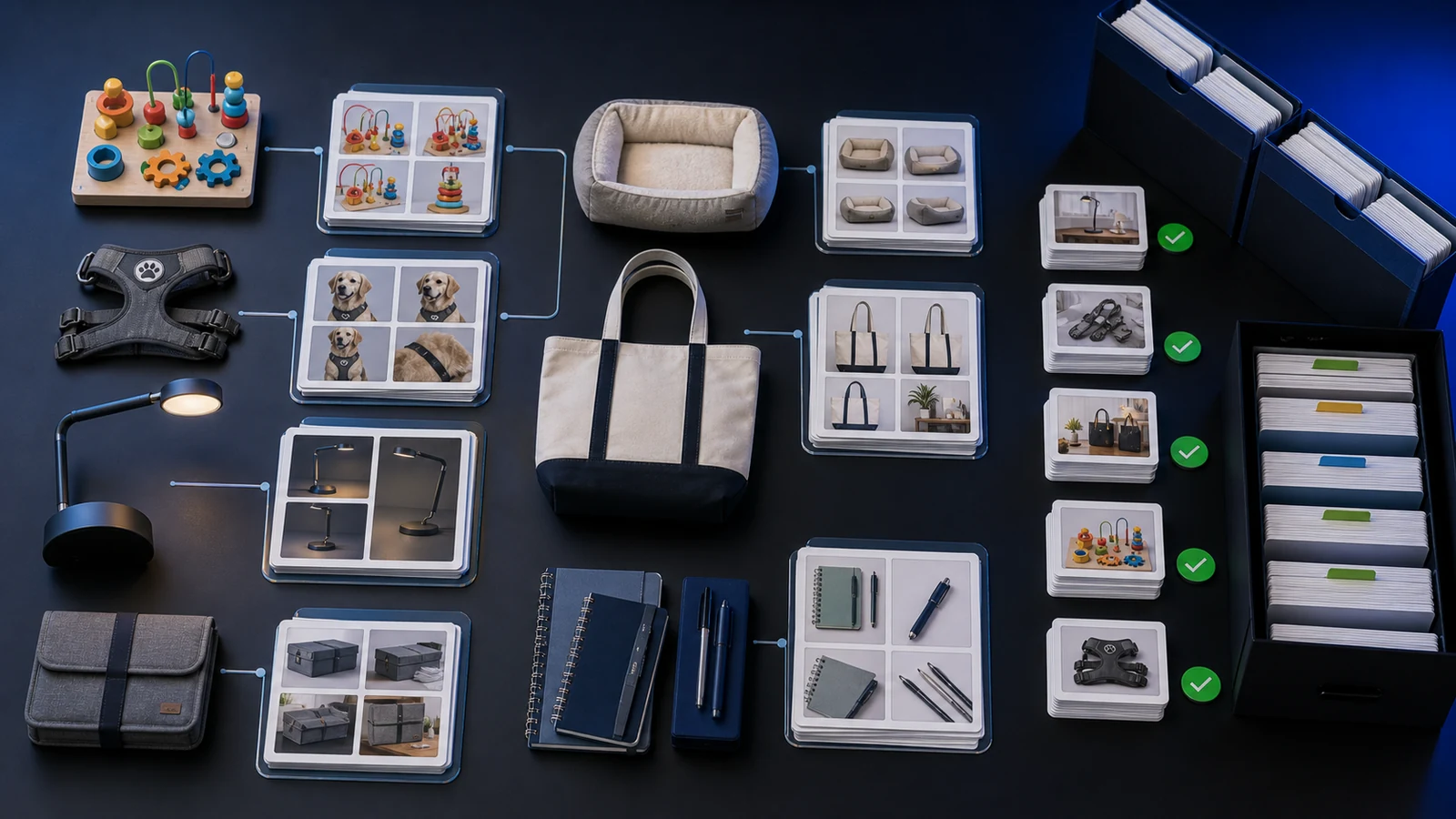
AI product visuals should go through review before publishing.
At minimum, teams should review product accuracy, brand fit, marketplace fit, implied claims, props and accessories, text or labels, variant correctness, and channel suitability.
A tool that creates images but does not support review can still leave the team with operational chaos.
7. Check total workflow cost
The visible price of a tool is only part of the cost.
Also count failed generations, manual edits, extra subscriptions, designer cleanup, prompt writing, asset movement, review time, file organization, and rework caused by inaccurate outputs.
AI product photography saves time only when the workflow around it is also organized.
Best AI product photography workflow for ecommerce teams
Here is a practical workflow that works for most ecommerce teams.
Step 1: Start with clean product inputs
Use the best available source image. Ideally, the starting image should be high resolution, well lit, not overly compressed, clearly visible, the correct variant, accurate in color, minimally obstructed, and shot from the right angle for the desired output.
Bad input images create bad AI outputs. AI can help, but it cannot always rescue poor source material.
Step 2: Define the image purpose
Before generating anything, decide the use case: Shopify product page hero, Amazon secondary image, Instagram launch post, Meta ad creative, email campaign image, product benefit graphic, Amazon A+ module, comparison visual, lifestyle image, or scale image.
The same product should not be generated randomly for every channel.
Step 3: Apply brand and product context
The image should reflect brand style, product category, target customer, product use case, pricing tier, campaign angle, and visual rules.
A premium home decor product should not appear in a messy generic kitchen. A kids educational toy should not look like a luxury gadget. A pet product should not be staged in a way that misrepresents size or usage.
Step 4: Generate controlled variations
Create multiple options, but keep them controlled. Useful variation types include background, lighting, seasonal campaign, audience/use-case, placement, channel format, and close-up/detail variation.
Avoid generating dozens of random images. More options are not useful if the review burden explodes.
Step 5: Review for product accuracy
Review every generated image. Check whether the shape, color, material, labels, packaging, accessories, scale, use case, and variant are correct.
This is the most important step.
Step 6: Adapt for channels
Once approved, adapt the visual for product page, marketplace listing, social, paid ads, email, A+ content, and campaign pages.
This is where a single approved image can become a full content set.
Step 7: Store and reuse assets
Approved visuals should not disappear into a downloads folder.
Store them by product, campaign, channel, use case, approval status, and format. Asset reuse is where AI product photography becomes a content operation, not just a generation trick.
What ecommerce teams should avoid
Avoid these common mistakes:
- using AI visuals without review,
- creating images without channel context,
- making every image look overproduced,
- ignoring product scale,
- treating backgrounds as decoration,
- and failing to organize approved assets.
Generated images are only useful if the team can find, approve, reuse, schedule, or download them later.
Where AgenixSocial fits
AgenixSocial is useful when ecommerce teams need product visuals to connect with the rest of the content workflow.
The Product Shots module helps teams create product-aware visuals from product and brand context. But the bigger value is that those visuals can connect to the broader ecommerce content operation:
- Product Catalog keeps product context central.
- Brand DNA keeps visual and messaging direction reusable.
- Product Shots create ecommerce visuals.
- Marketplace Listing Studio helps turn visuals into marketplace-ready content.
- Amazon A+ Studio supports product storyboarding.
- Campaigns organize launch and promotional content.
- Approvals help teams review before publishing.
- Media Library keeps approved assets reusable.
- Calendar helps plan distribution.
- Pay-as-you-go credits support flexible production without forcing a heavy subscription workflow.
AgenixSocial gives ecommerce teams a stronger starting point by grounding workflows in reusable brand and product context. Teams still review final assets for product accuracy, claims, marketplace fit, and brand tone before publishing.
The practical distinction is this:
A standalone AI product photography tool helps create images. A product-aware ecommerce content workspace helps create, review, organize, and reuse product visuals across the content workflow.
Compare AI content tool alternatives
AI product photography review checklist
Before publishing an AI-generated product image, check:
- Is the product shape accurate?
- Is the product color accurate?
- Is the material or texture realistic?
- Is the product scale believable?
- Is the correct variant shown?
- Are labels, packaging, or visible details distorted?
- Are props or accessories misleading?
- Does the scene imply a valid use case?
- Does the image match brand style?
- Does it fit the target channel?
- Does it follow marketplace or platform requirements?
- Has a human reviewed and approved it?
If the answer is uncertain, do not publish the image yet.
AI product photography tool selection checklist
Use this checklist when comparing tools:
| Question | Why it matters |
|---|---|
| Can it preserve product accuracy? | Prevents misleading visuals |
| Can it create the image types we need? | Avoids tool mismatch |
| Can it support brand style? | Keeps content consistent |
| Can it handle catalog scale? | Matters for many SKUs |
| Can it export channel-ready formats? | Saves editing time |
| Does it support review workflows? | Reduces publishing risk |
| Can assets be organized by product/campaign? | Makes reuse easier |
| Does it fit our cost model? | Prevents subscription sprawl |
| Can non-technical users operate it? | Improves adoption |
| Does it connect to broader content workflows? | Reduces manual handoffs |
FAQ
What are AI product photography tools?
AI product photography tools use artificial intelligence to create, edit, enhance, or adapt product images. They can remove backgrounds, generate lifestyle scenes, create product mockups, improve image quality, and prepare visuals for ecommerce stores, marketplaces, ads, and social content.
Can AI product photography replace traditional product photography?
Not completely. AI product photography is useful for scalable variations, backgrounds, lifestyle scenes, and everyday ecommerce content. Traditional photography is still valuable for high-stakes hero campaigns, complex products, human models, premium brand shoots, and situations where exact physical accuracy is critical.
Are AI-generated product images safe for ecommerce?
They can be useful, but they should be reviewed carefully. Teams should check product shape, color, size, materials, packaging, props, claims, and marketplace fit before publishing AI-generated product images.
What is the best AI product photography tool for ecommerce?
The best tool depends on the workflow. Some teams need fast background removal. Others need lifestyle scenes, catalog-scale batch generation, marketplace listing images, or product-aware workflows connected to brand context, approvals, and campaigns.
Can AI product photography tools create Amazon listing images?
Some tools can help create marketplace-style product visuals, but sellers should review Amazon's product image requirements before uploading. The image must accurately represent the product and meet marketplace rules for the intended image type.
Can AI product photography tools create Shopify product images?
Yes. AI tools can help create product photos, lifestyle images, and visual variants for Shopify stores. Teams should still check image quality, format, theme fit, and product accuracy before publishing.
What should ecommerce teams check before publishing AI product images?
Teams should review product accuracy, color, materials, scale, included accessories, background context, brand fit, platform requirements, and whether the image could mislead the customer.
How does AgenixSocial help with AI product photography?
AgenixSocial helps ecommerce teams create product-aware visuals through Product Shots and connect those visuals to Brand DNA, Product Catalog, Marketplace Listing Studio, Amazon A+ Studio, Campaigns, Approvals, Media Library, Calendar, and pay-as-you-go credits.
Conclusion
AI product photography tools are useful because ecommerce teams need more images, faster.
But the best ecommerce image workflow is not just about speed. It is about accuracy, brand consistency, channel fit, review, organization, and reuse.
If your team only needs background removal or quick lifestyle scenes, a dedicated AI product photography tool may be enough. If your team needs product visuals connected to marketplace listings, campaigns, social content, Amazon A+ modules, approvals, and a media library, a product-aware workspace becomes more valuable.
The goal is not to generate more random product images. The goal is to create better product visuals that are accurate, useful, approved, and ready to support the full ecommerce content workflow.
For the broader tool landscape, start with the companion guide: Best AI tools for ecommerce content.