Best AI Tools for Ecommerce Content: Product Copy, Images, Videos, Social, and Listings
The best AI tool for ecommerce content depends on what you are trying to create.
A tool that writes product descriptions may not create product images.
A tool that creates product videos may not manage approvals.
A tool that schedules social posts may not understand your product catalog.
A tool that generates marketplace images may not help with campaigns, videos, or brand voice.
That is why ecommerce teams should not choose AI tools only by feature lists.
They should choose by workflow.
Quick answer: what are the best AI tools for ecommerce content?
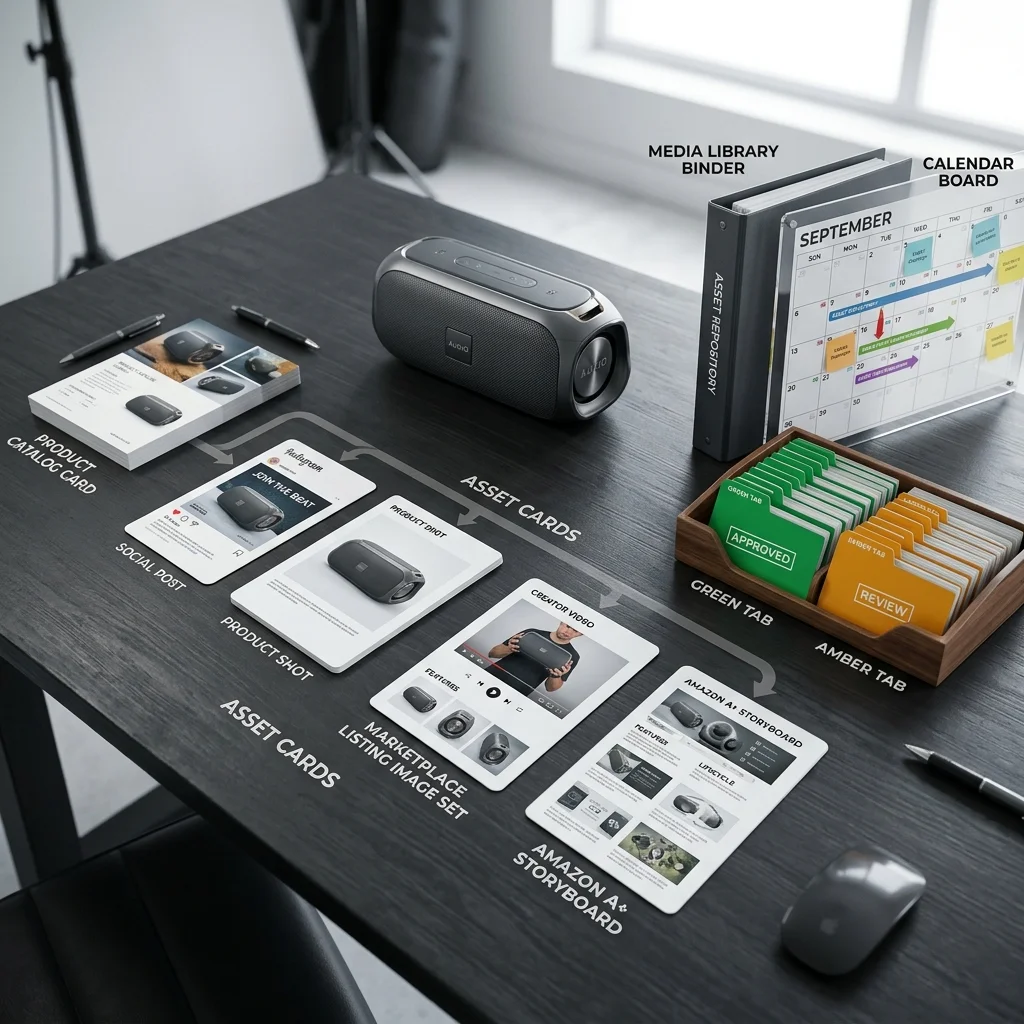
The best AI tools for ecommerce content are tools that help with product copy, product images, videos, social posts, marketplace listing assets, Amazon A+ content, content approvals, media organization, and scheduling. Ecommerce teams should decide whether they need a point solution for one task or a product-aware workspace that connects brand context, product catalog data, content creation, review, and publishing.
The ecommerce AI tool problem
There are many AI tools that can help ecommerce brands.
That is good and bad.
It is good because teams can now create more content without waiting on every shoot, every agency task, or every blank-page writing session.
It is bad because the tool stack can become confusing.
A small brand may end up with:
- one AI writing tool
- one image generation tool
- one product photography tool
- one video ad tool
- one avatar/UGC tool
- one scheduler
- one design platform
- one automation tool
- one storage system
- one approval workflow
- one marketplace image checklist
Each tool may solve a real problem.
Together, they can create a new problem: the brand spends more time managing the content stack than creating content customers can use.
How to choose AI tools for ecommerce content
Before choosing a tool, ask what job you are hiring it to do.
A practical ecommerce content stack has to cover some or all of these jobs:
| Workflow | What the tool should help with |
|---|---|
| Product copy | Descriptions, titles, bullets, SEO metadata, captions |
| Brand voice | Tone, style, audience, product positioning |
| Product images | Studio shots, lifestyle images, detail shots, ads |
| Creator videos | UGC-style videos, avatar-led explainers, scripts |
| Product videos | Product reveals, short ads, product-in-use clips |
| Social content | Posts, carousels, repurposing, scheduling |
| Campaigns | Launch sequences, multi-day content plans |
| Marketplace listings | Image sets, listing content, product highlights |
| Amazon A+ | Storyboards, modules, brand story assets |
| Approval | Human review before publishing |
| Media library | Organizing generated and uploaded assets |
| Calendar | Scheduling approved content |
| Pricing | Subscription, credits, pay-as-you-go, API usage |
The best tool depends on which of these workflows matters most.
Tool category 1: AI product description and copy tools
These tools help ecommerce teams write product descriptions, bullet points, SEO titles, metadata, captions, and related copy.
They are useful when the main bottleneck is writing.
Good fit for:
- improving product descriptions
- writing SEO copy
- creating product bullets
- drafting email or social copy
- keeping tone more consistent
- creating copy variations at scale
Limitations:
- they may not create product visuals
- product context may need to be uploaded or pasted
- marketplace image workflows are usually outside the tool
- video, approval, and scheduling often require other systems
Best for:
- brands with many SKUs that need copy cleanup
- ecommerce managers improving PDP content
- teams already handling images and videos elsewhere
Examples in this category include writing platforms, Shopify-native AI tools, and brand-voice systems. Jasper positions its marketing AI platform around context, brand voice, visual guidelines, style guides, knowledge, governance, and structured workflows for marketing teams. Jasper marketing AI platform
Jasper also has a product-description workflow focused on using product information and brand context to scale product descriptions. Jasper product description workflow
Tool category 2: Shopify-native AI tools
Shopify-native AI tools are useful for brands that run their store on Shopify and want AI support inside the commerce admin workflow.
They can help with:
- product descriptions
- store content
- media editing
- background changes
- hero banners
- admin productivity
- commerce-specific tasks
The main advantage is proximity to the store.
The tool lives close to products and commerce operations.
Shopify Magic is built into Shopify products and workflows, with AI-assisted support across store building, marketing, customer support, back-office management, text generation, media generation, and admin tasks. Shopify's documentation also describes media editor support for background removal, logo generation, and hero banners. Shopify Magic
Limitations:
- marketplace-first sellers may not benefit as much
- advanced creator videos, marketplace image sets, and A+ modules may require other tools
- social workflow, approvals, and campaign planning may need additional systems
Best for:
- Shopify brands that want native AI assistance
- small teams improving product pages
- brands starting with product copy and store media tasks
Tool category 3: AI product photography tools
AI product photography tools help brands create product images without organizing a full studio shoot every time.
They can help with:
- background removal
- background replacement
- white studio shots
- lifestyle scenes
- product-in-use visuals
- on-model or category-specific images
- catalog consistency
- image cleanup
Good fit for:
- D2C brands needing more product visuals
- marketplace sellers needing supporting images
- teams refreshing product pages
- social and ad creative experiments
Limitations:
- product accuracy still needs review
- marketplace rules may not be built in
- image organization may happen elsewhere
- social scheduling and campaign planning may need separate tools
Best for:
- brands with visual-content bottlenecks
- teams that already have a content calendar and approval process
- product-photo-heavy categories
AI product photography is now a mature enough category that ecommerce buyers can compare dedicated product-photo tools by output type, workflow, and use case. Claid's 2026 product photography guide is one example of how the category is being evaluated around ecommerce needs. Claid AI product photography tools
Tool category 4: AI UGC and creator video tools
AI UGC tools create creator-style videos using avatars, scripts, voices, product links, product images, or scene direction.
They can help with:
- avatar-led product videos
- product explainers
- testimonial-style videos
- problem-solution ads
- multilingual creator videos
- social video variations
- ad creative testing
Good fit for:
- brands that need many video variations
- performance marketers testing hooks
- teams creating product explainers
- brands trying multilingual content
- agencies creating video drafts for clients
Limitations:
- scripts need review
- claims can be risky
- avatar fit matters
- product accuracy still needs checking
- the video may live separately from social calendar, campaign plan, and product catalog
Best for:
- brands whose main bottleneck is video volume
- teams testing social or paid ad creatives
- product lines that benefit from explanation
HeyGen positions its AI video platform around creating videos from text, image, audio, avatars, and related AI video workflows. HeyGen
Tool category 5: AI product video tools
AI product video tools create product-led videos rather than person-led UGC videos.
They can help with:
- product reveals
- cinematic product ads
- product-in-use videos
- feature demos
- packaging reveals
- short-form social videos
- image-to-video workflows
- launch campaign videos
Good fit for:
- launches
- paid ads
- product page videos
- social clips
- retargeting assets
- visual product storytelling
Limitations:
- product realism still needs careful review
- generated motion can imply features that do not exist
- storyboards may need human review
- campaign and scheduling workflows may be separate
Best for:
- brands that need short product-led ad assets
- teams creating many launch or campaign variations
- products that benefit from motion
Creatify positions its AI ad platform around creating ads from product pages and links, including URL-to-video workflows that convert product pages into video ads. Creatify Creatify URL to video
Tool category 6: AI social media tools and schedulers
AI social media tools help create, repurpose, organize, and schedule content across platforms.
They can help with:
- post ideas
- caption drafts
- platform-specific variations
- repurposing content
- social calendars
- scheduling
- basic collaboration
- analytics
Good fit for:
- brands with a consistent social calendar
- social media managers
- agencies handling many channels
- teams repurposing content across platforms
Limitations:
- product catalog context may be limited
- product images and videos may come from separate tools
- marketplace and Amazon workflows are usually outside the scheduler
- approval may be generic rather than product-aware
Best for:
- social-first teams
- brands that already have strong assets
- teams focused on posting consistency
Buffer's core positioning is social media management, and its AI Assistant helps teams brainstorm ideas, rewrite content, repurpose posts, and craft platform-specific posts. Buffer Buffer AI Assistant
Tool category 7: AI design tools
AI design tools help brands create layouts, social graphics, ads, templates, and visual assets.
They can help with:
- ad layouts
- social templates
- carousels
- product graphics
- image editing
- brand kits
- creative resizing
- presentation-style assets
Good fit for:
- teams needing design flexibility
- brands that already know their creative direction
- social and ad teams
- agencies with designers
Limitations:
- product context may need to be manually added
- ecommerce-specific image rules may not be built in
- A+ and marketplace workflows may need manual setup
- approval and scheduling may require other tools
Best for:
- design-heavy teams
- brands with existing creative direction
- teams that need flexible graphics
Canva's AI social media post generator is an example of the design-led side of the category: it helps generate and repurpose social media posts inside a broader design environment. Canva AI social media post generator
Tool category 8: Marketplace listing and Amazon content tools
Marketplace-focused tools help sellers create or optimize listing content.
They can help with:
- listing titles
- bullets
- image sets
- marketplace-specific assets
- Amazon A+ content
- product highlights
- compliance checks
- product detail page assets
Good fit for:
- Amazon sellers
- marketplace-first brands
- agencies managing marketplace listings
- brands updating multiple SKUs
- sellers who need listing image sets and A+ content
Limitations:
- they may not support social, videos, campaigns, or calendar
- brand context may be limited
- outputs still need seller review
- direct marketplace upload may not be included
Best for:
- marketplace sellers
- Amazon-focused brands
- catalog optimization projects
Predis.ai positions itself around generating ads, videos, product posts, and ecommerce catalog-based creatives. Predis.ai
Tool category 9: AI automation tools
AI automation tools such as workflow builders can connect systems together.
They can help with:
- pulling product data
- generating captions
- posting across platforms
- moving files
- triggering workflows
- connecting APIs
- sending notifications
- routing approvals
Good fit for:
- technical teams
- automation-savvy founders
- agencies with operations capacity
- custom workflows
- teams that already maintain integrations
Limitations:
- setup can be technical
- APIs and credentials need maintenance
- product and brand context may be fragmented
- visual/video generation still needs separate tools
- non-technical users may struggle
Best for:
- teams that want to build custom systems
- companies with technical operations capacity
- workflows that cannot be handled by off-the-shelf products
The main decision: point solution or commerce content workspace?
The key question is whether you need one task solved or the whole workflow connected.

Choose a point solution when:
- one workflow is the clear bottleneck
- the team already has the rest of the process
- you need deep specialization
- the tool will be used frequently
- the team can manage handoffs
Choose a commerce content workspace when:
- you create across multiple formats
- you need product catalog context
- you need brand context
- you want fewer tools
- you need approval and media organization
- you need social, product visuals, videos, marketplace assets, and campaigns connected
- your team is small and does not want to maintain a DIY stack
Most ecommerce teams need some mix of both.
But small teams should be careful not to create a stack that is more complex than the content problem itself.
Comparison table: AI ecommerce content tool categories
| Category | Best for | Weakness |
|---|---|---|
| Product copy tools | Descriptions, bullets, SEO copy | Usually text-first |
| Shopify-native AI | Store admin and product page workflows | Mostly best for Shopify-first brands |
| Product photography tools | Product visuals and lifestyle images | May not handle full workflow |
| AI UGC tools | Creator-style videos and ad variations | Often video-only |
| Product video tools | Product-led short videos | Requires careful visual review |
| Social schedulers | Posting consistency and repurposing | Often not product-aware |
| Design tools | Flexible layouts and graphics | Requires manual product context |
| Marketplace tools | Listing assets and Amazon workflows | May not cover social/campaigns |
| Automation tools | Custom workflow connections | Technical setup and maintenance |
| Commerce content workspace | Multi-format product-aware workflow | May not replace every specialist tool |
What ecommerce teams should look for
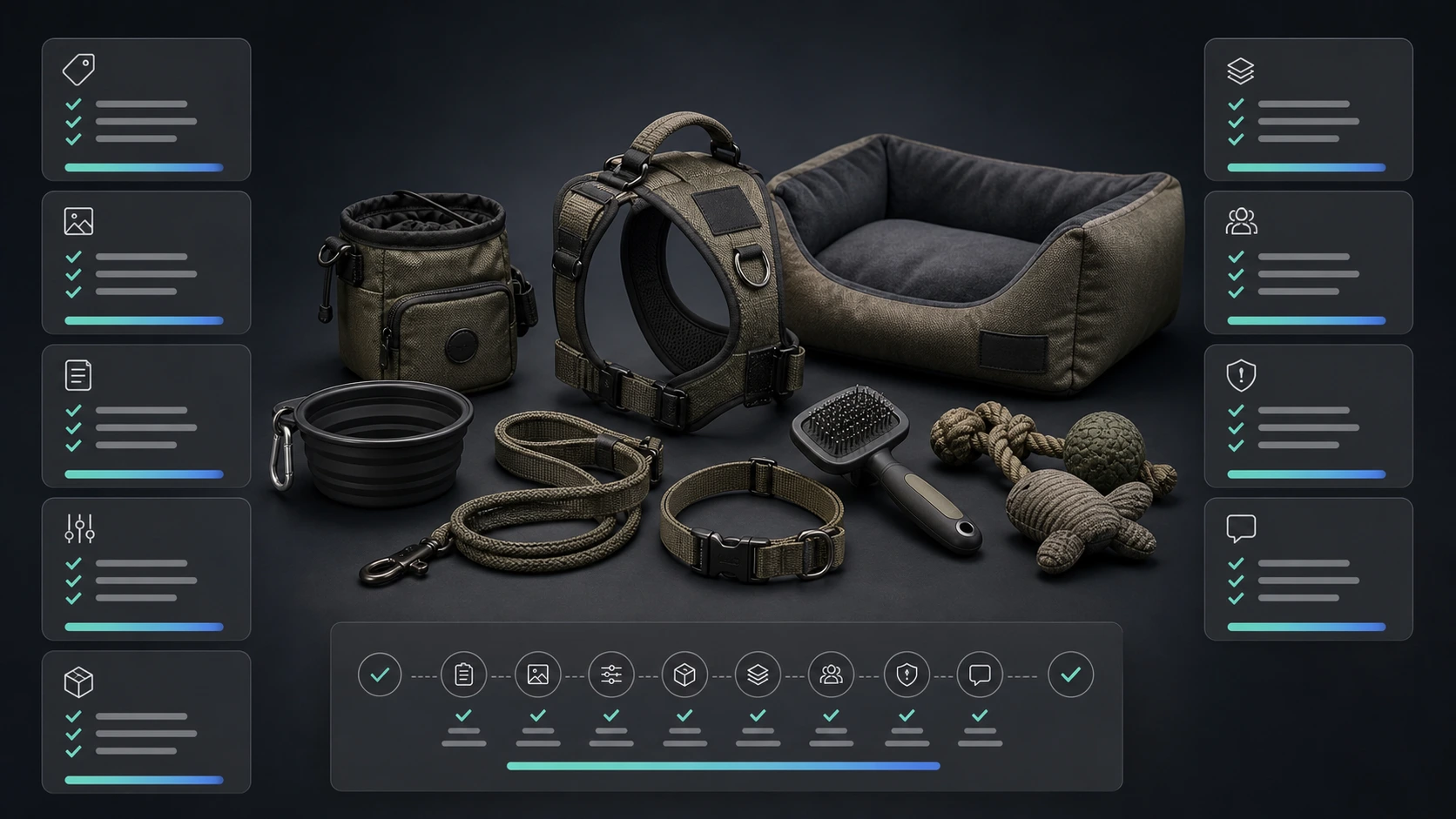
Use this checklist before choosing AI tools for ecommerce content.
Product context
- Can the tool use product data?
- Can it use product images?
- Can it stay connected to product catalog context?
- Can it support multiple products or SKUs?
Brand context
- Can it store reusable brand voice?
- Can it use brand identity and visual direction?
- Can it avoid generic category language?
- Can it support multiple brands if needed?
Content formats
- Does it create text?
- Does it create product images?
- Does it create videos?
- Does it support social posts?
- Does it support marketplace images?
- Does it support Amazon A+?
- Does it support campaigns?
Workflow
- Is there a review step?
- Are assets saved and organized?
- Can content move into a calendar?
- Can assets be downloaded or exported?
- Does it reduce tool switching?
Pricing
- Is it subscription-based?
- Is it credit-based?
- Does it fit bursty ecommerce usage?
- Does it show generation cost clearly?
- Will the team use it enough to justify the plan?
Common mistakes when choosing ecommerce AI tools
Mistake 1: Choosing by demo quality only
A tool may produce a great demo but not fit your real products, review process, or channels.
Mistake 2: Ignoring product context
If the tool does not understand your product, it may create attractive but inaccurate content.
Mistake 3: Overbuying subscriptions
One tool for writing, one for images, one for video, one for scheduling, one for automation, and one for approvals can become expensive and difficult to manage.
Mistake 4: Treating AI output as final
AI content needs review, especially for product claims, visuals, prices, marketplace assets, and regulated categories.
Mistake 5: Forgetting asset organization
Generated images and videos are only useful if the team can find, approve, reuse, schedule, or download them.
Mistake 6: Buying a general tool for a commerce-specific workflow
A general design or social tool may be excellent, but ecommerce teams often need product-aware workflows that general tools do not handle natively.
Where AgenixSocial fits
AgenixSocial is built for ecommerce teams that need more than one AI content task.
It is not only a social post generator, product photo tool, video tool, or scheduler.
AgenixSocial is a brand-aware and product-aware commerce content workspace.
It connects:
- Brand DNA for reusable brand context
- Products for product catalog context
- Quick Post for product-led social content
- Product Shots for controlled product visuals
- AI Creator Videos for creator-style product videos
- Video for product-led short ads
- Campaigns for product and brand campaigns
- Image Ads for promotional visuals
- Marketplace Listing Studio for marketplace image sets
- Amazon A+ Studio for Amazon A+ storyboards and modules
- Amazon Title Compliance for review-ready title and highlight outputs
- Approval Queue for review before publishing
- Media Library for asset organization
- Calendar for scheduling
- pay-as-you-go credits for usage-based creation
That makes AgenixSocial a better fit when the problem is not one missing asset type, but the messy workflow around ecommerce content creation.
AgenixSocial gives ecommerce teams, D2C founders, and marketplace sellers a stronger starting point by grounding workflows in reusable brand and product context. Teams still review final assets for product accuracy, claims, marketplace fit, and brand tone before publishing or uploading.
When AgenixSocial is the right fit
AgenixSocial is a strong fit when:
- you are a D2C founder creating content with a small team
- you sell on marketplaces and need product-aware assets
- you create social posts, images, videos, and campaigns
- you need Amazon A+ or marketplace image workflows
- you want Brand DNA and product catalog context
- you do not want to stitch together many subscriptions
- you want approval, media library, and calendar workflows connected
- your content needs happen in bursts around products and campaigns
When a specialist tool may be better
A specialist tool may be better when:
- you only need one task
- you need deep video editing
- you need professional design control
- you already have a full content operations team
- you need custom automation built around APIs
- your product category needs exact studio photography
- your workflow is already stable and only one component is missing
This is the right way to think about tools.
Not "Which AI tool is best?"
But "Which tool fits the job and the workflow?"
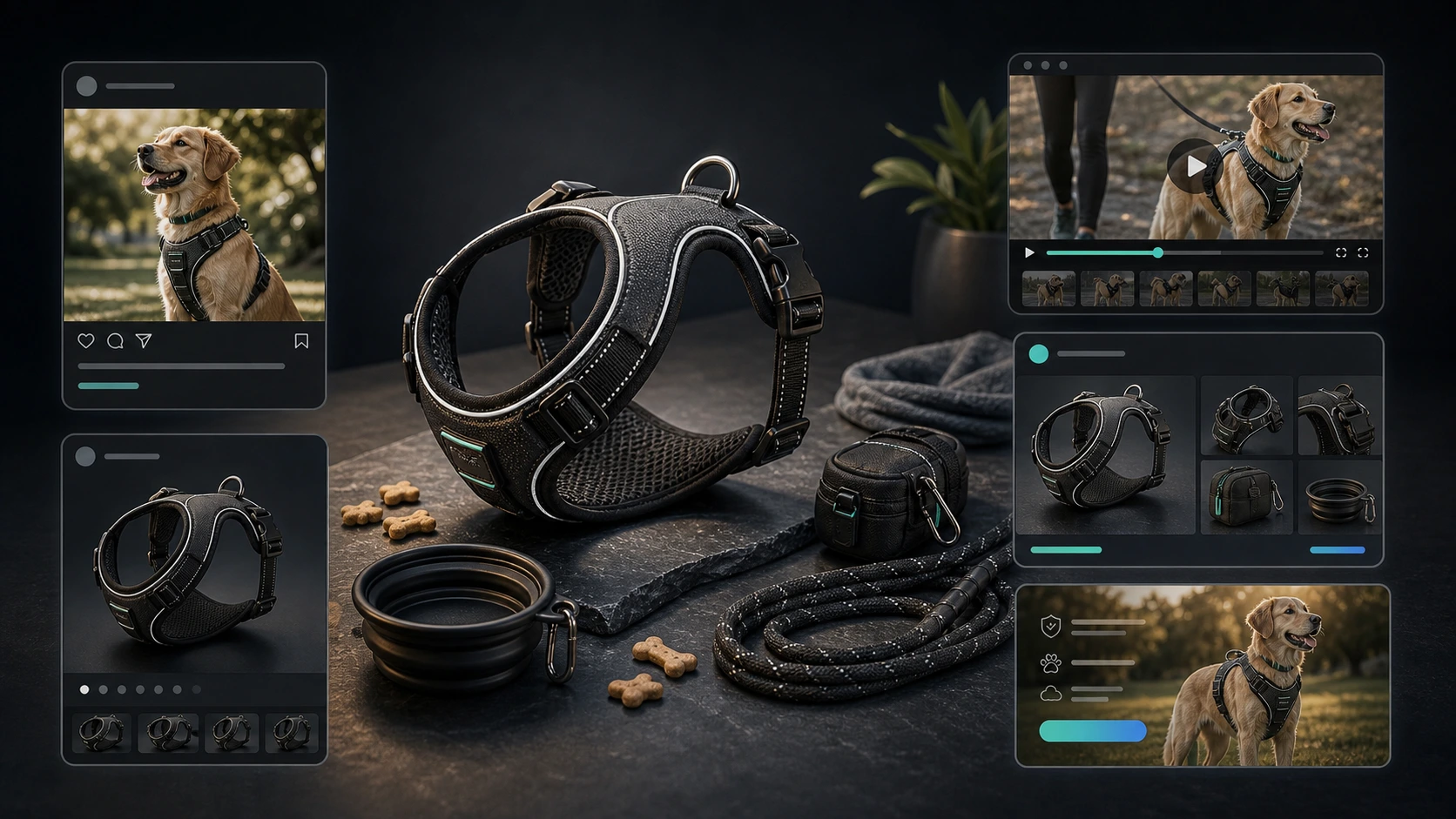
Suggested ecommerce AI tool stack by team type
Solo D2C founder
Prioritize:
- product-aware workspace
- simple content creation
- product visuals
- social posts
- creator videos
- calendar
- pay-as-you-go pricing
Avoid:
- too many subscriptions
- complex automations
- tools that require prompt engineering for every output
Small ecommerce team
Prioritize:
- Brand DNA
- product catalog context
- approval workflow
- Media Library
- Campaigns
- social scheduling
- product image and video workflows
Avoid:
- disconnected file handoffs
- unclear approval ownership
- unreviewed AI publishing
Marketplace seller
Prioritize:
- marketplace listing images
- Amazon A+ content
- product title/highlight workflows
- product accuracy review
- downloadable asset sets
Avoid:
- generic social tools that do not understand marketplace requirements
Agency
Prioritize:
- multi-brand workflow
- repeatable client context
- asset organization
- review and handoff
- pay-as-you-go or scalable usage
- content formats across social, images, videos, and marketplace assets
Avoid:
- rebuilding prompts and folders for every client
FAQ
What are the best AI tools for ecommerce content?
The best AI tools for ecommerce content depend on the workflow. Product copy tools help with descriptions, image tools help with product visuals, video tools help with ads, social tools help with scheduling, and commerce content workspaces connect product context, brand context, approvals, media, and calendar workflows.
Is there one AI tool that does everything for ecommerce content?
No tool is perfect for every workflow. Some tools are best for writing, some for images, some for videos, some for scheduling, and some for marketplace content. The right choice depends on whether you need a point solution or a connected ecommerce content workspace.
What should ecommerce brands look for in an AI content tool?
Look for product catalog context, reusable brand context, content formats you actually need, review workflows, asset organization, scheduling, clear pricing, and support for your selling channels.
Are AI product description tools enough?
They are enough if your main bottleneck is product copy. They are not enough if you also need product images, videos, campaigns, marketplace listing images, Amazon A+ content, approvals, and scheduling.
Are AI product photography tools worth it?
They can be useful for creating product visuals faster, especially lifestyle shots, studio shots, and campaign images. Teams still need to review product accuracy, visual realism, and channel fit.
Should ecommerce teams use AI UGC video tools?
AI UGC tools are useful when teams need creator-style product videos, script variations, multilingual videos, or ad testing assets. They should be reviewed for product claims, avatar fit, brand tone, and platform requirements.
How does AgenixSocial compare with single-purpose AI tools?
Single-purpose tools can be better for one deep task. AgenixSocial is better suited when ecommerce teams need brand-aware and product-aware workflows across social posts, product shots, creator videos, product videos, marketplace assets, Amazon A+ content, campaigns, approval, media, and calendar.
Does AgenixSocial replace human review?
No. AgenixSocial helps teams create stronger starting points from Brand DNA and product context. Teams still review final assets for product accuracy, claims, marketplace fit, and brand tone before publishing or uploading.
Conclusion
The best AI tool for ecommerce content is not always the tool with the flashiest demo.
It is the tool that fits the workflow.
If you only need product descriptions, use a copy tool.
If you only need product photos, use a product photography tool.
If you only need video ads, use a video tool.
But if your team needs product-aware content across posts, visuals, videos, marketplace assets, Amazon A+ content, campaigns, approval, media organization, and scheduling, you need more than a point solution.
You need a commerce content workspace.
That is where AgenixSocial fits: one brand-aware, product-aware workspace for ecommerce teams that want to create useful content without rebuilding context across disconnected tools.