Canva Alternatives
Canva Alternatives for Ecommerce Content: Design Tools vs Product-Aware Workflows
Canva is excellent for general design, but ecommerce teams often need more than templates. Compare Canva alternatives for product photos, social posts, listing images, ad creatives, creator videos, approvals, and product-aware workflows.
Quick answer
What is the best Canva alternative for ecommerce?
The best Canva alternative for ecommerce depends on the workflow. Use a design tool if you mainly need templates and visual editing. Use a product photography tool if you need product images. Use an AI social tool if you need captions and posts. Use a product-aware ecommerce content workspace if your team needs product catalog context, brand consistency, marketplace assets, creator videos, approvals, media library, and campaign planning in one workflow.
Is Canva good for ecommerce?
Yes. Canva is good for many ecommerce content tasks. Ecommerce teams use Canva for social media posts, sale banners, email graphics, product education cards, ads, presentations, brand kits, product launch visuals, and quick campaign assets.
Canva has also moved deeper into AI. Canva Magic Design describes AI-generated design collections, while Canva AI is positioned around design, writing, brand, coding, and creative tools.
The point is not that Canva is bad. The better question is when Canva stops being enough for ecommerce content operations.
Why ecommerce teams look for Canva alternatives
Most teams do not leave Canva because it cannot create a design. They look for alternatives because the surrounding workflow becomes messy.
- Product details are copied manually into every design.
- Brand rules have to be re-explained again and again.
- Product images are created in one tool and edited in another.
- Marketplace listing images need a different workflow.
- Amazon A+ content needs storyboard thinking.
- Creator videos are created separately.
- Approvals happen in Slack, email, or spreadsheets.
- Final assets are scattered across folders.
- Content calendars live somewhere else.
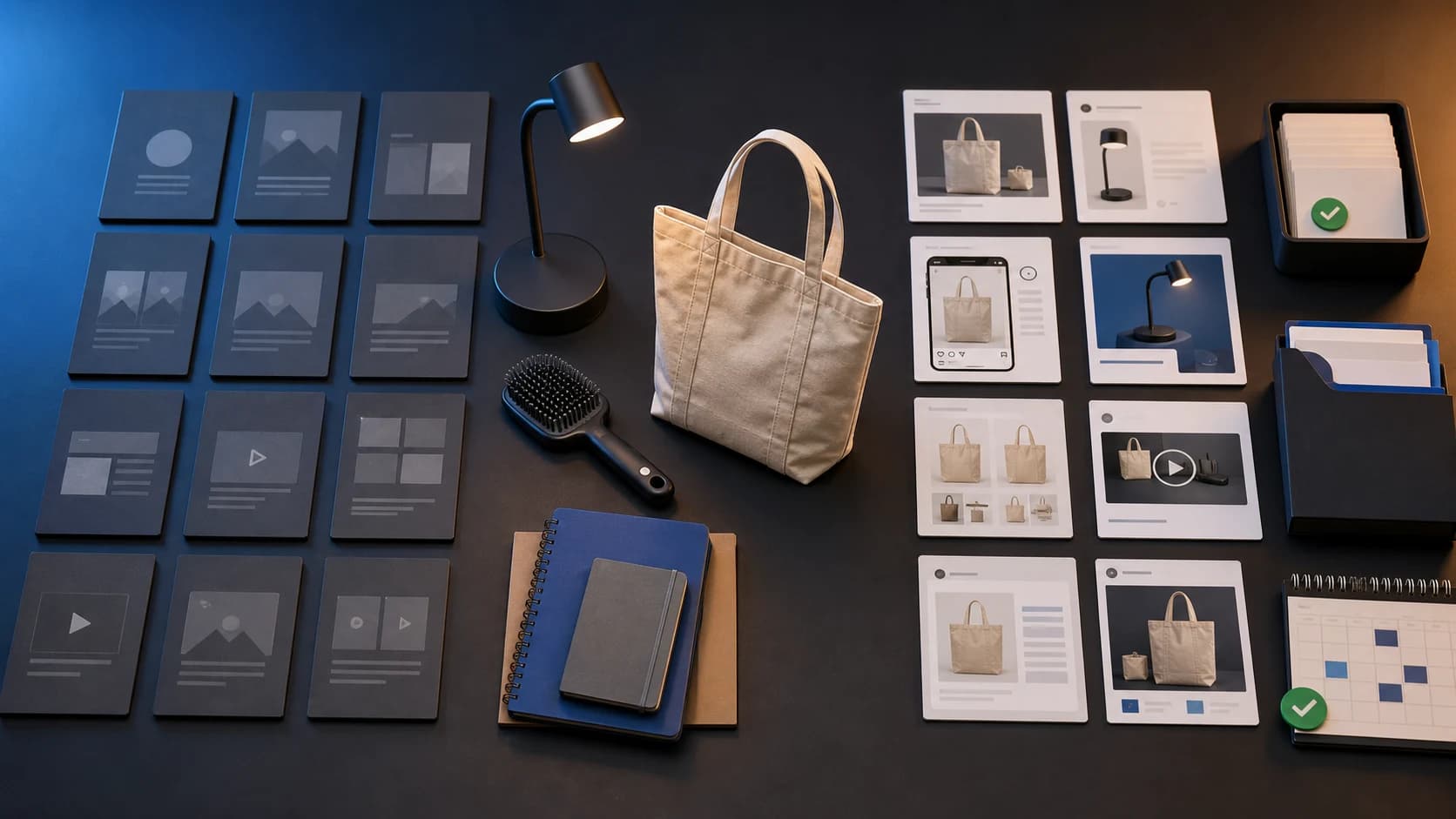
Canva solves design creation. Ecommerce teams often need content operations. That is a different job.
Tool landscape
The main types of Canva alternatives for ecommerce
There are several kinds of Canva alternatives, and they solve different problems. The key is to choose the tool based on the workflow, not the brand name.
| Alternative type | Best for | Ecommerce limitation |
|---|---|---|
| General design tools | Templates, graphics, banners, presentations | Often still canvas-first, not product-catalog-first |
| AI design tools | Faster design generation and editing | May need manual ecommerce context |
| Product photography tools | Product shots, backgrounds, lifestyle scenes | Usually focused on images only |
| AI social media tools | Captions, carousels, post ideas, calendars | May not support marketplace or listing content |
| Ad creative tools | Paid ad variants and campaign visuals | Often optimized for ads, not full content ops |
| Marketplace content tools | Listing images and marketplace assets | May be narrow to one channel |
| Product-aware ecommerce workspaces | Product-led content across formats | More specialized than generic design tools |
1. General design tools as Canva alternatives
General design tools are the most obvious Canva alternatives. Current Canva-alternative listicles commonly mention tools such as Adobe Express, Snappa, Pixlr, BeFunky, VistaCreate, Desygner, Clipchamp, Figma, and similar platforms. Zapier's Canva alternatives guide is one example of this broader category framing.
These tools are useful when your main need is visual editing: social media graphics, banners, flyers, presentations, ad layouts, email graphics, visual templates, and design collaboration.
A small D2C team may use a general design tool to create a festive sale banner, product benefit card, Instagram story, launch announcement, comparison graphic, or customer testimonial visual. This is a good use case if your team already has clean product photos and knows exactly what to say.
The limitation is that design tools usually start with the canvas. Ecommerce content should often start with the product: which SKU, which benefit, which approved claim, which marketplace, which campaign, and which review step.
2. AI design tools as Canva alternatives
AI design tools help create layouts, visuals, and creative assets faster. This category is growing quickly. Canva itself is moving heavily into AI, and newer tools use prompts, brand memory, automated layouts, and generated design systems to reduce manual design work.
They work well when you need quick visual exploration: three launch banner directions, a premium product announcement design, a sale graphic in brand colors, or a product benefit carousel.
But AI design tools can still miss ecommerce-specific context. They may generate a beautiful layout while using the wrong product benefit, distorting a product image, implying unsupported claims, using generic copy, ignoring marketplace requirements, or requiring the same product and brand details to be repeated in every prompt.
For ecommerce, design quality matters. Product truth matters more.
3. AI product photography tools as Canva alternatives
Some teams searching for a Canva alternative are not really looking for another design tool. They need better product visuals.
- Background removal and replacement.
- Clean product images.
- Lifestyle backgrounds.
- Product mockups.
- Marketplace visuals.
- Image enhancement and visual variants.
Product photography tools are useful when product photos are inconsistent, the catalog needs better visuals, lifestyle scenes need to be produced quickly, marketplace images are weak, or the team cannot run a new photoshoot for every campaign.
Most product photography tools focus on the image. They may not answer which product the image belongs to, whether it has been approved, whether it matches brand direction, where it will be stored, or whether the same visual can feed social posts, listing content, ads, and A+ modules.
4. AI social media tools as Canva alternatives
Some ecommerce teams use Canva mostly for social posts. For them, an AI social media tool may be a more relevant alternative.
These tools can help with post ideas, captions, hashtags, carousels, short video scripts, content calendars, and platform-specific variants. They are useful when the team posts frequently, content planning is inconsistent, captions are a bottleneck, or social calendars are empty.
The biggest risk is generic content. A caption like "upgrade your lifestyle with our premium product" is not enough. Ecommerce social content needs actual product details, customer use cases, brand voice, campaign context, product visuals, and review before publishing.
5. AI ad creative tools as Canva alternatives
If the team uses Canva mainly to make paid ad creatives, AI ad creative tools may be the better comparison.
AI ad creative tools help create product image ads, video ads, UGC-style scripts, hook variations, headline variants, offer creatives, retargeting assets, and creative testing variants. Major ad platforms are also adding AI creative features. Meta Advantage+ Creative describes AI creative generation and enhancement, and Amazon Ads offers AI-powered creative tools for ad workflows.
Ad creative tools focus on ads. They may not solve marketplace content, organic social posts, product page visuals, Amazon A+ storyboards, creator video planning, media library, approvals, or content calendar coordination.
6. Marketplace content tools as Canva alternatives
Marketplace sellers often need something more structured than Canva. Marketplace content may include main images, secondary listing images, infographics, comparison images, scale images, lifestyle visuals, Amazon A+ modules, product story panels, title and bullet support, and review-ready image packs.
Amazon product image guidance says products need a main image and recommends using multiple images and video to help shoppers understand the product. Amazon product photography guidance supports the point that marketplace visuals are not just nice designs. They are conversion and compliance-sensitive product assets.
Some marketplace tools are narrow. They may focus only on images, only on Amazon, only on titles, or only on one content format. That may be fine for a specific task, but a product launch often also needs social posts, product videos, founder-led content, paid ads, campaign visuals, and approved media storage.
7. Product-aware ecommerce content workspaces
This is the category most Canva-alternative lists miss. A product-aware ecommerce content workspace is not just a design editor. It starts from the product and brand context, then creates content across formats.
This kind of workflow is useful when your team needs product catalog grounding, reusable brand context, product visuals, marketplace assets, AI creator videos, campaign planning, approvals, downloads, media library, and calendar scheduling.
That is where AgenixSocial fits. AgenixSocial is not a generic Canva clone. It is a brand-aware, product-aware commerce content workspace for ecommerce teams. It helps teams move from Brand DNA and Product Catalog to Product Shots, AI Creator Videos, Marketplace Listing Studio, Campaigns, approvals, media library, calendar, and pay-as-you-go credits.
The practical difference is simple: Canva helps teams design assets. AgenixSocial helps ecommerce teams create product-aware content workflows.
Workflow comparison
Canva vs product-aware ecommerce content workflow

| Requirement | Canva-style design workflow | Product-aware ecommerce workflow |
|---|---|---|
| Create social graphics | Strong | Strong when connected to product and campaign context |
| Edit layouts manually | Strong | Usually more workflow-led than canvas-led |
| Use brand templates | Strong | Brand DNA-style reusable context |
| Create product visuals | Possible, depending workflow | Product Shots-style workflow |
| Create marketplace listing assets | Manual or template-based | Marketplace Listing Studio-style workflow |
| Plan Amazon A+ content | Manual | Amazon A+ Studio-style storyboard workflow |
| Create creator-style videos | Usually separate tools needed | AI Creator Videos-style workflow |
| Preserve product catalog context | Manual | Product Catalog as source of truth |
| Review before publishing | Usually external workflow | Approvals built into workflow |
| Plan content calendar | Often separate tool | Calendar workflow |
When Canva is enough
Canva may be enough if your catalog is small, your content needs are mostly social posts and banners, your team has clean product photos, marketplace content is not a major need, approvals are simple, and one or two people own the workflow.
For many small teams, Canva is still a great choice.
When to look beyond Canva
Look beyond Canva when another template tool does not solve the problem.
- You repeatedly copy product details into designs.
- Your team struggles to keep product claims accurate.
- Marketplace listing images are becoming important.
- Amazon A+ content needs structure.
- You need creator-style videos.
- Social, ads, and listings are disconnected.
- Approvals are messy.
- Final assets are hard to find.
- You manage many products or clients.
- Your design workflow is becoming a content operations problem.
How to choose the right Canva alternative for ecommerce
Start by naming the real bottleneck: design speed, product photo quality, social consistency, ad creative volume, marketplace asset creation, approval workflow, asset organization, or product and brand context reuse.
For ecommerce, product context includes product name, SKU or variant, features, benefits, use cases, materials, dimensions, included accessories, limitations, and claims to avoid. A tool that does not understand product context may create attractive but inaccurate content.
Brand consistency also needs more than logos, fonts, and colors. Canva Brand Kit is useful for managing brand design elements, but ecommerce teams may also need product and campaign context, approved images, recurring product language, and review rules.
Finally, compare review and cost. AI-generated ecommerce content should be reviewed for product accuracy, claims, brand tone, marketplace fit, channel requirements, offer details, and visual accuracy. Cost should include unused subscriptions, paid add-ons, AI generation credits, failed outputs, editing time, designer cleanup, asset movement, and review time.
Practical example: one product launch
Imagine a D2C brand launching a compact desk lamp. In a Canva-style workflow, the team may create a launch banner, Instagram post, email graphic, sale creative, and comparison card. That works if the product photo and copy are already ready.

A full ecommerce launch may also need product shots, lifestyle images, Amazon listing images, Amazon A+ storyboard, AI creator video, founder-led post, ad creative variants, campaign plan, approvals, media library organization, and calendar scheduling.
A product-aware workspace helps the team start from Brand DNA and Product Catalog, create Product Shots, build Marketplace Listing Studio assets, plan Amazon A+ content, create AI Creator Videos, organize Campaigns, review through Approvals, store final assets in Media Library, and plan distribution through Calendar.
Review checklist before publishing ecommerce content made with Canva alternatives
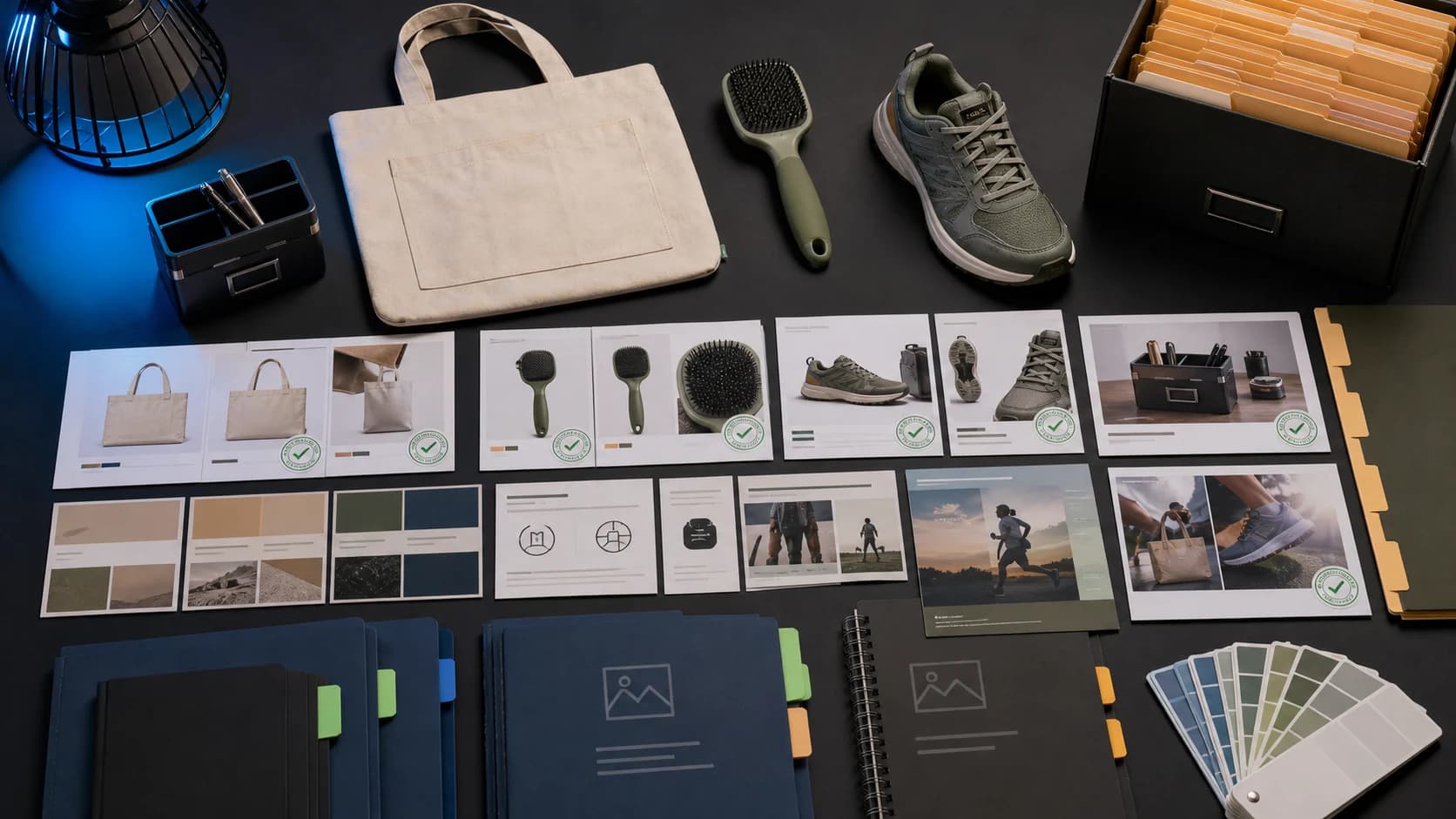
AI and design tools can speed up production. They should not remove review.
- Is the product accurately represented?
- Are all claims true and supportable?
- Is the correct product variant shown?
- Does the visual match the actual product color, size, and material?
- Is the content suitable for the channel?
- Does it match brand tone?
- Does it fit the campaign goal?
- Are pricing and offer details correct?
- Are marketplace requirements considered?
- Has a human reviewed the final asset?
Where AgenixSocial fits
Use Canva when you need flexible design editing. Use AgenixSocial when ecommerce content needs product-aware workflows.
AgenixSocial gives ecommerce teams a stronger starting point by grounding workflows in reusable brand and product context. Teams still review final assets for product accuracy, claims, marketplace fit, and brand tone before publishing.
Frequently asked questions
What is the best Canva alternative for ecommerce?
The best Canva alternative for ecommerce depends on your workflow. If you need design templates, use a design tool. If you need product photos, use an AI product photography tool. If you need social posts, use an AI social tool. If you need product-aware content across listings, social, videos, campaigns, approvals, and asset reuse, use an ecommerce content workspace.
Is Canva good for ecommerce?
Yes. Canva is useful for ecommerce social posts, banners, email graphics, ad layouts, product education cards, and simple campaign visuals. It becomes limiting when teams need deeper product catalog context, marketplace workflows, review steps, and asset organization.
Why do ecommerce teams look for Canva alternatives?
Ecommerce teams look for Canva alternatives when they need more than design templates. Common reasons include product photo creation, marketplace listing images, Amazon A+ content, AI creator videos, approval workflows, campaign planning, and reusable product or brand context.
Is AgenixSocial a Canva alternative?
AgenixSocial can support some visual content workflows, but it is better understood as a product-aware ecommerce content workspace. It helps teams create product-aware content from Brand DNA and Product Catalog context across visuals, social posts, marketplace assets, creator videos, campaigns, approvals, and media library workflows.
Can Canva create product images for ecommerce?
Canva can help create and edit ecommerce visuals, especially social graphics, banners, and simple product layouts. For product photography, marketplace visuals, product accuracy review, and catalog-scale workflows, teams may need dedicated product photography tools or a product-aware ecommerce content workflow.
What should I compare before choosing a Canva alternative?
Compare product context, brand consistency, supported content formats, image accuracy, marketplace fit, collaboration, approvals, asset organization, scheduling, and total workflow cost.
Should ecommerce teams use Canva and AgenixSocial together?
They can. Canva can be useful for manual design editing and flexible layouts. AgenixSocial is useful when ecommerce teams want product-aware content workflows connected to Brand DNA, Product Catalog, Product Shots, AI Creator Videos, Marketplace Listing Studio, Campaigns, Approvals, Media Library, and Calendar.
Conclusion
Canva is a strong design tool. For many ecommerce teams, it remains useful. But if your content workflow has grown beyond social posts and banners, the problem may no longer be design editing. It may be product context, brand consistency, marketplace content, approvals, asset organization, and campaign planning.
The better question is not just which Canva alternative looks most like Canva. It is whether your team needs another canvas or a product-aware content workflow.
If your team needs product-led content across social, ads, listings, creator videos, Amazon A+ storyboards, approvals, and campaigns, AgenixSocial is built for that broader ecommerce content operation.