What is an AI UGC video generator?
Quick answer
An AI UGC video generator is a tool or workflow that helps brands create creator-style product videos using AI-generated scripts, avatars or virtual creators, voice, captions, product context, brand direction, and scene settings. For ecommerce brands, the goal is not to fake real customer proof. The goal is to create product ads, explainers, launch videos, marketplace videos, and localized content variations faster, with human review before publishing.
AI UGC video works best when it is treated as product-aware creator-style content, not as fake user-generated testimonials.
If you want the product page behind this topic, see AI Creator Videos. If you want the wider brand context layer first, start with Brand DNA and Campaigns.
Why this category exists
Ecommerce brands need more video than ever.
A single product may need:
- a launch video
- a product explainer
- a short ad
- a marketplace video
- a product education clip
- a festival campaign version
- a creator-style hook for Meta
- a different hook for TikTok
- a localized version for another region
- a new version for a product variant
That is a lot of video.
Hiring real creators is valuable, but it is not always practical for every product, every language, every campaign, and every small creative test.
That is where AI UGC video generators come in.
They help brands create creator-style product videos faster by combining scripts, avatars or virtual creators, voice, captions, product information, brand direction, and scene settings.
The better tools do not just create a talking-head video.
They help turn product context into usable ecommerce video content.
What does AI UGC actually mean?
UGC traditionally means user-generated content. That usually refers to content created by real customers, users, fans, or creators.
AI UGC is different.
AI UGC usually means AI-generated or AI-assisted content that looks and feels like creator-style content. It may use an AI avatar, AI voice, AI-generated script, product visuals, captions, and a social-video format.
That difference matters.
A real customer testimonial is based on a real customer’s experience.
An AI creator-style video is brand-created content using AI.
Both can be useful, but they should not be described as the same thing.
The honest definition
An AI UGC video generator is a tool or workflow that helps brands create creator-style product videos using AI-generated scripts, avatars or virtual creators, voice, captions, product context, brand direction, and scene settings.
For ecommerce brands, the value is not only creating a face-on-camera video.
The real value is creating many product video variations across hooks, languages, creators, use cases, and campaigns without starting from scratch every time.
Hedra’s overview of the category also frames AI UGC as creator-style content generated with AI rather than literal real-user footage. See Hedra’s What Is AI UGC? guide.
AI UGC video vs real UGC
| Question | Real UGC | AI UGC video |
|---|---|---|
| Who creates it? | A real customer, creator, influencer, or user | A brand or team using AI tools |
| What makes it valuable? | Real experience, authenticity, social proof | Speed, control, variation, localization, consistency |
| Best use case | Testimonials, reviews, creator partnerships, real usage proof | Product ads, explainers, launch videos, localized content, creative testing |
| Main risk | Inconsistent quality, slow turnaround, creator coordination | Fake-feeling scripts, avatar mismatch, trust issues, unsupported claims |
| Review need | Usage rights, disclosures, creator brief, brand fit | Script, claims, product accuracy, disclosure, voice, scene, final output |
AI UGC should not pretend to be real customer proof.
That is the line.
Use AI creator videos for product storytelling, not fake testimonials.
Why the trust boundary matters
This is not just a style preference.
It is a compliance issue.
The FTC’s consumer reviews and testimonials guidance explains that deceptive reviews and testimonials can create legal risk, and the final rule around fake reviews explicitly discusses AI-generated reviews as part of the broader fake-review problem. See the FTC’s Consumer Reviews and Testimonials Rule Q&A and its summary of the final rule on fake reviews and testimonials.
So the right use of AI UGC is not:
- fake customer proof
- fake review clips
- fake creator endorsements presented as real
- unsupported experience claims
The right use is:
- creator-style product explainers
- ad variations
- product launch videos
- localized product content
- structured testing across hooks and angles
What can ecommerce brands use AI UGC videos for?
AI UGC videos can support both paid and organic content.
The same generation workflow can support multiple use cases, but review standards should change depending on where the video will be used.
Paid ads need stricter claim review, offer review, and compliance checks.
Organic content can be more flexible, but it still needs brand and product accuracy.
| Use case | How AI UGC helps |
|---|---|
| Product ads | Create multiple hooks and creator angles for testing |
| Organic social | Produce product-led short videos consistently |
| Product education | Explain features, benefits, use cases, and setup |
| Launch campaigns | Create creator-style launch videos for new products |
| Marketplace videos | Add product video content to listings where supported |
| Localization | Generate versions in different languages and markets |
| Seasonal campaigns | Adapt the same product into festival, sale, or event-specific videos |
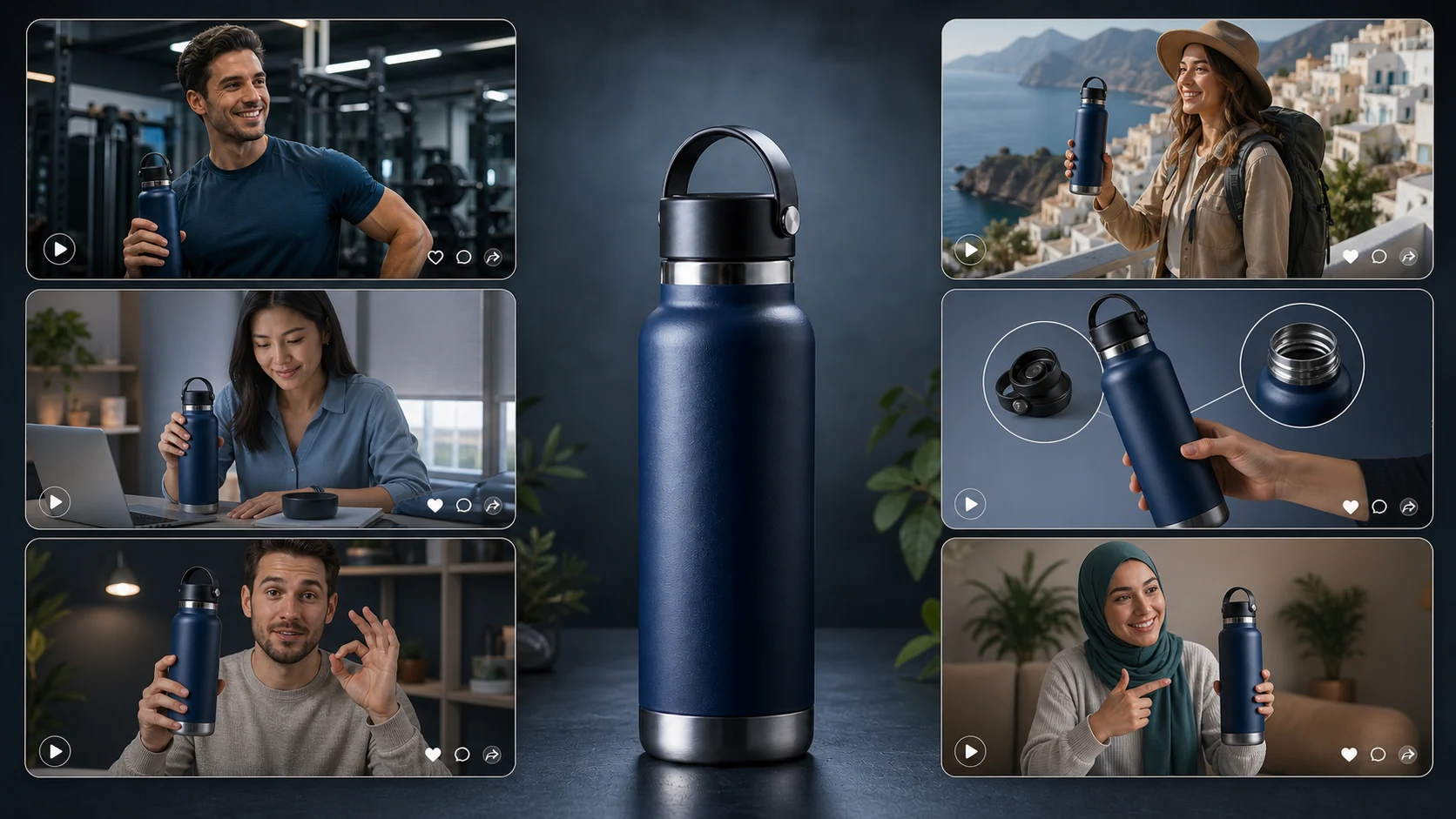
Example: premium insulated stainless steel water bottle
Let’s use a simple product example.
Product: premium insulated stainless steel water bottle.
A brand selling this product could create:
- a gym video
- an office desk video
- a travel video
- a student routine video
- a parent-on-the-go video
- a summer hydration video
- a product explainer
- a launch video for a new color
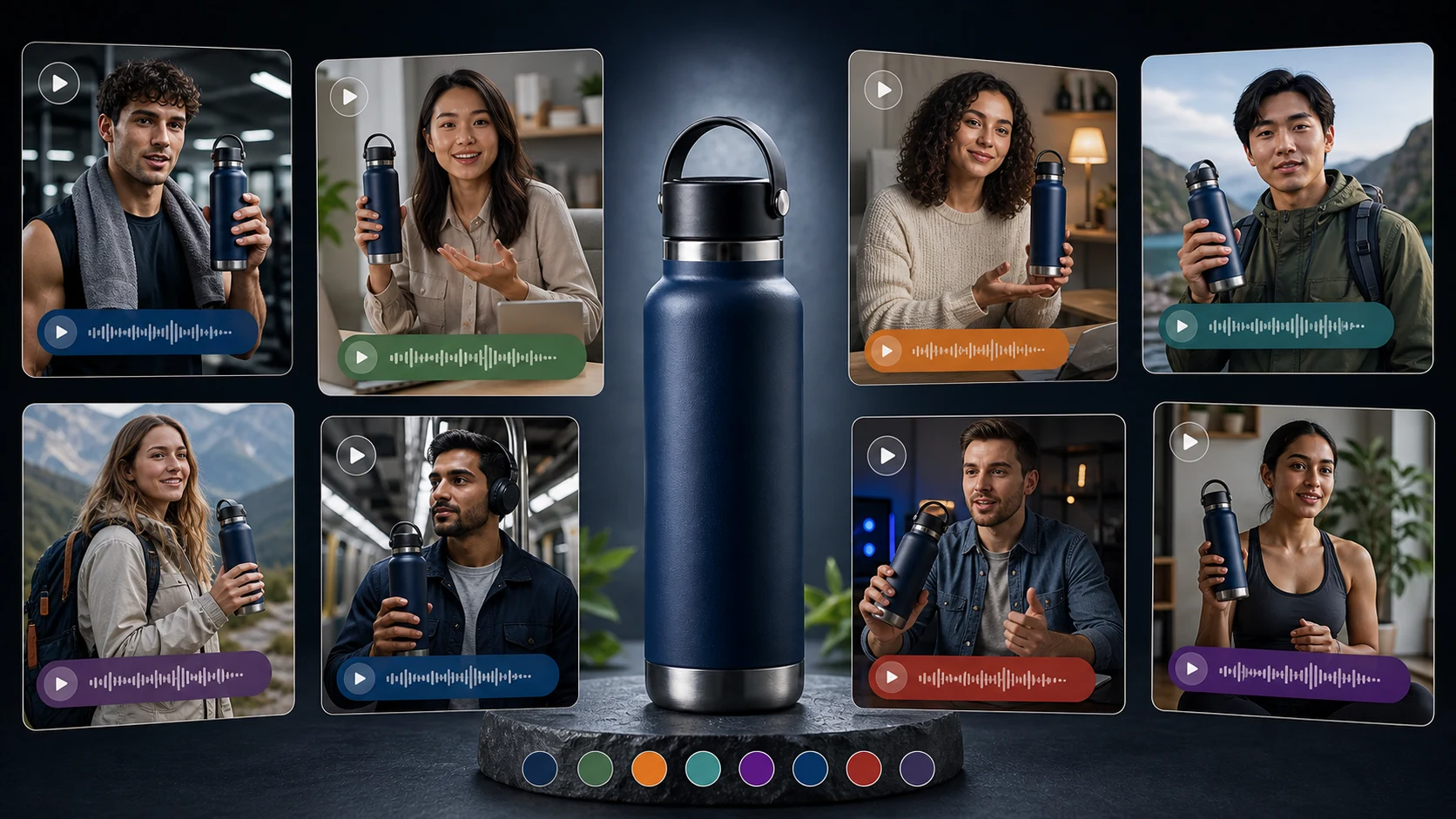
- a localized video in Hindi, Arabic, French, Spanish, or another language
The product is the same.
The video angle changes.
That is the real benefit of AI UGC workflows.
How an AI UGC video generator works
Step 1: Select the product
The workflow should start with the product.
For the water bottle, the system needs to know:
- product name
- product category
- material
- benefits
- size or capacity
- colors
- use cases
- product images
- product description
- claims that need review
If the AI does not understand the product, the video may look polished but say the wrong thing.
Step 2: Choose the video use case
The same product can need different scripts depending on the goal.
For example:
| Use case | Better video angle |
|---|---|
| Product ad | "I stopped buying disposable bottles for daily use" |
| Organic post | "What I carry to work every day" |
| Product explainer | "Here is how the lid, insulation, and size work" |
| Launch content | "New color drop for your desk, gym, and commute" |
| Marketplace video | "Quick look at what comes in the box and how it works" |
| Localized ad | Region-specific setting, language, voice, and phrasing |
Before creating the video, define the job of the video.
Step 3: Configure the creator
This is where AI UGC starts to feel different from a normal video generator.
The user may configure:
- creator or character direction
- appearance and region-fit
- language
- voice direction
- tone
- setting
- scene
- product angle
- hook
- captions or on-screen text direction
For example:
- creator in a gym after workout
- creator at a modern desk
- creator in a travel setting
- creator in a student dorm
- creator in a kitchen
- creator speaking Hindi
- creator speaking Arabic
- creator speaking English
- creator explaining the product in a calm, premium tone
- creator making a fast product ad
The more specific the configuration, the more useful the output.
Step 4: Generate or edit the script
The script is where many AI UGC videos fail.
Bad AI UGC scripts sound vague and exaggerated.
A better script is specific:
"I use this bottle because it fits in my work bag, does not look bulky on my desk, and keeps me from buying disposable bottles during the day."
Good creator-style product scripts usually include:
- a simple hook
- one buyer problem
- one product angle
- one real use case
- one or two specific benefits
- a soft call to action
Step 5: Generate the video
Once product, creator, setting, language, and script are ready, the tool generates the video.
Depending on the platform, this may include:
- avatar or virtual creator
- voice
- lip sync
- product visuals
- captions
- scene background
- aspect ratio
- video duration
- background music or ambient style
- downloadable output
The output should then be reviewed before publishing.
Step 6: Review the video
Review is not optional.
The team should check:
- Does the product look correct?
- Is the script accurate?
- Are the claims safe?
- Does the avatar fit the market and audience?
- Does the voice feel natural?
- Is the language correct?
- Is the tone on-brand?
- Are captions readable?
- Is the scene believable?
- Does the video make any unsupported promise?
AI can create video faster, but the brand is still responsible for what it publishes.
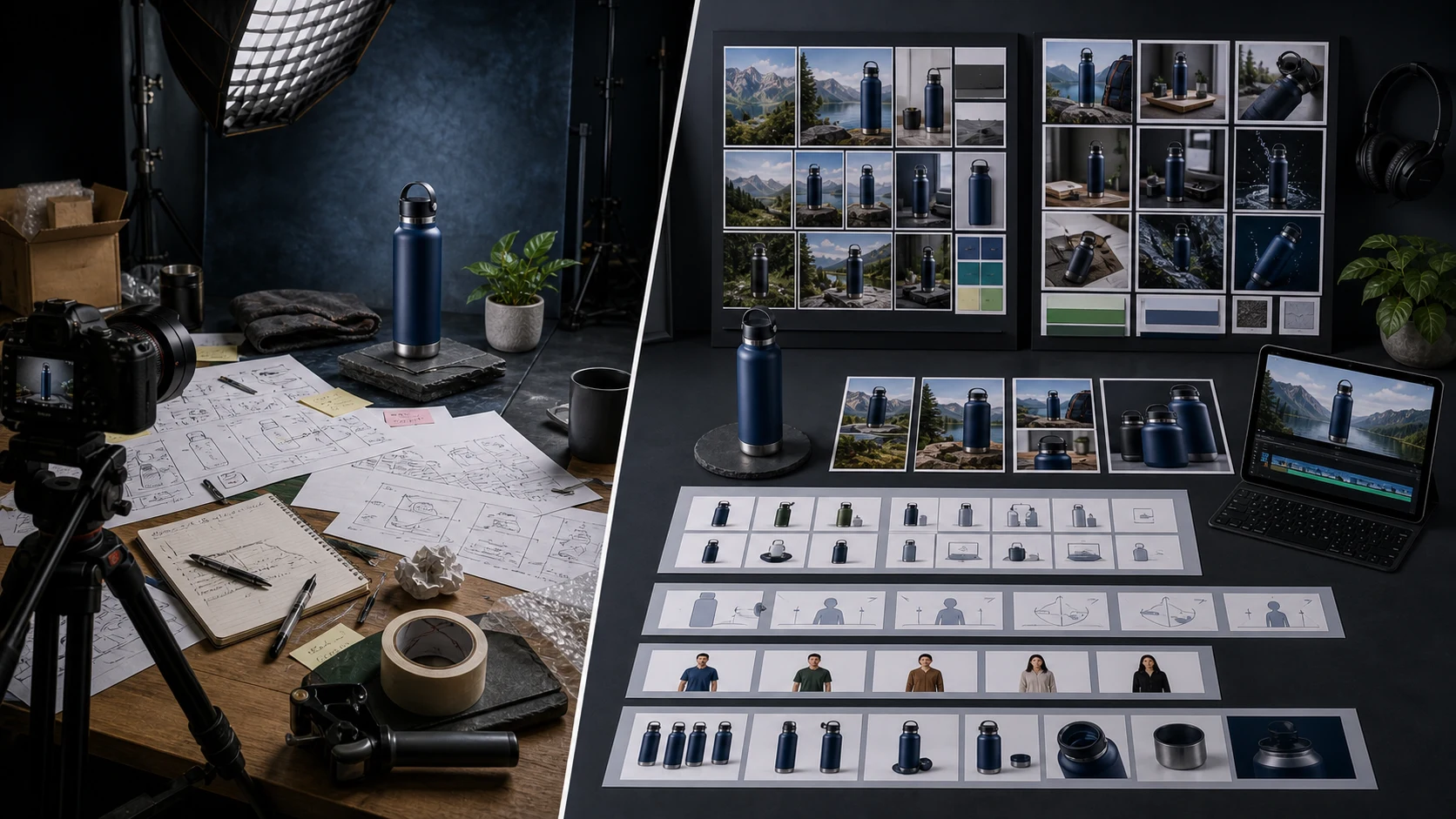
Manual creator workflow vs AI UGC workflow
| Step | Manual creator workflow | AI UGC workflow |
|---|---|---|
| Creator selection | Find and negotiate with creators | Choose or configure a virtual creator |
| Script | Write brief and wait for interpretation | Generate or edit script from product context |
| Scene | Depends on creator’s location and setup | Define scene, setting, and product context |
| Language | Need creator, dubbing, or separate production per language | Generate localized versions in 40+ languages |
| Revisions | Slow, often depends on reshoot or editing | Faster script, voice, scene, and angle iteration |
| Scale | Hard to create many product variations | Easier to create many video variations |
| Review | Review final creator output | Review script, claim, voice, scene, and final video |
This does not mean AI replaces real creators.
It means the production model changes.
For high-trust testimonials, real creators and customers still matter.
For product explainers, ad variations, launch content, and localization, AI creator videos can reduce production friction.
Where real creators are still better
Real creators are still valuable when:
- the product needs real lived experience
- the brand wants authentic customer proof
- the creator has an audience
- the video depends on personal credibility
- the product requires real demonstration
- the brand wants a long-term creator partnership
- the campaign depends on influencer trust
AI should not be used to fake that.
The best strategy is often hybrid.
Use real creators for trust-heavy proof.
Use AI creator videos for scalable product education, ads, localization, variations, and repeatable content workflows.
Where AI UGC videos are better
AI creator videos are useful when the brand needs:
- more video variations
- faster testing
- localized scripts
- different languages
- product explainers
- founder or team support content
- ads for multiple angles
- launch videos
- campaign versions
- consistent output across products
The strength of AI is repeatability.
The weakness is authenticity if the video is pretending to be something it is not.
What users can configure inside AgenixSocial AI Creator Videos
Inside AgenixSocial, users can configure:
- Product
- Creator or character direction
- Appearance and region-fit
- Scene or setting
- Language
- Voice direction
- Script angle
- Hook
- Product benefit focus
- Video use case: ad, organic post, product explainer, marketplace video, or launch content
- Captions or on-screen text direction
- Review and regeneration instructions
This matters because ecommerce video creation should not start from a blank prompt every time.
AgenixSocial uses product and brand context so teams can create AI creator-style videos with less repeated briefing.
AgenixSocial positioning: AI Creator Videos, not fake testimonials
AgenixSocial uses the website-friendly term AI Creator Videos.
That is intentional.
The point is not to create fake customers.
The point is to create configurable creator-style product videos from product and brand context.
The product truth in the current site copy is clear: AgenixSocial helps commerce teams draft scripts, choose avatar-led creator styles, and create vertical video assets using product and Brand DNA context. The workspace also supports 40+ languages for AI Creator Videos, which makes localized product video variations much easier to produce across markets.
This is especially useful for D2C founders, agencies, marketplace sellers, and ecommerce teams that need content across many products and campaigns.
AI UGC video review checklist
Before publishing an AI creator video, review these areas:
| Review area | What to check |
|---|---|
| Product accuracy | Product name, features, visuals, packaging, color, size, and included items |
| Claim safety | No unsupported performance, health, legal, or exaggerated claims |
| Testimonial risk | Do not present AI content as real customer experience |
| Creator fit | Creator appearance, setting, voice, and tone match the intended audience |
| Language quality | Translation, pronunciation, grammar, and cultural fit |
| Brand fit | Tone, visual style, and messaging match Brand DNA |
| Platform fit | Video suits the platform: ad, organic, marketplace, or campaign |
| Captions | Captions are readable and do not distort meaning |
| CTA | Call to action is clear and accurate |
| Disclosure | Add disclosure where needed based on platform, ad, or market requirements |
This review process is what separates usable AI creator videos from generic AI content.
Common mistakes with AI UGC video generators
Mistake 1: Calling fake content real UGC
Do not do this.
If the video is AI-generated or brand-created, do not frame it as a real customer testimonial.
Mistake 2: Using generic scripts
Generic scripts make AI videos feel fake.
Use product-specific details.
Mistake 3: Choosing the wrong creator fit
A creator-style video should match the market, product, audience, and setting.
Mistake 4: Ignoring language review
Multilingual output still needs review.
Localization is not just translation.
Mistake 5: Overclaiming product benefits
Avoid inflated or unsupported claims.
Mistake 6: Treating AI as the entire strategy
AI can generate video, but teams still need product positioning, review, channel strategy, and creative testing.
How to decide if AI UGC is right for your brand
Use this simple decision framework.
| If you need | Best option |
|---|---|
| Real customer proof | Real UGC or customer testimonials |
| Influencer trust | Real creator partnerships |
| Product explainer videos | AI creator videos can work well |
| Many ad variations | AI creator videos can work well |
| Localization across languages | AI creator videos can work well |
| High-risk claims | Human review and stricter compliance needed |
| Product demos with complex handling | Real creator or studio demo may be better |
| Fast content for many products | AI creator videos can reduce production load |
AI UGC is not always the answer.
But when a brand needs repeatable product-led video, it can be a practical production layer.
Final takeaway
An AI UGC video generator helps brands create creator-style product videos using AI scripts, avatars or virtual creators, voice, captions, product context, brand direction, and scene settings.
For ecommerce brands, the value is speed, variation, localization, and product storytelling.
The risk is trust.
AI creator videos should not pretend to be real customer testimonials. They are best used for product ads, explainers, launch content, marketplace videos, organic posts, seasonal campaigns, and multilingual product education.
AgenixSocial helps ecommerce teams create configurable AI creator-style product videos from product and brand context, with creator settings, scene direction, script angles, and 40+ language support.
It fits naturally inside a broader ecommerce content workflow with AI Creator Videos, Brand DNA, Campaigns, pay-as-you-go credits, and teams operating repeatable product content systems.
Create AI creator-style product videos with AgenixSocial.
FAQ
What is an AI UGC video generator?
An AI UGC video generator helps brands create creator-style videos using AI scripts, virtual creators or avatars, voice, captions, product context, brand direction, and scene settings.
Is AI UGC the same as real UGC?
No. Real UGC comes from real customers, users, or creators. AI UGC usually means AI-generated or AI-assisted creator-style content made by or for a brand.
Can AI UGC videos be used for ecommerce ads?
Yes. AI UGC videos can be used for ecommerce ads, but scripts, claims, offers, product visuals, and disclosures should be reviewed carefully before publishing.
Can AI UGC videos replace real creators?
Not fully. AI creator videos are useful for speed, testing, localization, and product explainers. Real creators are still better for authentic testimonials, lived experience, audience trust, and influencer partnerships.
What inputs are needed to create an AI UGC video?
Useful inputs include product details, product images, brand voice, target audience, video goal, script angle, creator direction, language, setting, and call to action.
How does AgenixSocial create AI creator videos?
AgenixSocial lets users select a product, configure the creator, define the scene, choose the language, guide the script angle, and generate creator-style product videos from product and brand context.
Does AgenixSocial support multiple languages?
Yes. AgenixSocial supports 40+ languages for AI Creator Videos, helping ecommerce teams create localized product video variations.
Should AI UGC videos include customer claims?
Only if the claim is truthful, supportable, and used in a compliant way. AI-generated videos should not be presented as real customer testimonials unless they are genuinely based on real customer input and reviewed properly.