Ecommerce Content Calendar Automation: From Product Launches to Approved Publishing
Ecommerce content calendar automation helps brands plan, organize, approve, schedule, and publish content around products, campaigns, and selling moments.
But a real ecommerce content calendar is not just a spreadsheet of social media captions.
It should answer operational questions:
- Which product is this post about?
- Which campaign does it support?
- Is the product image approved?
- Is the creator video reviewed?
- Is the offer accurate?
- Is the asset saved in the media library?
- Is the post ready to publish?
- Which channel is it going to?
- What happens after launch day?
That is why ecommerce content calendar automation should connect content creation, approval, media storage, and scheduling.
A calendar is not only where content goes.
It is where the content workflow becomes visible.
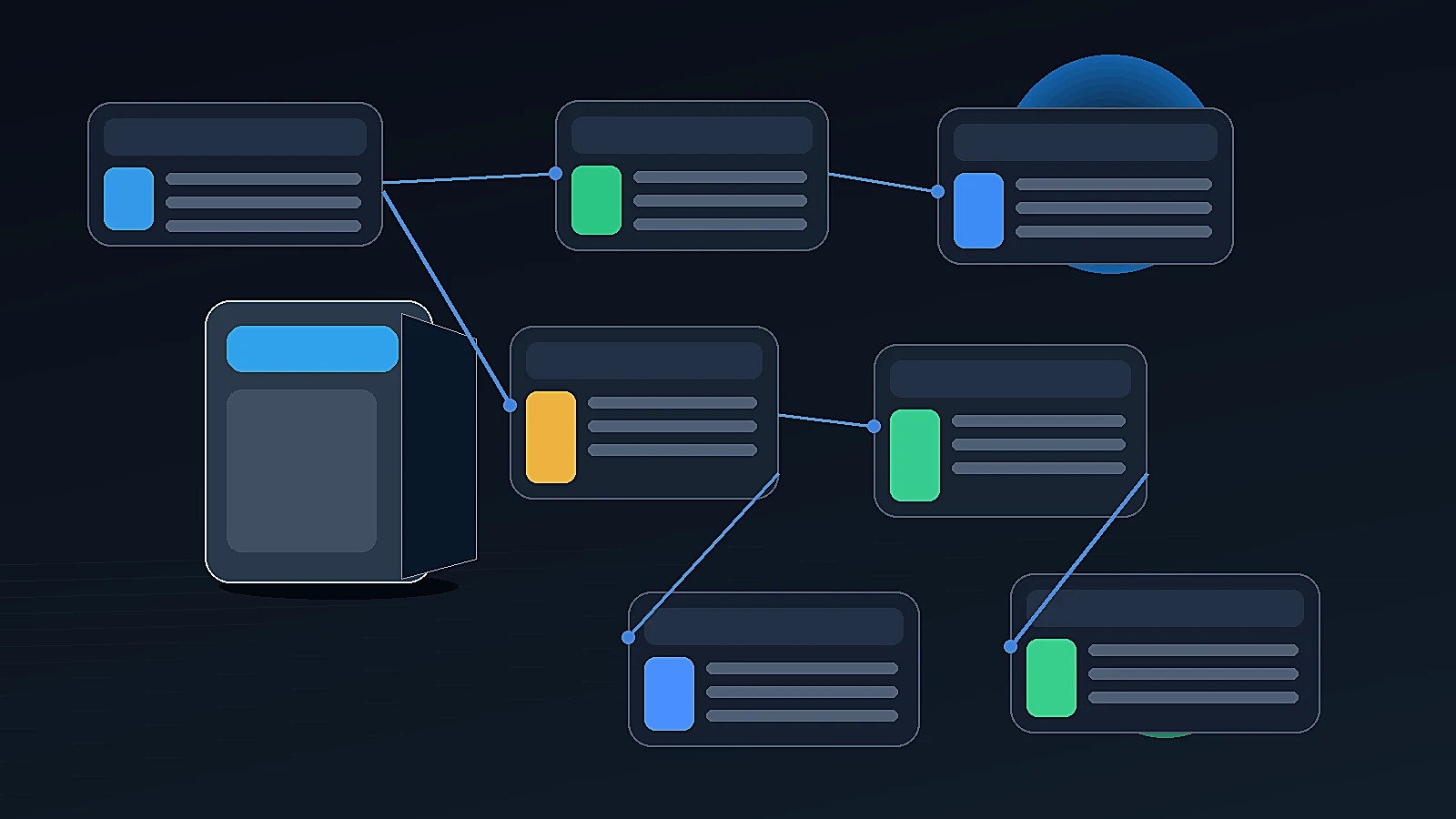
Quick answer: what is ecommerce content calendar automation?
Ecommerce content calendar automation is the use of AI-assisted workflows and scheduling systems to plan product posts, campaign assets, videos, product images, marketplace support content, and social publishing in advance. The best workflows connect product catalog context, Brand DNA, generated assets, approval status, Media Library, and Calendar so teams only schedule content that is accurate, approved, and ready to publish.
Why ecommerce calendars are different from generic social calendars
A generic social media calendar usually tracks:
- post date
- platform
- caption
- media
- owner
- status
- hashtags
- link
- publishing time
That is useful.
Sprout Social defines a social media calendar as a forward-looking plan of scheduled posts across platforms, organized by publish date, time, and network, with post elements such as copy, links, tags, mentions, images, and video. Sprout Social social media calendar guide
But ecommerce calendars need more context.
A product-led calendar also needs:
- product
- product launch date
- campaign
- offer
- product image
- product video
- creator-style video
- marketplace asset
- Amazon A+ content status
- approval status
- asset source
- inventory or availability notes
- review owner
- publish destination
A general brand can post thought leadership, memes, quotes, or educational content.
An ecommerce brand posts content that may directly affect sales, expectations, product understanding, and customer trust.
So the calendar has to be more operational.
Emplifi's social media content calendar guide makes the broader planning point: a calendar schedules what, when, and where content is posted, while helping teams align posts with campaigns and prevent last-minute scrambling. Emplifi social media content calendar guide
The problem with random-post calendars
Many ecommerce teams build calendars by asking:
"What should we post this week?"
That creates random content.
A product post on Monday. A generic brand post on Wednesday. A sale reminder on Friday. A reel when someone has time. A launch post the morning the product goes live.
This approach creates three problems.
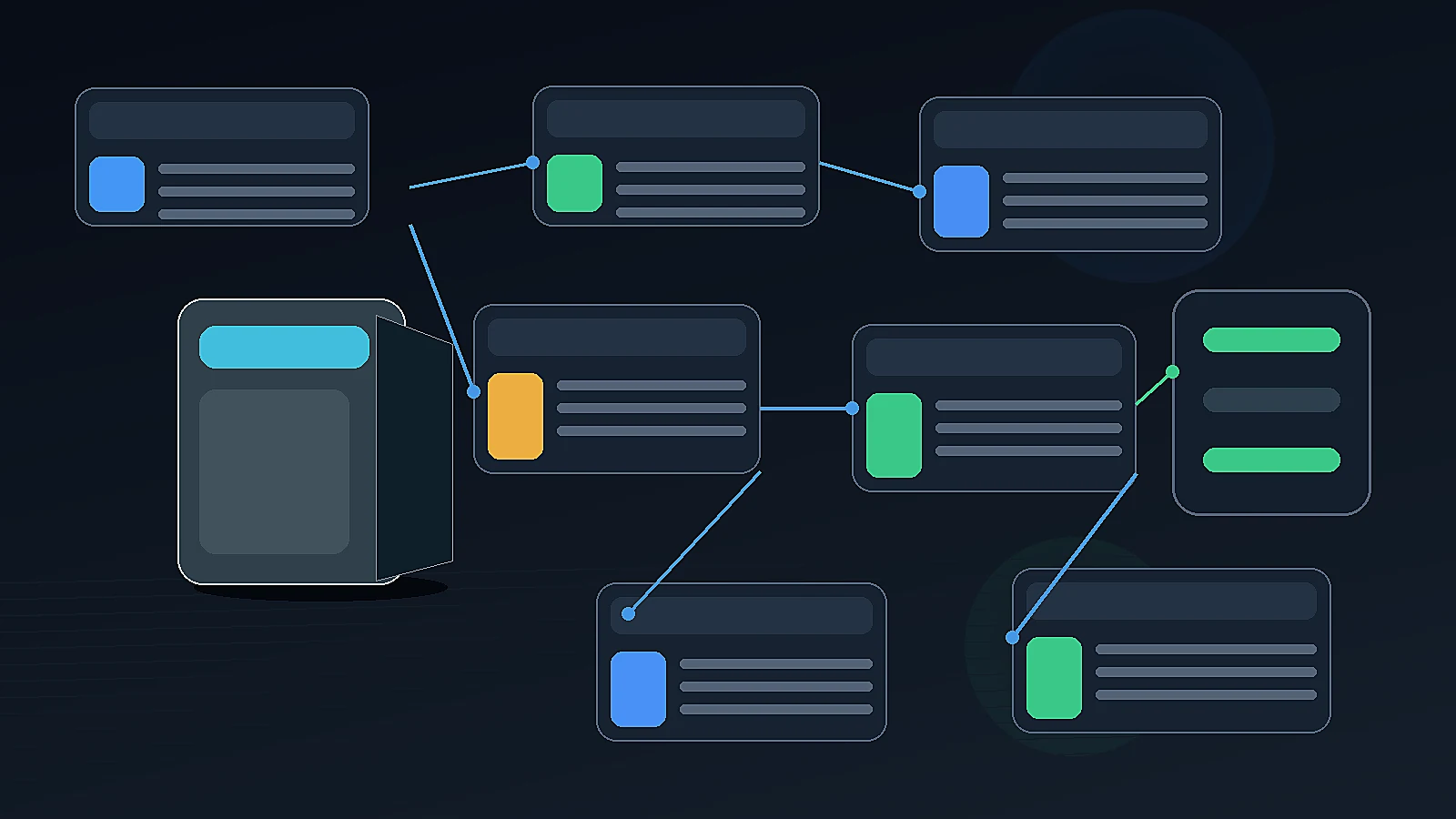
1. No product story
The buyer does not see a clear sequence.
They may see the product once, but they do not understand the problem, benefit, use case, detail, objection, or offer.
2. Asset mismatch
The caption may be ready, but the image is not. The video may exist, but it has not been reviewed. The offer may be approved, but the calendar uses an old creative.
3. Launch pressure
When the team plans late, launch day becomes chaotic. Content is created, reviewed, downloaded, resized, and scheduled under pressure.
A product-aware content calendar fixes this by planning the sequence before the urgency hits.
What AI can automate in an ecommerce content calendar
AI can help automate or accelerate several calendar tasks.
| Calendar task | How AI can help | What humans should review |
|---|---|---|
| Campaign planning | Draft launch or product campaign sequences | Strategy, timing, offer |
| Post ideas | Generate product-aware post angles | Product relevance and brand tone |
| Captions | Draft platform-specific captions | Claims, CTA, pricing |
| Product visuals | Generate image directions or assets | Visual accuracy and channel fit |
| Video ideas | Suggest product video or creator video concepts | Script, claims, product fit |
| Scheduling gaps | Identify missing formats or weak weeks | Business priority |
| Repurposing | Turn one product into multiple calendar entries | Repetition and quality |
| Approval status | Organize drafts by review state | Final human approval |
AI should reduce blank-calendar work. It should not decide final business timing alone.
Opal's 2026 content calendar software guide says AI can help generate ideas, draft briefs, cluster topics, and identify scheduling gaps, but teams still need a reliable system to plan, coordinate, visualize, and manage execution. Opal content calendar software guide
What should not be fully automated
Ecommerce teams should avoid fully automating:
- final publishing approval
- launch timing
- price or discount messaging
- product claims
- regulated or sensitive category content
- customer testimonial language
- inventory-sensitive posts
- marketplace-sensitive claims
- founder-led messages
- crisis or customer response content
The calendar can be AI-assisted.
The final go-live decision should remain human-led.
A product-aware content calendar structure
A strong ecommerce calendar should include the usual scheduling fields plus product and workflow fields.
| Calendar field | Why it matters |
|---|---|
| Publish date | Controls timing |
| Platform | Determines format and caption style |
| Product | Keeps content tied to product context |
| Campaign | Connects post to business goal |
| Content type | Post, image, video, carousel, ad, marketplace asset |
| Asset source | Product Shots, AI Creator Videos, Campaigns, uploads, etc. |
| Approval status | Prevents unreviewed content from going live |
| Reviewer | Clarifies ownership |
| Caption | Final publish copy |
| Media asset | Approved image/video/file |
| CTA | Ensures action is clear |
| Offer/pricing | Prevents outdated promotional messaging |
| Notes | Tracks dependencies and instructions |
The key field is product.
If the calendar is not connected to the product, ecommerce content becomes generic fast.
Product launch calendar vs always-on calendar
Ecommerce teams usually need two calendar layers.
Product launch calendar
This is campaign-led.
It supports:
- new product launches
- seasonal pushes
- sale events
- marketplace refreshes
- product drop campaigns
- founder announcements
- Amazon/A+ updates
Launch calendars are more intense and time-bound.
Always-on calendar
This keeps the brand active between launches.
It supports:
- product education
- use-case posts
- customer objections
- founder content
- evergreen product visuals
- creator-style videos
- marketplace-supporting content
- brand story
- community posts
A strong calendar uses both.
Launch content creates momentum. Always-on content keeps the product visible.
Example: 30-day launch calendar
A 30-day ecommerce product launch calendar can be structured like this:
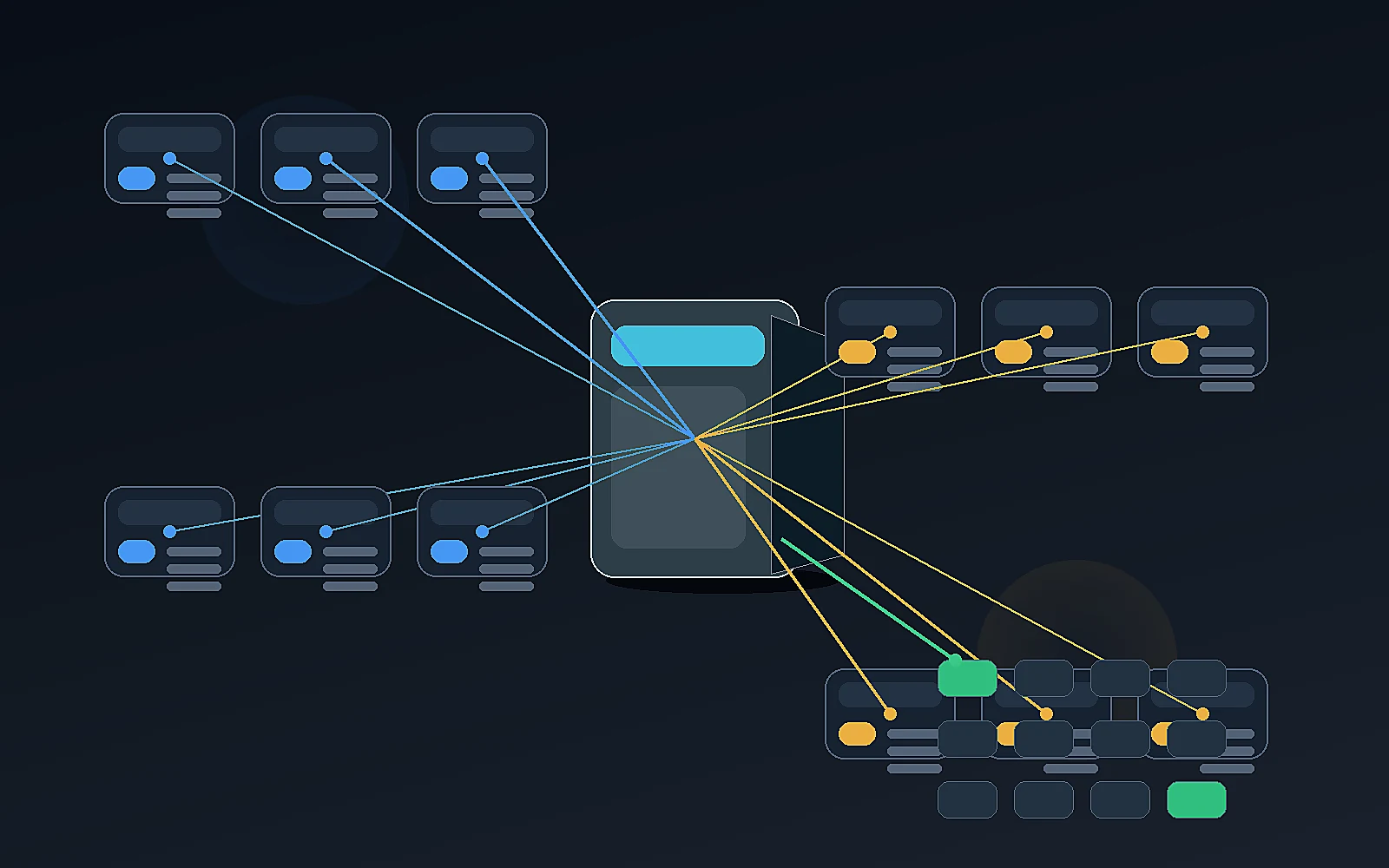
| Timing | Calendar focus | Asset type |
|---|---|---|
| Day -30 | Campaign brief | Internal plan |
| Day -24 | Buyer problem | Educational post |
| Day -21 | Product teaser | Product detail image |
| Day -18 | Founder context | Founder-led post |
| Day -14 | Use-case preview | Lifestyle product shot |
| Day -10 | Product education | Carousel |
| Day -7 | Creator-style explainer | AI Creator Video |
| Day -5 | Product reveal | Product video |
| Day -3 | Objection answer | FAQ post |
| Day 0 | Launch post | Hero product image + CTA |
| Day +2 | Benefit deep dive | Carousel or image ad |
| Day +5 | Product in use | Short video |
| Day +7 | Marketplace support | Listing image or A+ content mention |
| Day +10 | Retargeting angle | Product ad |
| Day +14 | Follow-up | Founder or customer question post |
This is more useful than generating 15 unrelated posts.
Each entry has a job.
Example: always-on ecommerce calendar
An always-on product-aware calendar might rotate through content types.
| Week | Content theme | Example |
|---|---|---|
| Week 1 | Product education | How the product solves a common problem |
| Week 2 | Product visual | Lifestyle or in-use image |
| Week 3 | Creator-style video | Problem-solution script |
| Week 4 | Founder or brand story | Why the product was built |
| Week 5 | Marketplace support | Listing image, A+ module, or buyer FAQ |
| Week 6 | Campaign refresh | Seasonal or offer creative |
The point is not to fill the calendar.
The point is to maintain a useful rhythm.
Content types an ecommerce calendar should manage
An ecommerce calendar should manage more than social captions.
It should help coordinate:
Social posts
- product posts
- founder posts
- carousels
- launch announcements
- education posts
- objection-handling posts
Product images
- lifestyle images
- white studio shots
- product-in-use visuals
- macro details
- flat lays
- image ads
Videos
- product-led short videos
- creator-style videos
- founder-led videos
- product reveal videos
- product education videos
Campaign assets
- launch sequences
- sale campaigns
- seasonal campaigns
- multi-day campaigns
- platform-specific creative
Marketplace support
- marketplace listing images
- Amazon A+ assets
- product title or highlight updates
- downloadable image sets
Media and handoff assets
- approved images
- approved videos
- ZIP downloads
- campaign folders
- reusable content assets
The more content formats the brand creates, the more important calendar discipline becomes.
Where AI calendar automation goes wrong
AI content calendar automation can fail in several ways.
It creates too many posts
A calendar full of mediocre content is not a strategy.
AI should help prioritize, not flood the calendar.
It ignores product availability
The calendar may schedule a post for a product that is out of stock, delayed, or not ready to launch.
It schedules unapproved content
If approval status is not connected to scheduling, unfinished drafts can go live.
It repeats the same angle
AI may create many posts that say the same thing in slightly different words.
It ignores campaign sequence
A launch teaser, launch post, product education post, and retargeting post should not be randomly ordered.
It separates assets from dates
The post may be scheduled, but the correct image or video is not attached.
It treats all platforms the same
Instagram, Facebook, Threads, X, YouTube, TikTok, and marketplace-supporting content need different formats and expectations.
A better workflow: product to campaign to draft to approval to calendar
A practical ecommerce calendar workflow should look like this:
- Choose product or campaign.
- Generate campaign plan or content ideas.
- Create assets from product context.
- Save drafts.
- Review in Approval Queue.
- Save approved assets to Media Library.
- Schedule approved content on Calendar.
- Publish or download where needed.
- Review performance and reuse learnings.
This sequence matters.
A calendar should not become a parking lot for unreviewed AI output.
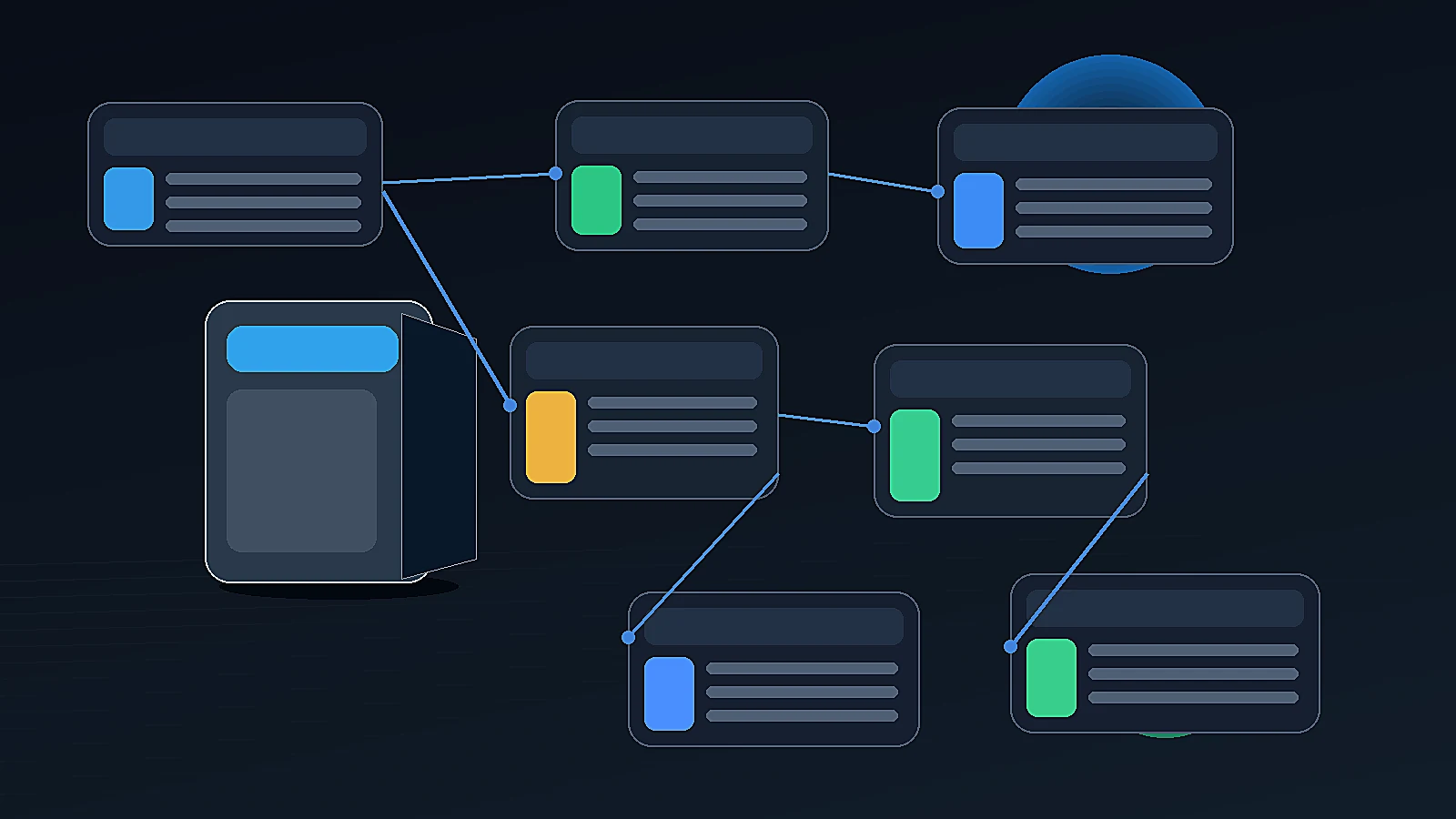
n8n's AI social workflow template is a useful example of the category moving toward connected generation and review: it includes platform-specific posts, hashtags, CTAs, image and video suggestions, image creation, and an approval workflow. n8n AI social workflow
Gumloop's 2026 social media automation guide describes social automation tools as platforms that can help teams ideate, create, schedule, post, and monitor performance metrics. Gumloop social media automation guide
How AgenixSocial supports ecommerce content calendar automation
AgenixSocial connects content creation to review and scheduling.
Brand DNA gives the system reusable brand context.
Products gives the workflow real product context.
Content Studio helps create content across formats, including Quick Post, Product Shots, AI Creator Videos, Video, Campaigns, Image Ads, Marketplace Listing Studio, Amazon A+ Studio, and Amazon Title Compliance.
Approval Queue helps teams review AI-generated content before it goes live.
Media Library helps teams organize generated and uploaded assets.
Calendar helps teams schedule content using month, week, day, and list views, with unscheduled drafts available for planning.
That matters because ecommerce teams do not only need a calendar. They need a content operations flow.
AgenixSocial's intended workflow is simple:
- Generate content.
- Review or approve it.
- Schedule it on Calendar.
- Publish it to connected platforms or download assets where needed.
AgenixSocial gives ecommerce teams and D2C founders a stronger starting point by grounding workflows in reusable brand and product context. Teams still review final assets for product accuracy, claims, marketplace fit, and brand tone before publishing or uploading.
Ecommerce calendar automation vs generic social scheduler
| Question | Generic social scheduler | Ecommerce content calendar automation |
|---|---|---|
| Main focus | Schedule posts | Plan product-aware content workflows |
| Product context | Usually manual | Product catalog connected |
| Brand context | Limited or prompt-based | Brand DNA / reusable brand profile |
| AI generation | Captions or post ideas | Posts, images, videos, campaigns, marketplace assets |
| Approval | Sometimes included | Essential before publishing |
| Media storage | Usually basic library | Product-aware Media Library |
| Launch planning | Manual | Campaign-driven planning |
| Marketplace support | Usually absent | Listing/A+ asset workflows can connect |
| Best for | General social publishing | Ecommerce content operations |
Ecommerce content calendar checklist
Use this checklist before scheduling content.
Product context
- Is the correct product selected?
- Is the product available?
- Are product details accurate?
- Is the offer current?
- Is the asset linked to the right product?
Campaign context
- Which campaign does this support?
- Is it launch, education, retargeting, seasonal, or always-on?
- Does the timing make sense?
- Does it fit the campaign sequence?
Content readiness
- Is the caption final?
- Is the image or video approved?
- Is the CTA correct?
- Is the platform format correct?
- Is the media saved in the right place?
Approval
- Has the right person reviewed it?
- Are claims safe?
- Is the brand tone correct?
- Is the visual accurate?
- Is the marketplace or platform fit checked?
Calendar
- Is the date correct?
- Is the platform correct?
- Is the time appropriate?
- Is the draft attached?
- Is the status clear?
- Is there a backup asset if needed?
FAQ
What is ecommerce content calendar automation?
Ecommerce content calendar automation is the use of AI-assisted planning and scheduling workflows to organize product posts, campaign assets, images, videos, approvals, and publishing around ecommerce products and selling moments.
How is an ecommerce content calendar different from a social media calendar?
A social media calendar tracks what gets posted and when. An ecommerce content calendar also tracks product context, campaigns, product assets, approval status, offers, marketplace support, and content readiness.
Can AI create a content calendar for ecommerce?
Yes. AI can help draft product launch calendars, post ideas, campaign sequences, captions, asset lists, and scheduling gaps. Humans should still review strategy, claims, timing, and final publishing decisions.
What should an ecommerce content calendar include?
It should include publish date, platform, product, campaign, content type, approval status, reviewer, caption, media asset, CTA, offer, and notes.
Should AI automatically publish ecommerce content?
Not without review. Ecommerce content often includes product claims, prices, offers, visuals, and marketplace-sensitive details. Final publishing should remain human-approved.
How does AgenixSocial support content calendar automation?
AgenixSocial connects Brand DNA, Products, Content Studio, Approval Queue, Media Library, and Calendar so teams can create, review, organize, and schedule product-aware ecommerce content from one workspace.
Which platforms can AgenixSocial publish to?
AgenixSocial supports publishing to Instagram, Facebook, and Threads through connected platform workflows. Teams can also download or export assets for other workflows where needed.
Why does approval matter before calendar scheduling?
Approval prevents unreviewed AI-generated content from going live. It helps teams check product accuracy, claims, visual realism, brand tone, platform fit, and campaign readiness before publishing.
Conclusion
An ecommerce content calendar should not be a list of random posts.
It should be a product-aware publishing workflow.
The strongest calendar connects product context, campaign planning, content creation, approval status, media assets, and scheduling.
AI can help plan and generate more content, but the calendar should only move approved, accurate, useful assets toward publishing.
That is where AgenixSocial fits.
It connects Brand DNA, Products, Content Studio, Approval Queue, Media Library, Calendar, and pay-as-you-go credits so ecommerce teams can move from product idea to approved publishing without rebuilding the process across disconnected tools.