How to create multilingual product videos with AI avatars
Quick answer
To create multilingual product videos with AI avatars, start with accurate product context, choose a pre-built avatar or custom scene, select the language, generate a product-specific script, localize the message, edit the script, and review the final video for product accuracy, language quality, cultural fit, claim safety, and platform fit before publishing.
Multilingual product video creation is not just translation.
A good localized product video should feel natural for the market, product, platform, and buyer.
If you want the product page behind this workflow, start with AI Creator Videos. If you want the wider reusable context layer first, see Brand DNA, Campaigns, and pay-as-you-go pricing.

Why multilingual product videos matter for ecommerce
Ecommerce brands increasingly sell across regions.
A product may be sold on:
- a Shopify store
- Amazon
- Flipkart
- Walmart Marketplace
- Shopee
- Lazada
- TikTok Shop
- Etsy
- eBay
- regional D2C storefronts
- social commerce channels
The buyer may speak English, Hindi, Arabic, Spanish, French, German, Japanese, Bahasa Indonesia, Thai, Vietnamese, or another language.
That creates a content problem.
A brand may already have one good product video in English. But that video may not be enough for every region.
Different markets may need:
- different language
- different voice
- different creator style
- different scene
- different script tone
- different benefit emphasis
- different call to action
- different platform format
- different claim review
That is where AI avatars can help.
But only if the workflow is handled properly.
What are multilingual AI product videos?
Multilingual AI product videos are product videos created or adapted using AI avatars, AI voice, scripts, captions, and language selection so the same product can be explained in multiple languages.
For ecommerce brands, these videos can support:
- product explainers
- launch videos
- marketplace videos
- ad variations
- organic social posts
- localized product education
- customer support snippets
- seasonal campaigns
- region-specific product introductions
The goal is not to create a random translated video.
The goal is to make the product easier to understand for buyers in different languages and regions.
Multilingual avatar video has become a clear product category in the market. Synthesia publicly positions its platform around AI videos in 160+ languages, and D-ID defines multilingual AI avatars as digital characters that can speak and interact across multiple languages. See Synthesia Languages and D-ID’s multilingual AI avatars glossary.
Translation vs localization
Translation changes the language.
Localization adapts the message.
That difference matters.
| Area | Translation | Localization |
|---|---|---|
| Language | Converts words from one language to another | Makes the message natural for the target market |
| Script | Keeps the same structure | Adjusts phrasing, examples, tone, and CTA |
| Avatar | Often unchanged | Should fit audience, region, and brand context |
| Scene | Often unchanged | May change based on buyer context |
| Claims | May be copied directly | Should be reviewed in every market |
| Platform | Often ignored | Should be adapted for channel and format |
| Buyer fit | Basic understanding | Better relevance and trust |
For product videos, localization is usually more useful than direct translation.
A translated script may be technically correct but still feel unnatural.
A localized script should feel like it was written for the buyer.
Running example: premium foldable laptop stand
For this article, let’s use a new product:
Product: premium foldable laptop stand.
Assume the product has:
- foldable design
- lightweight build
- adjustable viewing angle
- laptop support
- desk setup use case
- travel-friendly form factor
- clean metallic finish
- remote work and student use cases
The exact claims should always match the real product. If the stand is not rated for a certain laptop size or weight, do not say it supports it. If it is not certified ergonomic, do not claim that. If it is not made from aluminum, do not say it is.
The example is about video workflow and localization, not inventing unsupported product claims.
Where multilingual AI avatar videos are useful
| Use case | Example for laptop stand |
|---|---|
| Product explainer | Avatar explains foldable design and desk setup use |
| Marketplace video | Short video showing how the stand opens, supports a laptop, and packs away |
| Product launch | New workspace accessory introduced in multiple languages |
| Organic social | Creator-style desk setup video for remote workers |
| Paid ad | Region-specific hook around work, study, or travel setup |
| Customer education | How to adjust and store the stand |
| Seasonal campaign | Back-to-school, remote-work, office upgrade, or gifting angle |
| Localization | Same product explained in English, Hindi, Arabic, Spanish, French, or another language |
This is a practical category because the product is visual, easy to demonstrate, and used in many markets.
The product-led workflow
A good multilingual AI avatar workflow should start with the product.
Not the avatar.
Not the language.
Not a blank script.
The product should drive the message.
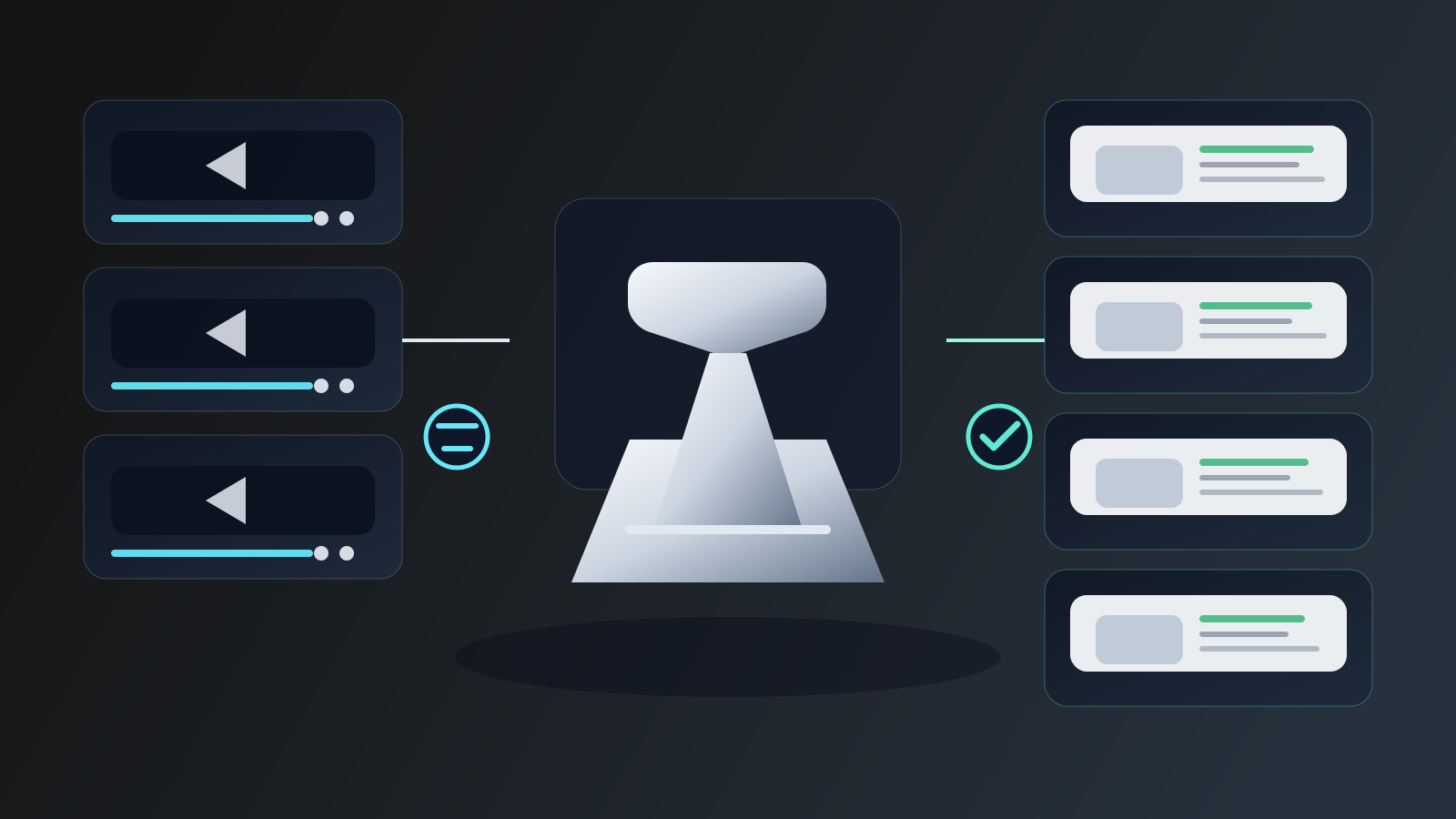
A practical workflow looks like this:
| Step | What happens |
|---|---|
| 1 | Select the product |
| 2 | Choose a pre-built avatar or custom scene |
| 3 | Select the language |
| 4 | Choose the message angle |
| 5 | Generate the script from product context |
| 6 | Edit and localize the script |
| 7 | Generate the AI avatar video |
| 8 | Review language, product accuracy, claims, scene fit, and platform fit |
| 9 | Save, download, schedule, or reuse the video |
This is the core rule:
The product creates the foundation. The language adapts the message.
Step 1: Start with product context
The system needs accurate product information.
For the foldable laptop stand, useful product context may include:
- product name
- product dimensions
- material
- weight
- foldable mechanism
- laptop compatibility
- viewing angle
- color options
- storage method
- use cases
- product photos
- product description
- claims to avoid
Good product context prevents vague scripts.
Bad input creates generic output.
Generic script:
"This laptop stand is amazing and perfect for everyone."
Better script:
"This foldable laptop stand is designed for people who move between a desk, coworking table, and travel bag. It folds flat, sets up quickly, and keeps the laptop raised during work."
That is more specific.
It also avoids overclaiming.
Step 2: Choose pre-built avatar or custom scene
There are two common paths.
Pre-built avatar
Use a pre-built avatar when speed matters.
This works well for:
- product explainers
- marketplace videos
- product education
- launch videos
- quick localized versions
- simple ad variations
For example:
A pre-built avatar can explain the laptop stand in English, Hindi, Arabic, or Spanish while holding the product or presenting it in a desk setup.
Custom scene
Use a custom scene when the setting matters.
For the laptop stand, custom scene options may include:
- modern home office
- student desk
- coworking space
- travel desk setup
- compact apartment workspace
- creator studio desk
- office meeting room
Custom scene helps when the product use case depends on the environment.
A laptop stand in a travel setup tells a different story from a laptop stand in a student dorm.

Step 3: Select the language
Language selection is not an afterthought.
Pick the language before generating or finalizing the script.
A product video in English may emphasize one phrasing. A Hindi, Arabic, Spanish, or French version may need a different sentence structure, tone, and CTA.
For example:
English version: "Set up your laptop anywhere you work."
Hindi version: The message may need to sound more natural as a work-from-home or study setup line, not a literal translation of the English phrase.
Arabic version: The pacing, tone, and sentence structure may need adjustment for a natural spoken video.
Spanish version: The CTA may need to feel conversational rather than directly translated.
This is why localization review matters.
Step 4: Choose the message angle
A multilingual video needs a clear purpose.
Useful message angles include:
| Message angle | Laptop stand example |
|---|---|
| Product education | "Here is how the stand opens, adjusts, and folds back." |
| Problem-solution | "If your laptop setup changes throughout the day, this makes it easier to carry one compact stand." |
| Lifestyle | "A cleaner desk setup for work, study, and travel." |
| Launch | "A new foldable stand for people who work from different places." |
| Social proof-style | "A product that fits naturally into modern desk setups." |
| Founder story | "Why we designed a compact laptop stand for flexible work." |
Avoid using testimonial language unless the video is based on real customer input and used truthfully.
For multilingual videos, the safest default is product education, lifestyle, problem-solution, or launch content.
Step 5: Generate the script from product context
The script should be product-specific.
For example, a simple English script could be:
"If your work setup changes throughout the day, this foldable laptop stand is built for that. It raises your laptop on a desk, folds down when you are done, and fits easily into a work bag. It is a simple upgrade for remote work, study, or travel days."
This is useful because it mentions:
- buyer problem
- product type
- specific function
- use cases
- soft CTA
Now localize the idea, not just the words.
Step 6: Localize the script
Localization means adjusting:
- tone
- phrasing
- examples
- rhythm
- CTA
- market context
- platform fit
- product claims
For example, the English version may talk about "remote work."
A student-focused version may talk about "study desk."
A travel-focused version may talk about "hotel desk" or "coworking setup."
A marketplace video may avoid lifestyle-heavy language and focus on:
- what the product is
- how it folds
- how it supports the laptop
- what is included
- how it stores
The message should change based on where the video will be used.
Step 7: Review cultural and regional fit
Do not publish a multilingual video just because the words are translated.
Review:
- Does the phrase sound natural?
- Does the avatar fit the market and product?
- Does the scene feel believable?
- Does the CTA sound normal?
- Are the claims acceptable?
- Is the product shown correctly?
- Are captions accurate?
- Is the tone too formal or too casual?
- Does the message suit the platform?
This is where human review matters.
AI can help create the video faster.
It does not remove judgment.
Step 8: Review claims before publishing
Product claims can become riskier when translated.
A small phrase change can accidentally make a stronger claim.
For the laptop stand, be careful with claims like:
- "fixes neck pain"
- "guaranteed ergonomic posture"
- "works with every laptop"
- "unbreakable"
- "perfect for all users"
- "certified ergonomic" if not true
- "supports any laptop size" if not true
Safer phrasing:
- "helps raise your laptop"
- "designed for flexible work setups"
- "folds for easier carrying"
- "useful for work, study, or travel"
- "check product specifications for size compatibility"
The goal is confident but accurate language.
Step 9: Adapt by platform
The same localized product video may need different versions.
| Platform or use case | Better approach |
|---|---|
| Paid ad | Short hook, clear benefit, quick CTA |
| Organic social | More natural routine or desk setup angle |
| Marketplace video | Product walkthrough and clear specs |
| Launch content | Product introduction and who it is for |
| Retargeting | Objection handling and product details |
| Customer education | How to open, adjust, use, and store |
| Regional campaign | Local language and region-fit scene |
Do not blindly post the same video everywhere.
Reuse product truth.
Adapt the script.
Example localized video plan
Here is a simple plan for a premium foldable laptop stand.
| Version | Language | Scene | Message angle |
|---|---|---|---|
| Version 1 | English | Home office desk | Remote work setup |
| Version 2 | Hindi | Student study desk | Study and daily laptop use |
| Version 3 | Arabic | Modern office desk | Clean professional workspace |
| Version 4 | Spanish | Coworking table | Flexible workday setup |
| Version 5 | French | Compact apartment workspace | Small desk organization |
| Version 6 | German | Minimal work desk | Product build and organization |
| Version 7 | Japanese | Compact desk setup | Space-saving use case |
This is not just translation.
Each version changes the buyer context.
Common mistakes with multilingual AI product videos
Mistake 1: Translating word-for-word
Literal translation often sounds unnatural.
Localize the message instead.
Mistake 2: Using the same avatar for every market
One avatar may not fit every region, product, or buyer context.
Choose intentionally.
Mistake 3: Ignoring product claim changes
Translated claims can become stronger than the original.
Review every version.
Mistake 4: Keeping the same CTA everywhere
A CTA that works in one market may feel too direct or too vague in another.
Mistake 5: Forgetting platform fit
A marketplace product video and a social ad should not sound the same.
Mistake 6: Treating localization as a final step
Localization should shape the script before video generation, not after everything is finished.
How AgenixSocial helps
AgenixSocial’s marketing name for this workflow is AI Creator Videos.
Inside the product, the node is UGC Video.
The workflow starts from product context.
AgenixSocial lets the user:
- select a product
- choose a pre-built avatar or custom scene
- pick from 40+ languages
- choose a message angle
- generate a script
- edit the script before creating the video
- create an avatar-led video where the avatar presents the product
- schedule, save to Media Library, or download the output
This matters because multilingual product videos need more than language support.
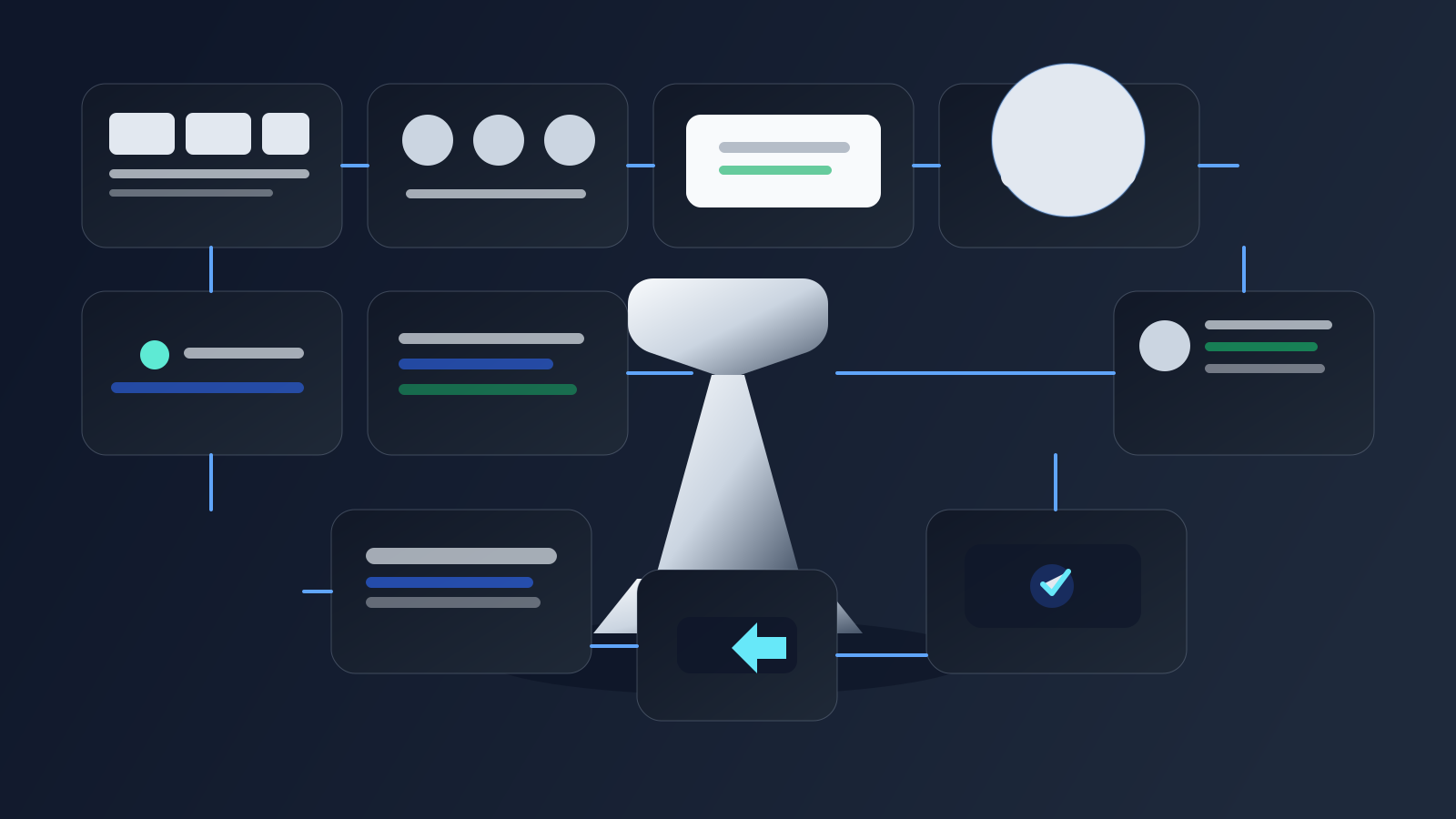
They need product context, script editing, regional review, and asset reuse.
AgenixSocial should be thought of as a product-aware content workflow, not just an avatar video tool.
This fits naturally with Brand DNA, Campaigns, D2C founders, ecommerce teams, and brands comparing pay-as-you-go credits.
Multilingual product video review checklist
Before publishing, review:
| Review item | What to check |
|---|---|
| Product accuracy | Does the video describe and show the product correctly? |
| Language quality | Does the spoken script sound natural? |
| Script localization | Was the message adapted, not just translated? |
| Claim safety | Did the localized script change or exaggerate any claim? |
| Avatar fit | Does the avatar fit the product, audience, and region? |
| Scene fit | Does the setting make sense for the buyer and market? |
| Caption accuracy | Do captions match the spoken message? |
| CTA quality | Does the CTA sound natural in that language? |
| Platform fit | Is the video suited to ad, organic, marketplace, or education use? |
| Brand consistency | Does the tone still match the brand? |
| Reuse readiness | Can the video be saved, downloaded, scheduled, or adapted later? |
This checklist is what turns multilingual generation into usable localization.

Practical prompt structure for multilingual product videos
When guiding an AI avatar video workflow, use a structure like this:
Product: Premium foldable laptop stand
Market: India
Language: Hindi
Scene: Student desk setup
Avatar direction: Friendly, practical, natural delivery
Message angle: Study and daily laptop use
Key benefit: Foldable stand that helps create a cleaner laptop setup
Claims to avoid: No medical posture claims, no universal laptop compatibility claim
CTA: Soft product discovery
Platform: Organic social or marketplace video
This is better than:
"Make this video in Hindi."
The more specific the brief, the better the localized video.
Conclusion
Creating multilingual product videos with AI avatars is not just translation.
A strong workflow starts with product context, then adapts the avatar, scene, language, script, message angle, CTA, and review process for the target market.
AgenixSocial AI Creator Videos helps ecommerce teams create multilingual creator-style product videos by starting from the product, choosing a pre-built avatar or custom scene, selecting from 40+ languages, generating and editing scripts, and reviewing the output before publishing.
Create multilingual creator-style product videos with AgenixSocial.