AI Product Video Automation: From Product Context to Short-Form Video Ads
AI product video automation helps ecommerce brands create short product-led videos from product images, product data, scripts, storyboards, and campaign goals.
But product video automation is not the same as AI UGC video generation.
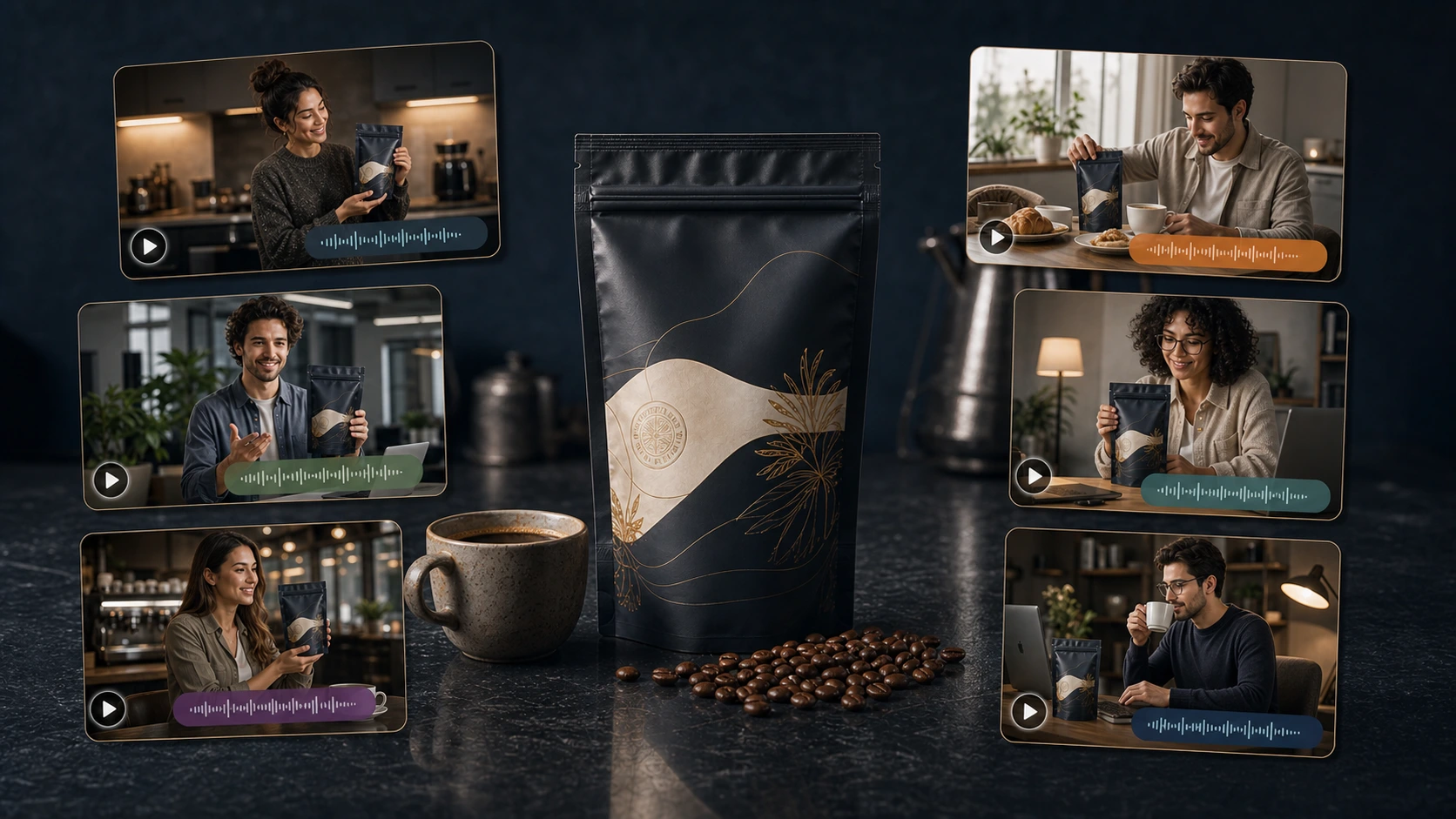
AI UGC videos are usually person-led. They use avatars, creators, testimonials, founder-style delivery, or direct-to-camera scripts.
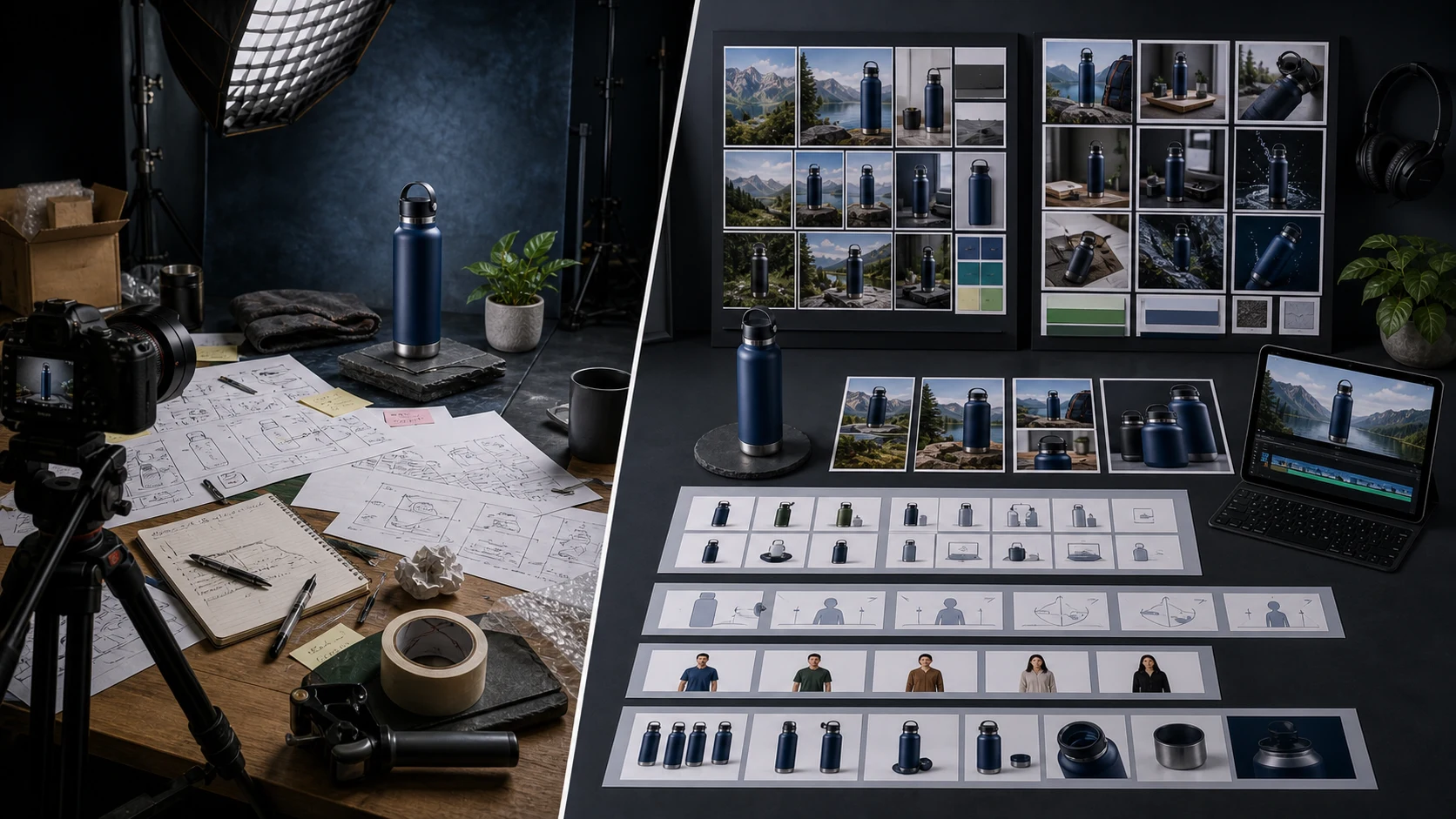
AI product videos are product-led. They focus on the product itself: reveal, motion, detail, use case, transformation, product-in-use scene, ad creative, or cinematic showcase.
Ecommerce brands often need both.
A creator-style video can explain the product in a human voice.
A product-led video can show the product in motion, build desire, support a launch, or create a short ad asset without booking a shoot.
Quick answer: what is AI product video automation?
AI product video automation is the use of AI to create product-led ecommerce videos from product context, images, creative direction, storyboards, and campaign goals. It can help brands create short product ads, product reveal videos, product-in-use videos, demo-style clips, launch videos, and social video assets. The strongest workflows include product context, storyboard review, brand fit, media storage, and human review before publishing.
AI product videos vs AI UGC videos
AI product video and AI UGC video are related, but they solve different creative jobs.
| Area | AI product video | AI UGC / AI Creator Video |
|---|---|---|
| Main subject | Product | Person, avatar, founder, or creator |
| Style | Cinematic, demo, reveal, product-in-use | Talking-head, testimonial, education, lifestyle |
| Core input | Product images, product data, visual direction | Product, avatar/scene, language, message angle, script |
| Best for | Product ads, launch visuals, product demos, showcase clips | Social proof, product explanation, creator-style ads |
| Human presence | Optional or none | Usually central |
| Script need | Sometimes light or optional | Usually important |
| Review focus | Product realism, motion, scene accuracy | Script, claims, avatar fit, voice, product accuracy |
The mistake is treating all AI video as one category.
A skincare founder may need an avatar explaining the product. That is AI UGC.
The same brand may also need a 10-second product reveal with cinematic lighting, texture close-ups, and a usage scene. That is AI product video.
Why ecommerce brands need product-led video
Static images are useful, but video adds motion and sequence.
Product-led video can show:
- how the product opens
- how it fits in a hand, bag, room, or routine
- how the texture, material, or finish looks under motion
- how a feature works
- what the product looks like in use
- how the product fits a campaign mood
- how a product line or bundle can be introduced
- why the product feels premium, practical, playful, or durable
A product video does not always need a person speaking.
Sometimes the product should be the hero.
What AI can automate in product videos
AI can help automate several product video tasks.
Product reveal videos
These are short videos that introduce the product visually.
They may use motion, lighting, close-ups, packaging, or scene changes to create attention.
Product-in-use videos
These videos show the product being used in a realistic scenario.
They are useful when buyers need to understand function, size, or context.
Product demo-style clips
These clips show how a feature works.
They can be useful for gadgets, accessories, tools, home products, fitness products, kitchen products, and marketplace items.
Cinematic product ads
These are polished video ads focused on mood, product motion, and brand presentation.
They are often used for social ads, product launches, and campaign assets.
Short-form social videos
These are product-led videos designed for social feeds, stories, reels, and short ad placements.
They need to be clear quickly because viewers decide fast.
Variant or campaign videos
AI can help create multiple versions of a product video for different:
- hooks
- audiences
- seasonal themes
- use cases
- product variants
- campaign directions
- ad tests
The broader market is moving in this direction. Luma positions ecommerce product video generation around turning product descriptions or images into cinematic product videos for product pages, social ads, email, marketplaces, and launches. Luma ecommerce product video generator
Creatify positions its AI ad platform around turning product pages into video ads, URL-to-video workflows, product ads, AI shorts, and batch creative variations. Creatify AI ad platform
HeyGen describes AI video ad generation as a workflow that can turn briefs, URLs, images, or scripts into finished ad creatives with scene composition, voice synthesis, captioning, and export formatting. HeyGen AI video ads generator
Why product context matters
A product video should not start from a generic prompt.
It should start from product context.
Useful product context includes:
- product name
- product images
- product description
- use cases
- target buyer
- key features
- material or texture
- size and scale
- color and variant
- category
- customer objections
- brand positioning
Without this, the video may look attractive but fail to represent the real product.
For ecommerce, that is a serious problem.
A beautiful video that misrepresents the product can create confusion, returns, rejected ads, marketplace issues, or customer trust problems.
Product-led video must stay grounded in product truth.
Why storyboards matter before video generation
Video is more expensive and harder to fix than text.
A weak caption can be rewritten quickly.
A bad image can be regenerated.
A bad video can waste more time and credits because the whole sequence may need to be remade.
That is why storyboard-first workflows matter.
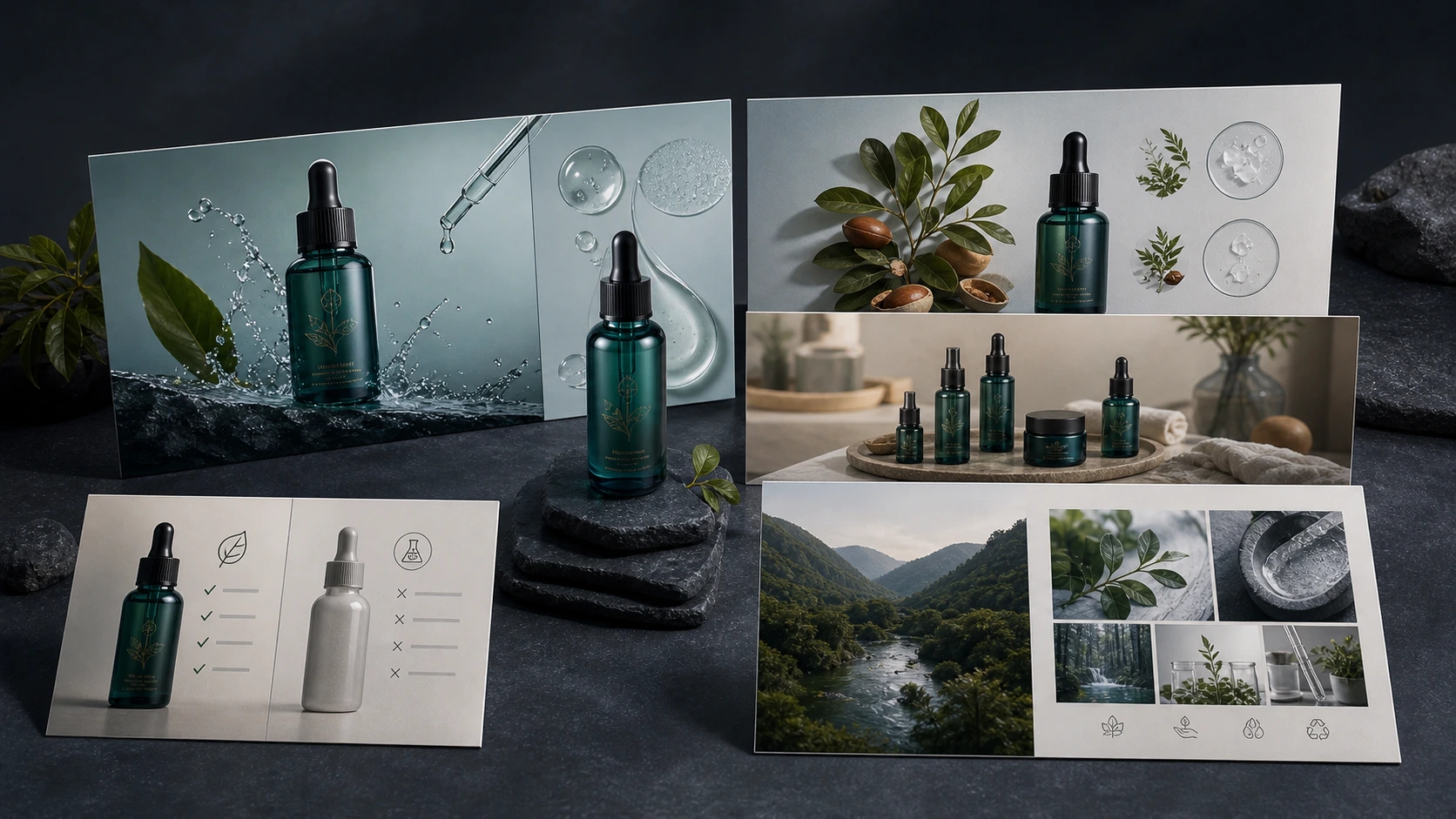
A storyboard helps the team review:
- scene sequence
- product placement
- product motion
- camera angle
- visual style
- message
- pacing
- text or overlay use
- final call to action
Before rendering the video, the team can ask:
- Does this video show the right product?
- Does it match the campaign goal?
- Does the visual direction fit the brand?
- Is the product being used honestly?
- Is anything misleading?
- Is the sequence clear within a few seconds?
For ecommerce, storyboard review is not a creative extra. It is a quality-control step.
Common AI product video formats
A strong ecommerce video workflow should support several formats.
| Format | Best for | Review focus |
|---|---|---|
| Product reveal | New launches, premium presentation | Does it show the product clearly? |
| Product-in-use | Function and use case | Is the use case realistic? |
| Detail close-up | Material, texture, feature | Are details accurate? |
| Lifestyle scene | Brand mood and ownership context | Does the setting match the audience? |
| Before-and-after concept | Problem-solution products | Are claims safe and supported? |
| Packaging reveal | Unboxing and bundle clarity | Does it match what ships? |
| Feature demo | Functional products | Does the motion imply a real capability? |
| Short video ad | Social and paid ads | Is the hook clear and platform-ready? |
| Campaign clip | Launch or seasonal campaign | Does it fit the broader campaign sequence? |
The best format depends on the product and objective.
A practical AI product video workflow
Here is a workflow ecommerce teams can use.
Step 1: Select the product
Start with the product, not the video tool.
The video should know:
- what the product is
- what it looks like
- how it is used
- what benefit matters
- what buyer question it should answer
Step 2: Choose the video objective
Decide what the video should do.
Is it for:
- product launch
- ad creative
- product page support
- social post
- retargeting
- feature demo
- seasonal campaign
- marketplace support
- brand storytelling?
A product video without an objective becomes generic motion.
Step 3: Choose the visual style
Pick the video type:
- dramatic reveal
- lifestyle outdoor
- minimal clean
- unboxing
- action-oriented
- luxury close-up
- before-and-after
- product in use
The style should fit both the product and the brand.
Step 4: Generate or review the storyboard
For higher-control videos, review the storyboard before generation.
Check the sequence, product placement, motion, and message.
Step 5: Generate the product video
Create the short video after the direction is clear.
The result should be reviewed as a product asset, not only as a video file.
Step 6: Review for product accuracy
Check:
- product shape
- color
- texture
- scale
- packaging
- accessories
- implied functionality
- product interaction
- environment
- claims
Step 7: Review for platform and campaign fit
Check:
- aspect ratio
- pacing
- video length
- text overlays
- CTA
- visual hook
- campaign connection
- mobile clarity
- sound or silent viewing
Step 8: Save, download, schedule, or test
The final video should move into the content workflow:
- Media Library
- approval queue
- campaign folder
- social calendar
- download package
- ad test set
A video is not finished until it is usable.
What makes AI product videos weak?
AI product videos usually fail in a few predictable ways.
The video looks good but says nothing
Motion alone is not enough.
The video should clarify the product, use case, benefit, or campaign message.
The product changes during the video
This is a serious problem.
If the product shape, color, logo, texture, or size changes across frames, the video is not ready.
The motion implies a fake feature
A product should not appear to open, fold, glow, connect, clean, repair, or transform unless it actually does that.
The scene does not match the product
A luxury close-up may not fit a budget utility item. An outdoor action scene may not fit a delicate home product.
It ignores the buyer question
Good product videos answer a buyer question.
If the video only looks cinematic but does not help the buyer understand or desire the product, it may not perform.
It feels disconnected from the campaign
A product video should fit the campaign sequence.
A teaser, launch day ad, retargeting clip, and product demo should not all be the same asset.
AI product video automation vs traditional product video shoots
AI product videos and traditional video shoots serve different needs.
| Area | AI product video automation | Traditional product video shoot |
|---|---|---|
| Speed | Faster drafts and variations | Slower planning, shooting, editing |
| Cost structure | Tool or credit-based | Crew, studio, gear, location, editing |
| Product realism | Needs careful review | Strong when physical product is filmed |
| Control | Good for variations and campaign styles | Strong for exact demonstrations |
| Scaling | Useful for many SKUs or campaign variants | Expensive to scale |
| Best for | Short ads, launch variants, product showcases, social clips | Hero films, exact demos, high-stakes campaigns |
Many ecommerce teams should use both.
Use traditional shoots when exact physical use matters.
Use AI product video automation when speed, variations, product storytelling, campaign support, and short-form video assets matter.
How AI product videos fit into a campaign
Product videos work best when they are part of a larger campaign.
A single product video can support:
- launch teaser
- product reveal
- feature demo
- benefit explanation
- retargeting ad
- product page asset
- social post
- marketplace support
- founder-led announcement
- creator-style companion video
For example, a product launch campaign might include:
| Campaign stage | Product video role |
|---|---|
| Teaser | Short abstract close-up or reveal |
| Launch | Clear product showcase |
| Education | Feature or use-case demo |
| Social proof | AI creator video or founder-led content |
| Retargeting | Objection-handling product clip |
| Post-launch | Lifestyle or bundle video |
This is why product videos should connect to the broader content calendar.
Amazon Ads has also pushed this workflow into mainstream advertiser tooling. The Economic Times reported on November 11, 2025 that Amazon Ads expanded its AI-powered Video Generator to India and seven other countries, enabling advertisers to create multi-scene video ads from uploaded product images, existing videos, or Amazon product detail pages. Economic Times on Amazon Ads Video Generator
Research on ecommerce short videos points in the same direction. The E-VAds benchmark paper notes that ecommerce short videos combine dense visual, audio, and textual signals, making them more complex than general-purpose video understanding tasks. E-VAds ecommerce short-video benchmark
What to review before publishing AI product videos
Use this checklist.
Product accuracy
- Does the product shape remain consistent?
- Are colors and textures accurate?
- Is packaging shown correctly?
- Are accessories accurate?
- Is scale realistic?
- Does the video invent any product feature?
- Are product interactions realistic?
Brand fit
- Does the style match the brand?
- Does it fit the price point?
- Does the environment match the audience?
- Does it avoid generic AI-ad aesthetics?
- Does it support the campaign tone?
Claims and implication
- Does the video imply a result or capability?
- Is that result supported?
- Are before-after visuals safe?
- Is the product category sensitive or regulated?
- Are there unsupported performance claims?
Platform fit
- Is the length right?
- Is the aspect ratio right?
- Does it work without sound if needed?
- Is the first second visually clear?
- Is any text readable on mobile?
- Does it fit the ad or social placement?
Workflow readiness
- Is the video approved?
- Is it saved in the media library?
- Is it attached to the right product?
- Is it part of a campaign?
- Is it ready to schedule, download, or test?
How AgenixSocial supports AI product video automation
AgenixSocial separates product-led video from creator-led video.
AI Creator Videos are for avatar-led or face-led creator-style product videos.
Video is for product advertisement videos without an avatar or creator.
That distinction matters because ecommerce teams need both content types.
In AgenixSocial, the Video workflow is built for short product ads. Standard mode supports quick advertisement videos up to 8 seconds with less user control. Pro mode supports longer, higher-control product videos up to 15 seconds, with a storyboard created first so the user can edit before video generation.
AgenixSocial also connects video creation to the broader product-aware workspace:
- Products give the system real product context.
- Brand DNA gives reusable brand context.
- Campaigns help connect videos to launch or brand direction.
- Product Shots can support adjacent visual assets.
- AI Creator Videos can create person-led companion videos.
- Media Library helps save generated assets.
- Calendar and Approval Queue support review and publishing workflows.
- Pay-as-you-go credits support usage-based creation.
AgenixSocial gives ecommerce teams and D2C founders a stronger starting point by grounding workflows in reusable brand and product context. Teams still review final assets for product accuracy, claims, marketplace fit, and brand tone before publishing.
AI product video workflow: DIY stack vs product-aware workspace
| Question | DIY product video stack | Product-aware ecommerce workspace |
|---|---|---|
| Where does product context live? | Prompt, product page, or folder | Product catalog |
| Is brand context reused? | Usually manual | Brand DNA |
| Can it create videos? | Yes, with separate tool | Yes, inside product workflow |
| Can it storyboard first? | Depends on tool | Yes, in higher-control video workflow |
| Can it connect to campaigns? | Usually manual | Campaign workflow connection |
| Are assets organized? | Downloads and folders | Media Library |
| Is review connected? | Usually external | Approval workflow |
| Best for | One-off video generation | Repeatable product-led video operations |
FAQ
What is AI product video automation?
AI product video automation uses AI to create product-led ecommerce videos from product images, product data, creative direction, storyboards, and campaign goals. It can help create short ads, product reveals, product-in-use videos, and product showcase clips.
Is AI product video automation the same as AI UGC video?
No. AI product video is usually product-led and may not include a person. AI UGC video is usually creator-led, avatar-led, or founder-led, with a person explaining or recommending the product.
Can AI create ecommerce product videos from images?
Yes. AI tools can create product videos from product images, product URLs, or product data. Teams should still review the output for product accuracy, visual realism, and claims before publishing.
What product videos can AI create?
AI can help create product reveal videos, product-in-use clips, cinematic product ads, feature demos, launch videos, packaging reveals, lifestyle videos, and short-form social ads.
What should ecommerce teams review in AI product videos?
Teams should review product shape, color, size, texture, packaging, accessories, motion, implied functionality, brand fit, claims, platform fit, and campaign relevance.
Can AI product videos replace a video shoot?
Sometimes AI can reduce the need for short-form product video shoots, especially for variations and campaign assets. Traditional video shoots are still valuable when exact physical use, precise demonstrations, or hero production quality is required.
How does AgenixSocial support AI product videos?
AgenixSocial includes a Video workflow for product-led advertisement videos. Standard mode supports quick short ads, while Pro mode creates a storyboard first so users can edit before generating a longer, higher-control product video.
Why should product videos connect to a content calendar?
Product videos are more useful when they support launches, campaigns, social posts, retargeting, and product education. A connected calendar helps teams plan where each video fits instead of treating it as an isolated file.
Conclusion
AI product video automation is not just another way to generate motion.
For ecommerce teams, product video is a product storytelling workflow.
The video should understand the product, match the brand, fit the campaign, and stay accurate enough for review before publishing.
AI UGC videos are useful when a person or avatar should explain the product.
AI product videos are useful when the product itself should be the hero.
AgenixSocial supports both lanes: AI Creator Videos for creator-led product content and Video for product-led advertisement videos. Together with Products, Brand DNA, Campaigns, Media Library, Approval Queue, Calendar, and pay-as-you-go credits, they help ecommerce teams turn real product context into usable video assets without rebuilding the workflow from scratch.